
Balancing work and sleep
Somni’s personalized sleep program helps workers maintain their health.
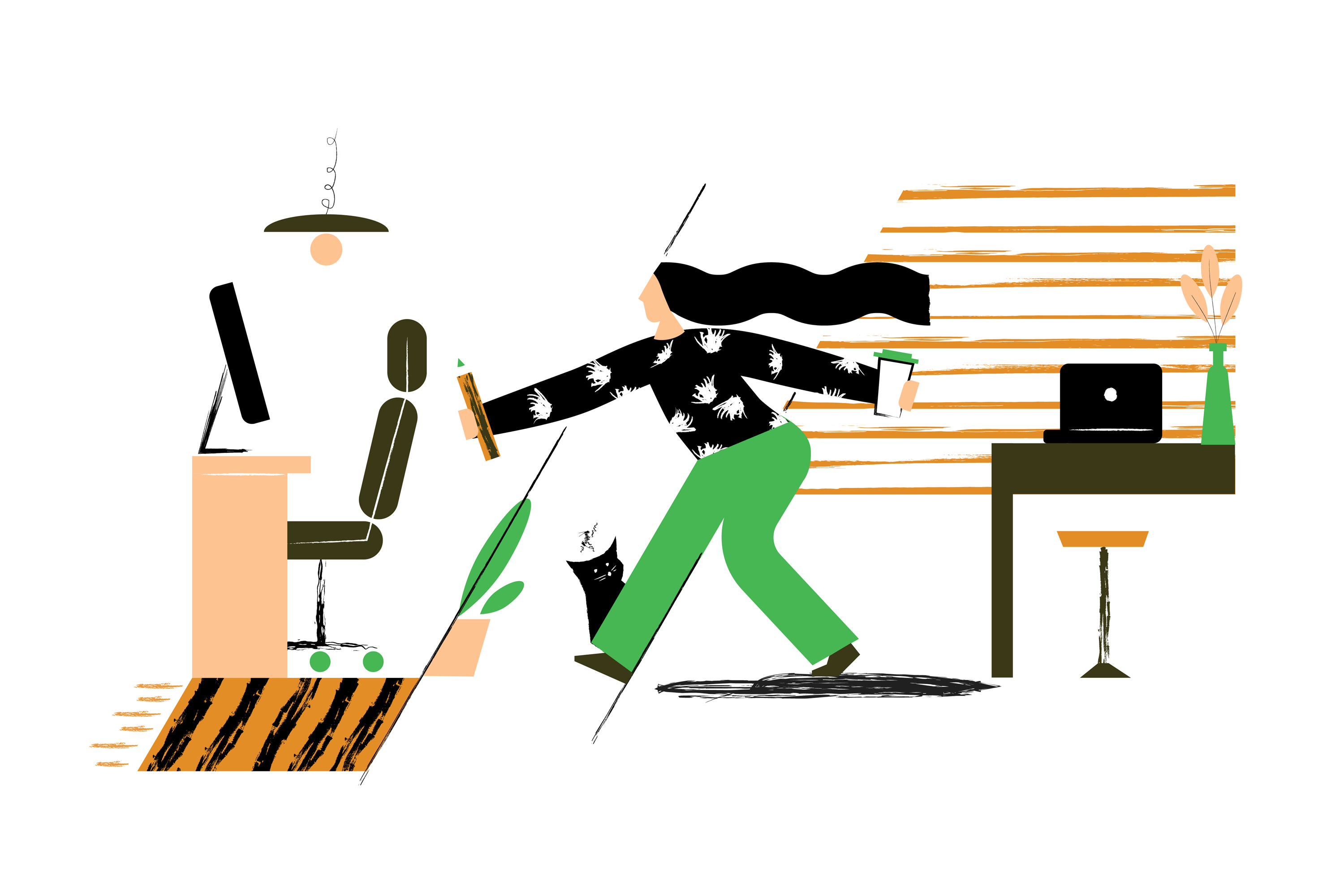
Sleep is a critical resource for shift workers—and their employers, too. Together, IDEO and Somni worked directly with people with acute and chronic sleep challenges to create concepts that could support their sleep goals, and provide employers with the means to improve employee health.
When IDEO and Somni first partnered, the startup was an early-stage company, so the team started small, with focused sprints and workshops to redesign the core aspects of the company and product offerings. The team interviewed shift workers about their sleep patterns, which can vary quite a bit. Even when people keep to a specific schedule on work days, they often have to change their patterns on days off to spend time with family and friends, leading to a very disruptive sleep cycle. Research revealed that many third shift workers were dealing with sleep and health issues, but also a pervasive “machismo” culture, pressure to “tough it out,” and a reliance on energy drinks to deal with lack of sleep.
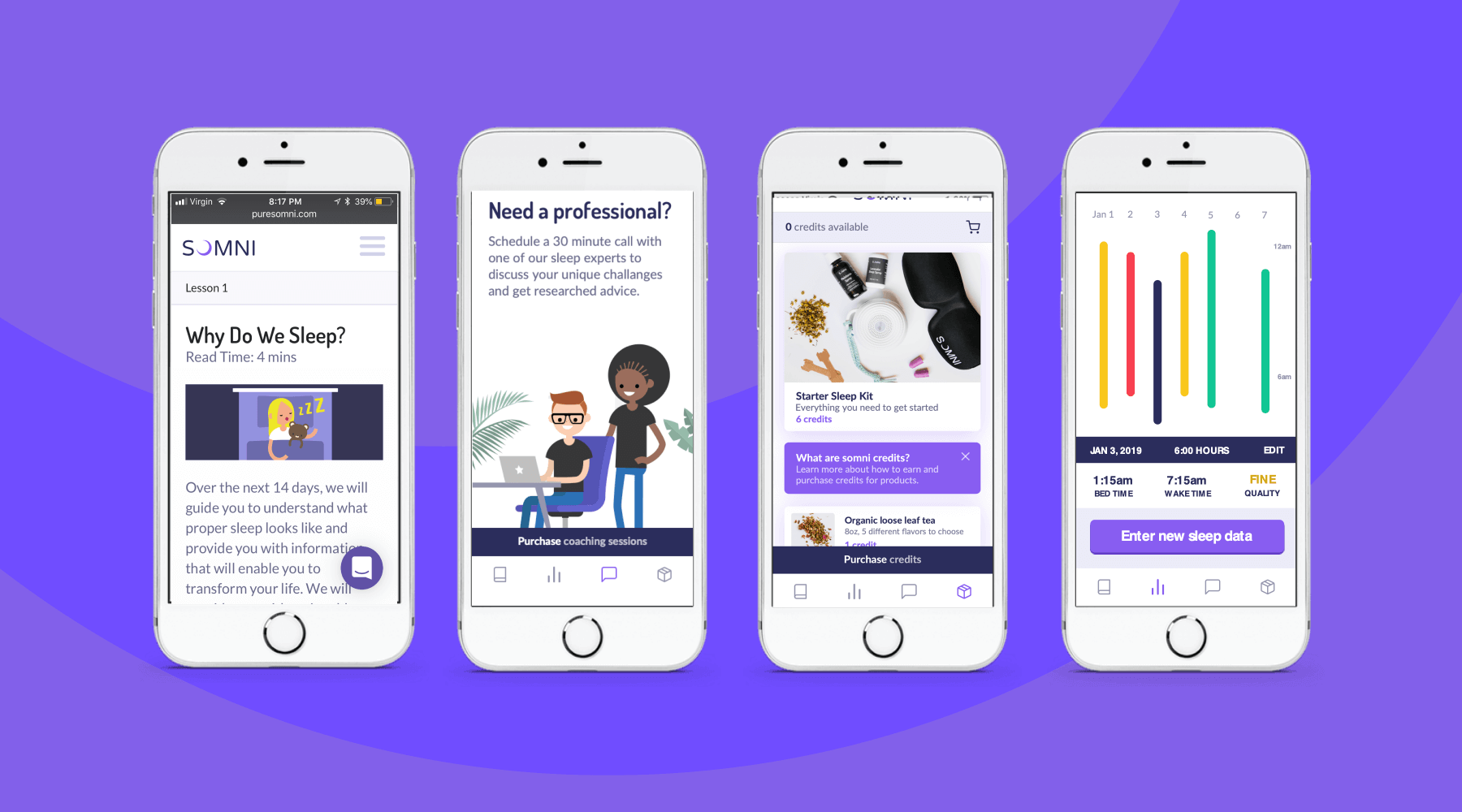
To address those issues, the team designed a digital experience for sleep cohorts, support groups where members could share their experiences and sleep strategies, and work with a coach and sponsor who already had been through the program. The platform analyzed workers’ data, and provided AI-enabled recommendations for improving their sleep. The big takeaway? Data by itself wasn’t necessarily helpful, and could be confusing for folks who were less digitally-fluent. Providing context, like a calendar that displayed sleep experiments at a glance, was crucial.
The IDEO team also created a new user experience for a genetic testing program that could uncover factors associated with sleep issues. Somni aims to use a saliva-based genetic test to monitor for DNA damage caused by circadian disruption, then leverage its sleep improvement program to prevent further damage. Because biomarker testing is a differentiating offer for Somni, it was extremely important that the team get it right, both to make sure that users could understand its utility, and for Somni to provide real value. The design challenge was unique—and not just because of data privacy concerns. Presenting data about DNA damage in a non-human-centered way could increase the anxiety workers had around their sleep.
At the end of the project, Somni leveraged the insights the IDEO team surfaced to improve products like its sleep coaching service, and to refine its biomarker testing offering. Based on this work, Somni has also created a pilot with a Fortune 100 company, which is currently in progress, as it works to mitigate the ill effects of disrupted sleep for employees and the companies they work for.
In the short-term, circadian rhythm disruption leads to an array of jet-lag-like symptoms, and in the long-run, it may contribute to weight gain, obesity, metabolic syndrome, type 2 diabetes, and cardiovascular disease.
It also impairs people’s ability to work, affecting productivity, creativity, and the overall work environment. Productivity loss can lead to employer baseline healthcare costs that are 26% higher, and over time, insomnia can result in an average cost of $4,267 more per employee per year.
In June 2019, the International Agency for Research on Cancer classified shift work as a probable carcinogen.
75%
user retention in Somni's sleep program
$2,450
savings per year per employee for users who complete the program
33%
improvement in sleep quality, and 41 more minutes per night

Nourishing the future
Eat Real helps redefine school lunch by advocating for nutritious, sustainable foods.
Before Eat Real can advocate for better school meals, it has to connect with school leaders—and donors. As the organization expanded its work beyond school certification, it needed an updated soup-to-nuts branding redesign that represents its purpose.
To get started on the five-week sprint, the IDEO team conducted a brand audit and interviews with Eat Real staff, board members, and donors. The team learned that Eat Real’s brand messaging and voice showed up inconsistently, and that board members wanted greater clarity around communication to prospective donors. Several people expressed a desire to change the original logo centered on a fork to a more culturally-inclusive symbol, and for the logo to be separated from the Eat Real Certified stamp, since the organization had evolved to do much more than just certification.
The IDEO team worked in close collaboration with Eat Real to deliver comprehensive brand guidelines, including Eat Real’s brand purpose and core values, positioning and personality, logo and wordmark, visual expression, verbal expression, and brand showcase. The brand’s new tagline, Nourish the Future, speaks directly to how real food access unleashes the possibility for a healthier society and a healthier planet. A new mark combines three elements that signify much more: a welcoming bowl (joy and ritual), the serving spoon (generosity and nourishment), and a sprouting leaf (a future where children and the planet flourish). The team also landed on an unapologetically vibrant color palette, to bring surprise and energy to the brand. From this foundation, Eat Real created a new website, completed a photo shoot with IDEO's art direction, and launched the brand with new messaging and collateral within a year. Now, Eat Real has the tools it needs to scale its operations and affect real change.
To scale its program and be at the center of sustainable food systems change, Eat Real needed branding and messaging to reach a new set of philanthropists.
Almost 30 million US kids depend on public school lunches for more than 50% of their daily calories. These meals are frequently made up of ultra-processed, unsustainable foods that contribute to type 2 diabetes and obesity.
2023 funding goals reached
with its new branding, beating its end-of-year fundraising goals, and putting the nonprofit on track to serve more schools in 2024
129M
meals served to 360,000 students every year at schools that have gone through the certification program

Preparing students to innovate
How Yungu School is building the next generation of changemakers.
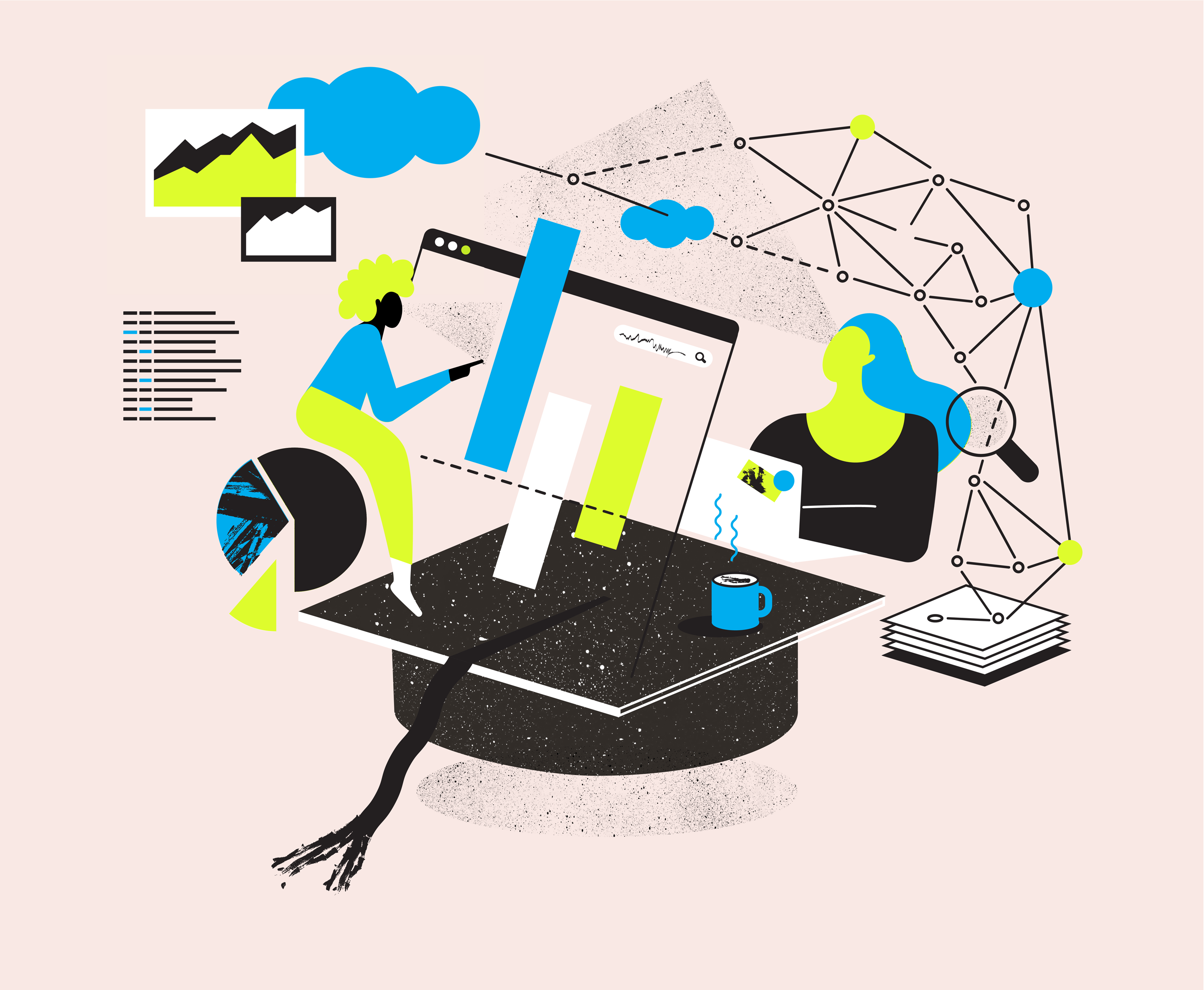
Most end-of-high-school experiences, like the Chinese gaokao exam, the global IB Extended Essay, or the US-based AP Capstone program, are focused on testing and academic, classroom-based activities. Yungu School, a private K–12 school in Hangzhou, China, founded in 2017 by Jack Ma of Alibaba and funded by Alibaba partners, wanted to take a different approach. Yungu’s vision: combine the renowned Chinese National Curriculum with an international, competency-based learning mindset.
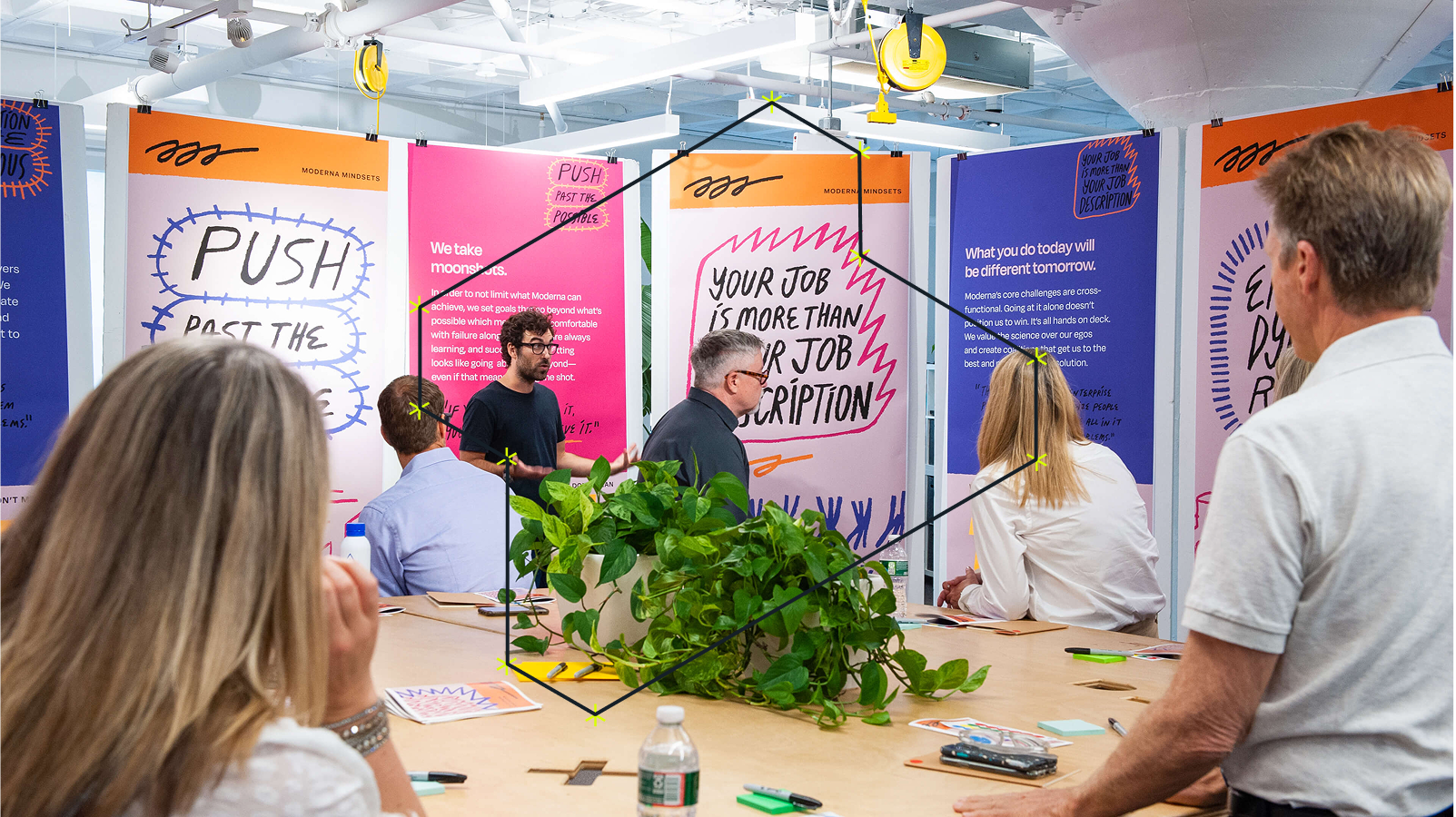
Designing a new capstone course that brought together the perspectives of Yungu School’s many stakeholders was a complex challenge. The solution? IDEO formed a “co-creation council” composed of eight Yungu School middle- and high-school educators who held different positions within the school, spanned tenures, and came from diverse educational and cultural backgrounds, including Chinese, European, and American. Bringing together educators from a range of backgrounds and points of view fostered alignment and sparked new ideas. In addition to the council, IDEO and Yungu educators gathered additional input from students and parents and crafted the objectives, design principles, and blueprint for the change-making 18-month capstone program.
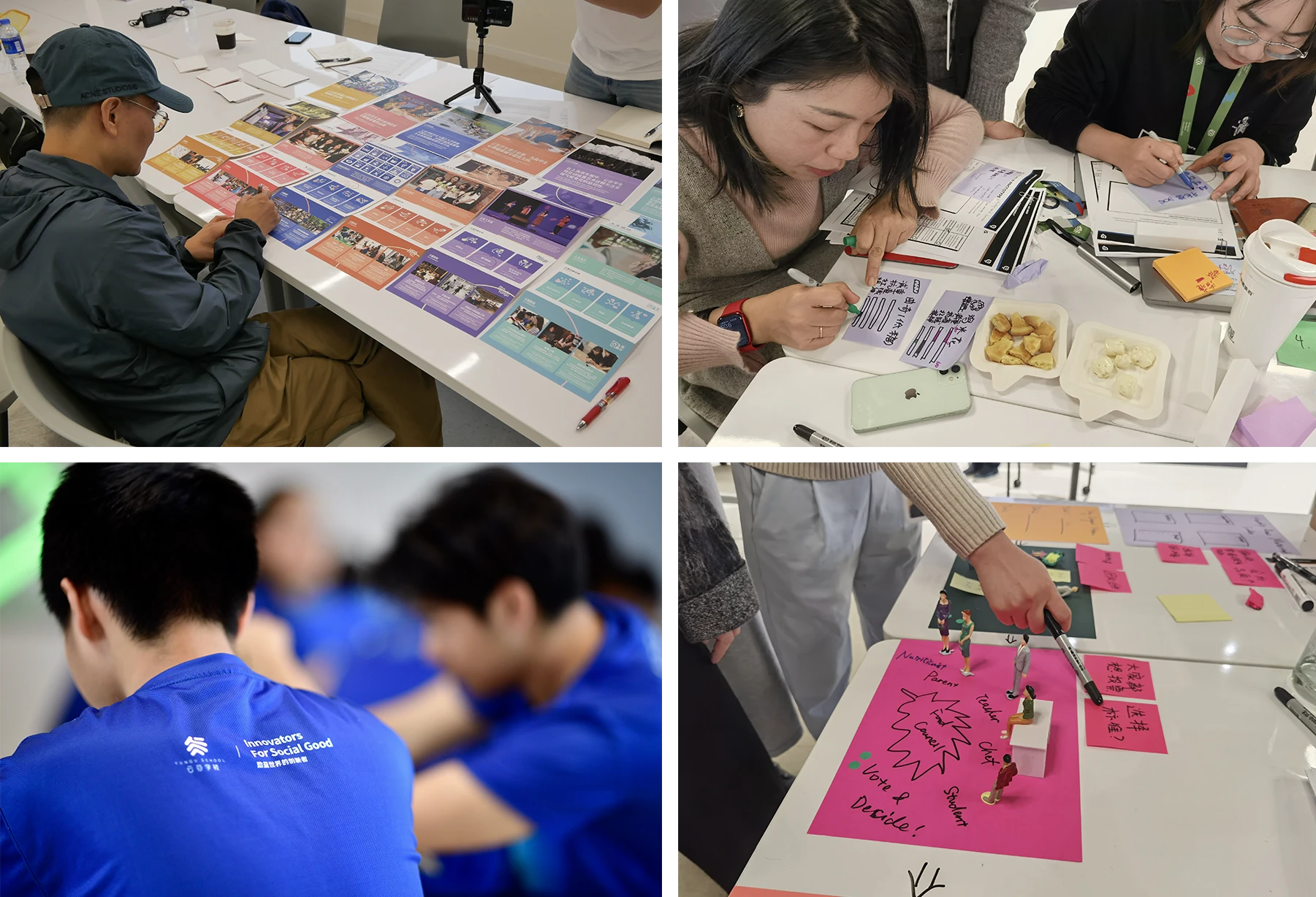
The collaboration resulted in a tailored, insight-driven capstone course that progressively builds learners’ confidence and agency via five modules: “Get Inspired,” “Find Yourself,” “Dive Deep,” “Go Big,” and “Give Back.” The learning cycles, which range from one week to half a year in length, teach students how to move from ideas to impact in topic areas they are passionate about and which have a bearing on pressing issues like climate change, digital privacy, and reducing food waste, among other global challenges. The goal of this iterative approach is twofold. Equip students for “global citizenship” by identifying personal ways to make a positive impact. And foster “entrepreneurship” by learning to be critical, creative, and optimistic systems thinkers who embrace a growth mindset.
To ensure a solid foundation for the new course, IDEO also created a week-long design-thinking training program for Yungu’s teachers. The professional development experience boosted their creative problem-solving and taught them how to move from being “expert instructors of curricula” to “encouraging guides” of capstone students who would need to demonstrate their proficiency through a final product, presentation, or performance rather than a final exam. The collaboration concluded with an immersive exhibition that allowed all stakeholders—educators, students, and parents—to experience the content modules and transformative course for themselves. Since launching its capstone program in 2022, Yungu High School has added lectures from social entrepreneurs and workshops that teach communication skills to the innovative course, garnering awards from media outlets like Fast Company. Most importantly, the signature program has enabled The Yungu School to embody its noble and audacious mission—empowering students to become future innovators for social good.

Today’s high-school seniors learn how to memorize academic content and pass tests but aren’t prepared to make a real-world impact after graduation.
196 college offers
and $1.442 million in scholarships received by over 40 graduates from Yungu High School’s class of 2023
2023 Finalist
Fast Company Innovation by Design Awards, Learning category

Lifelong health by design
Omada Health grows from an IDEO research project to a $1 billion company fighting chronic disease.
Design thinking was embedded in the creation of Omada Health from the earliest phases, and Omada has taken that forward as a strategy for success.
Over the past decade, the digital health company has grown from a couple of early career IDEOers testing concepts at the very frontier of digital health, to a company with nearly 2000 employers on its customer roster and more than one million users of its healthcare products.
Omada’s origin story began at IDEO in 2011, when its now CEO, Sean Duffy, an MD/MBA student at Harvard, joined IDEO as an intern, after a partner found his resume on the copy room floor. What was supposed to be a summer internship led to an exploration of the potential impact of digital tools on chronic health problems. IDEO partner Dennis Boyle gave Duffy and his co-founder and fellow IDEOer, Adrian James, the time and funding to do human factors research, meeting with people with prediabetes and metabolic disease in their homes to learn more about the care they were getting. What they heard was that no product or service was meeting the realities of their daily lives.
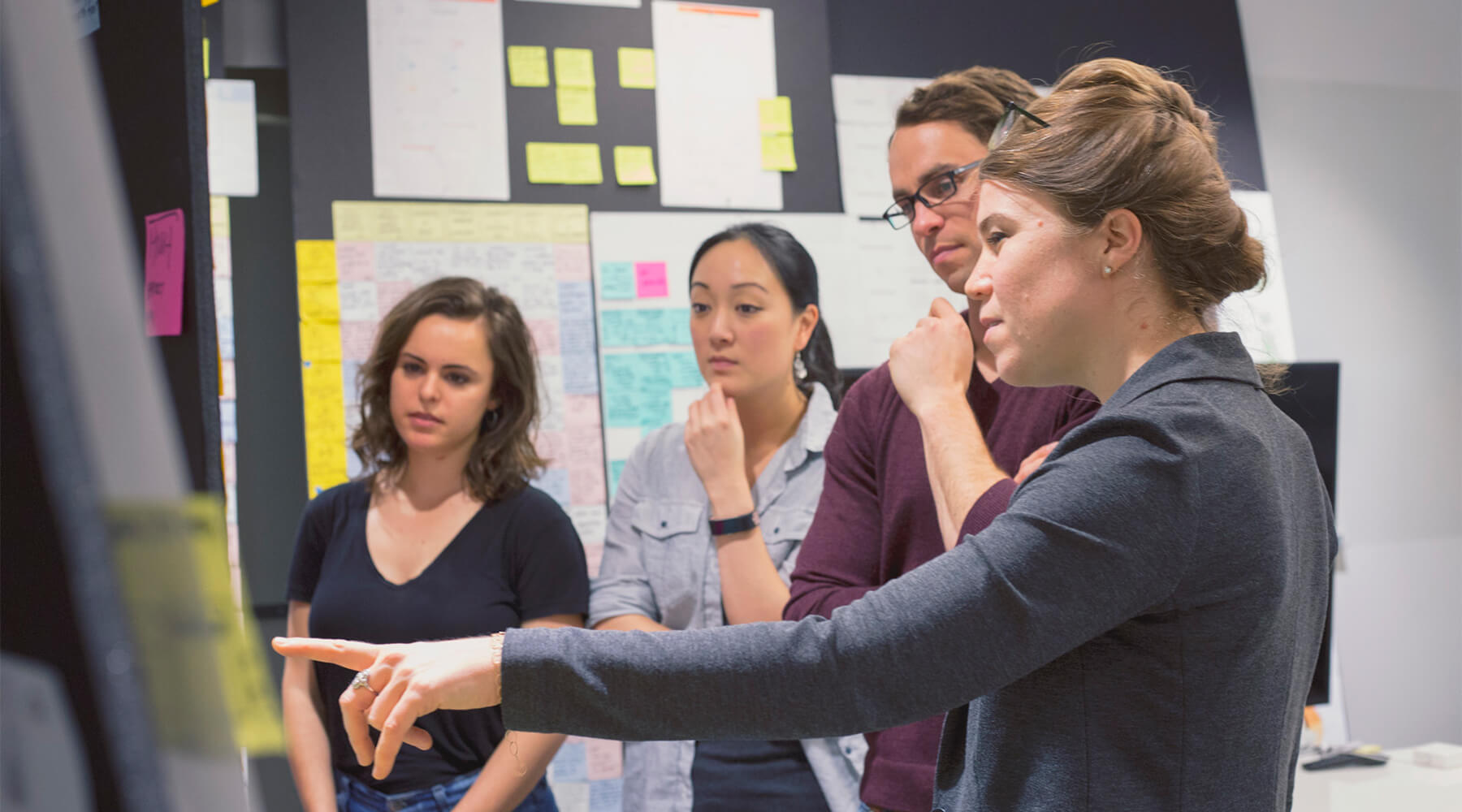
Five months after he landed his internship, and with the company’s blessing, Duffy and James spun Omada Health out of IDEO. Together, they raised a seed round, and continued to lean on design thinking methods, prototyping early versions of their product, then testing it with real patients. Duffy himself even served as the company’s first health coach. By sticking with the mindsets they had learned at IDEO, they avoided the pitfall of falling in love with the popular approaches to digital health of the era—like detailed food tracking or bluetooth enabled pill bottle tops. Instead, they stayed focused on creating what patients were asking for: a digital product that provided support, accountability, and evidence-based solutions.
Today, Omada Health is a virtual-first, integrated care solution that provides patients with clinical care plans using digital tools and one-on-one, personalized coaching. It helps users manage chronic conditions including pre-diabetes, diabetes, hypertension, joint and muscle health, and behavioral health. More than a decade after its founding, it counts nearly 2000 employers as customers, has more than one million users of its products, and has published 24 peer-reviewed studies on its outcomes. Not to mention a $1.3 billion IPO in June of 2025. But it’s still going after its North Star: to bend the curve on preventable chronic diseases nationwide.
About 60% of adults in the US live with a chronic disease. According to the CDC, 90% of the nation’s $4.1 trillion annual healthcare expenditures are for people with chronic and mental health conditions.
Diabetes is the country’s seventh leading cause of death—and the most expensive. Diabetes accounts for $1 out of every $4 in US healthcare costs. In addition to the cost of care, diabetes costs employers $90 billion annually in lost productivity.
Nearly 2,000
employers now partner with Omada
1 in 10
commercially-insured Americans have access to Omada through their health plan or employer coverage
$1.3 billion
valuation at Omada's IPO

Quick + Dirty Design Tips: Animation in After Effects
Animation tips from an After Effects power user
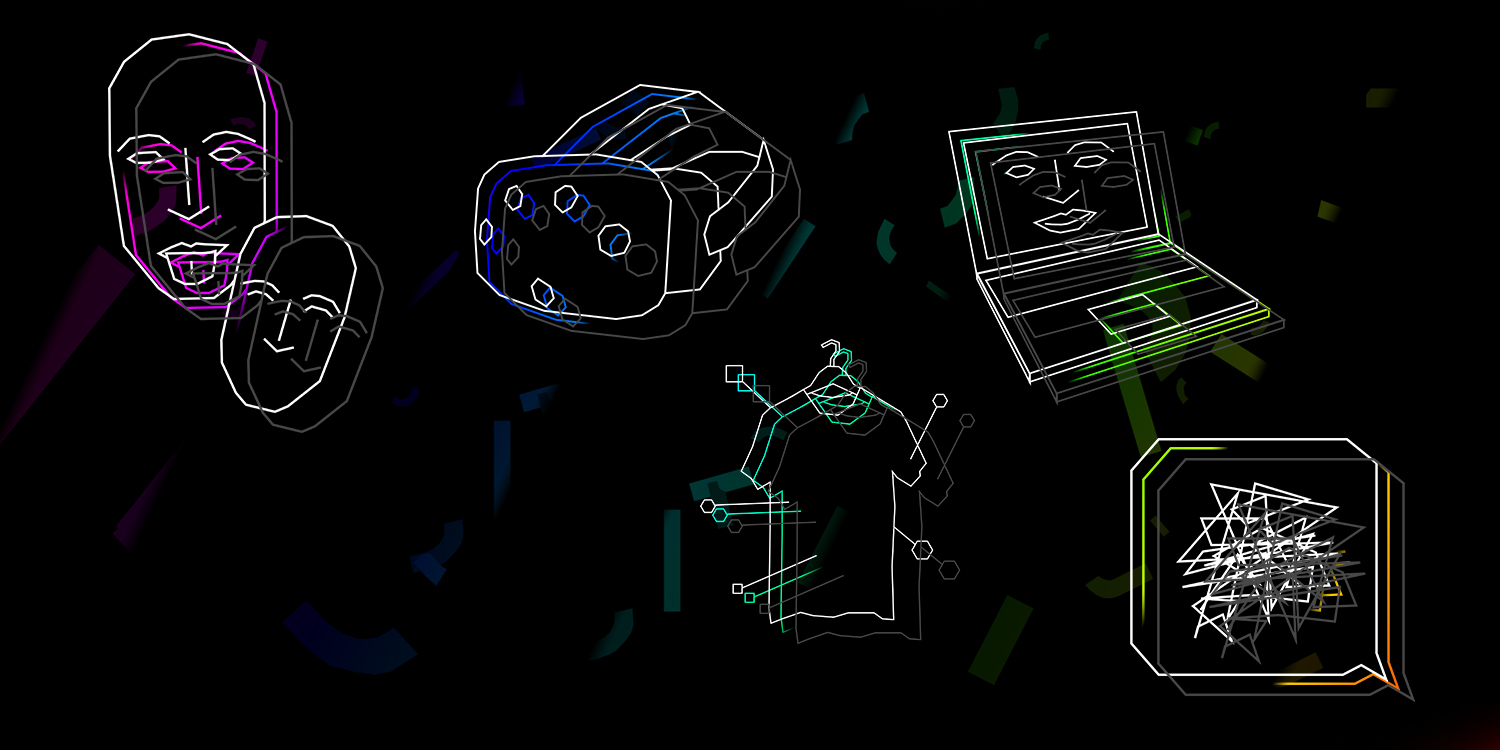
For this method of animation, make sure to use only lines in your Illustrator file. The idea is to animate the lines across their own path, so the way you design them will play a big part on how elaborate your animation will be.
Watch this video for a quick step-by-step guide to animating lines in After Effects:
- When your Illustrator file is ready, import it to After Effects. You can simply drag your Illustrator file to the Project area or go to File > Import > File.
- Drag the imported file to the Timeline. It will automatically create a Composition.
- Now you must turn your Illustrator file into Outlines that After Effects can control. On the timeline, right click on the layer and select "Create Shapes from Vector Layer.
- The next step is to animate your outlines. For that, you will need to add a Trim Paths feature to your new layer.
- On Trim Paths, use keyframes for Start/End to change when and where you want your paths to animate. If your file has multiple lines, you can choose to animate them simultaneously or individually.
This technique is a simple and effective way to create powerful motion graphics for storytelling, user interface behaviors, or even a simple animated gif. Hope you enjoyed it!
Adobe After Effects is one of my favorite tools for prototyping user interfaces, creating video scenarios to communicate a context of use, or simply crafting stories through animation. It's a tool that allows you to explore and visualize ideas, and there's no right or wrong way to use it. Here are a few tips for using After Effects to animate vector lines imported from Adobe Illustrator.
Why You Should Keep Making Stuff By Hand
Don't let technology stop you from getting your hands dirty
So, when the opportunity comes up, I like to turn off the computer and focus on creating artifacts. While an object is just a thing that serves its purpose until it’s tossed out, an artifact sparks an invisible conversation, a connection between the human who made it and the human experiencing it. Even something that people don’t think twice about, like an event name tag, deserves to be well designed.
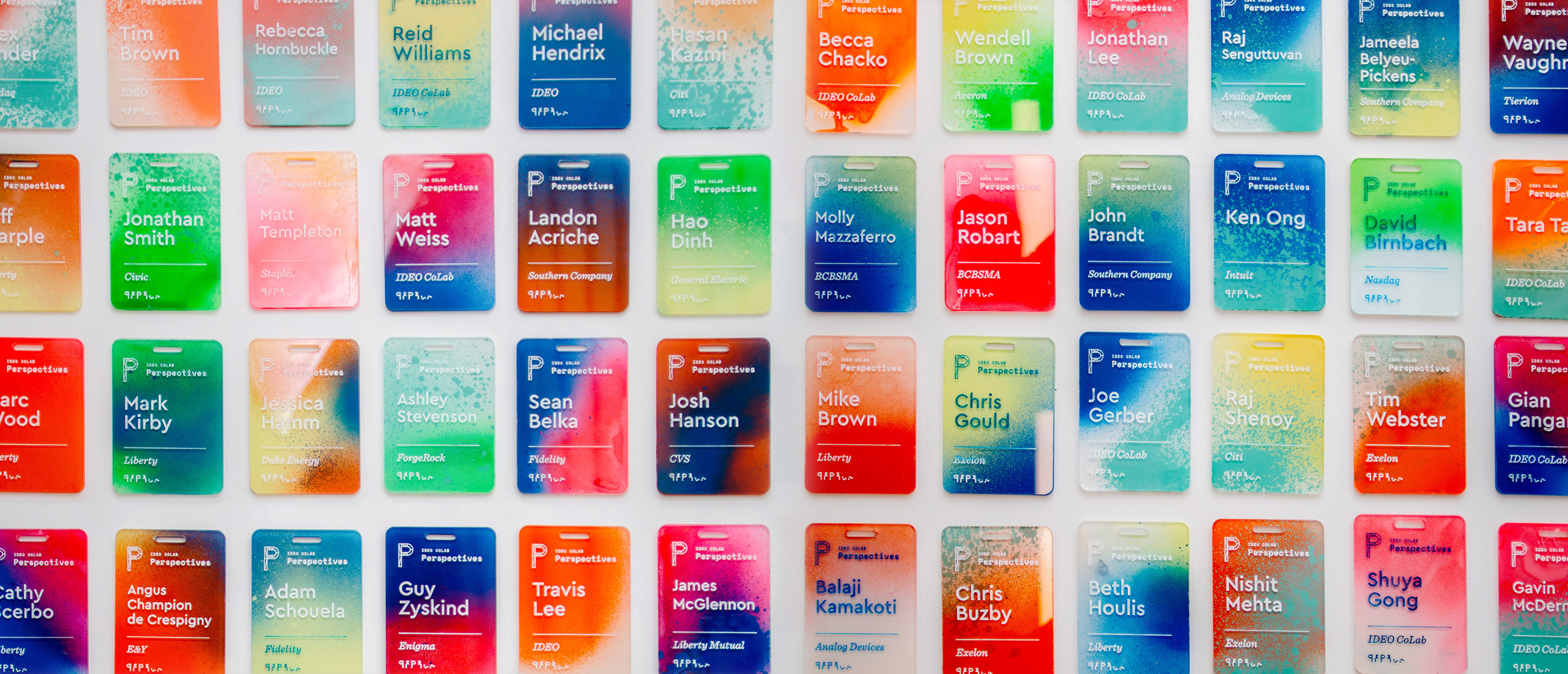
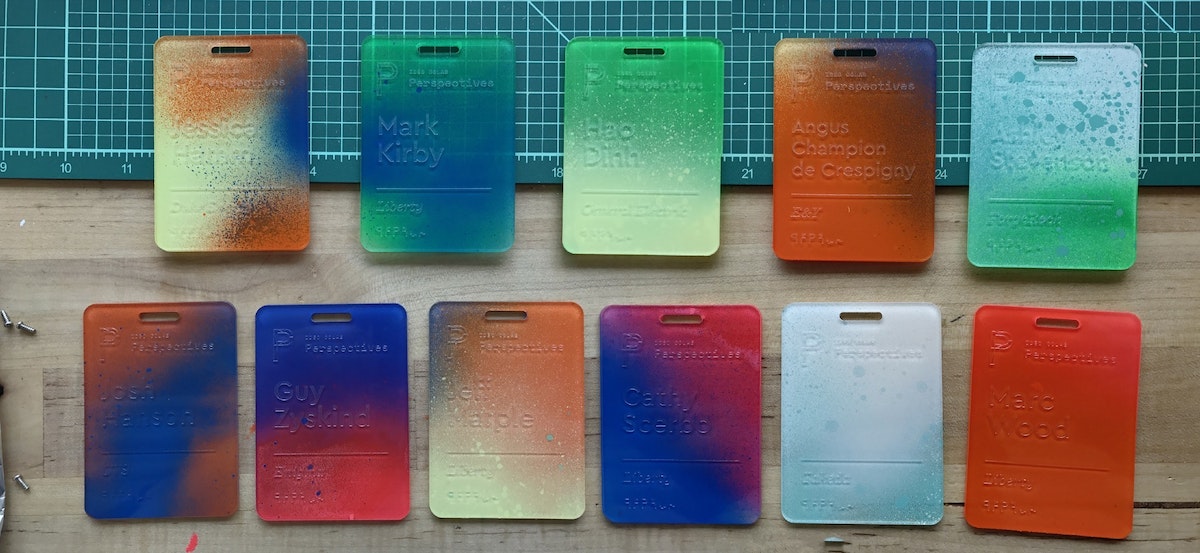
That belief drove me to create a collection of one-of-a-kind name tags for a CoLab event. I wanted to make something with my hands that would bring a level of craft to our content. The tags served as the icebreaker for more than a few conversations, and reminded people at the tech-focused event that there's a human element to everything. Many attendees we reached out to a month later said that they still had the tag on their desks.
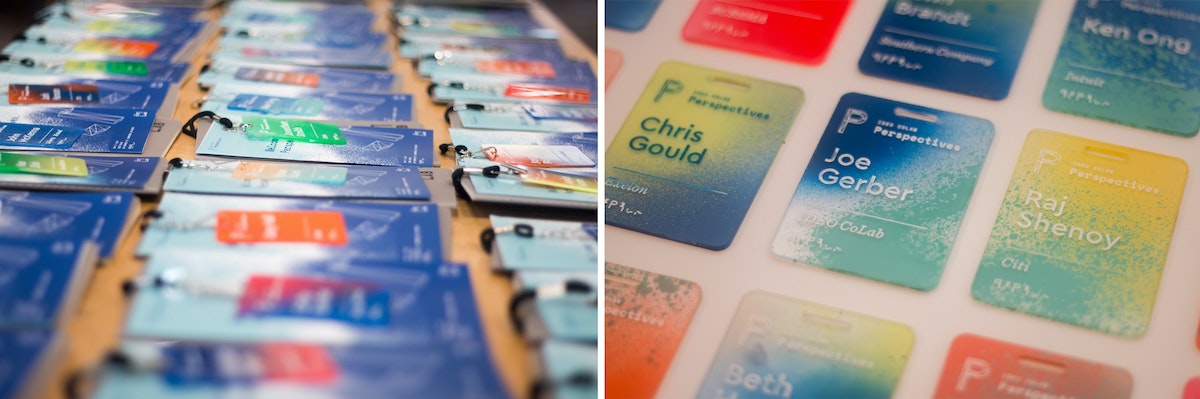
The process was simple, but arduous: I laser cut blanks, etched the names, spray painted each tag using unique colors and angles, and finished it off with acrylic screen printing ink to make the names readable.
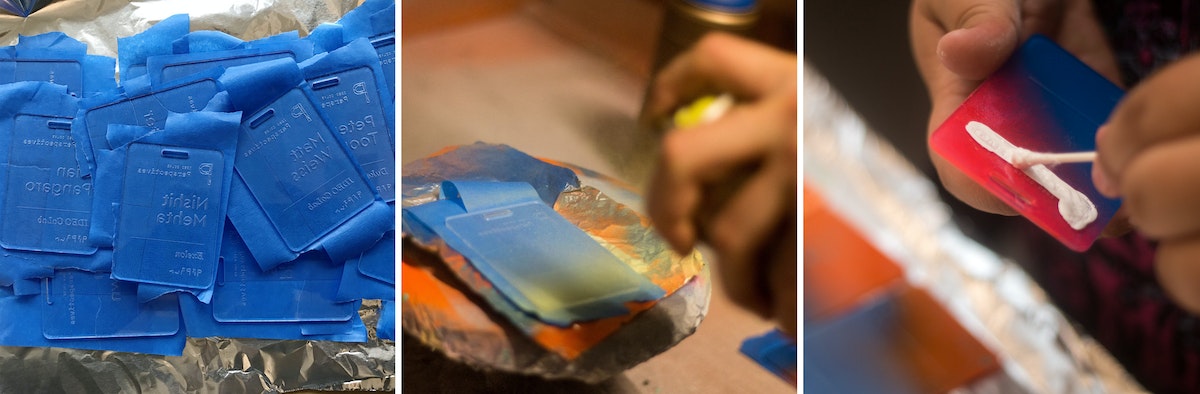
Here's how I did it, step by step:
1. Creating the blanks
I designed the negative of the template so that I could later use it as a jig. I used 18 x 24 inch sheets of 3mm acrylic, so that with the name tags at 2.5 inches x 3.5 inches, I could fit about 32 comfortably in each batch (as opposed to 38 if I used all available space and threw away the negative).
Acrylic sheets tend to melt and then cool quickly in the laser cutter, leading to possible sticking, so I usually add about .2mm to my thickness settings to compensate (i.e. I was using 3mm acrylic, but put 3.2mm in the settings). There are two benefits: One, you guarantee that you actually cut through the sheet. Two, it also gives you a little bit of wiggle room so you don’t end up with hard to pick out joints.
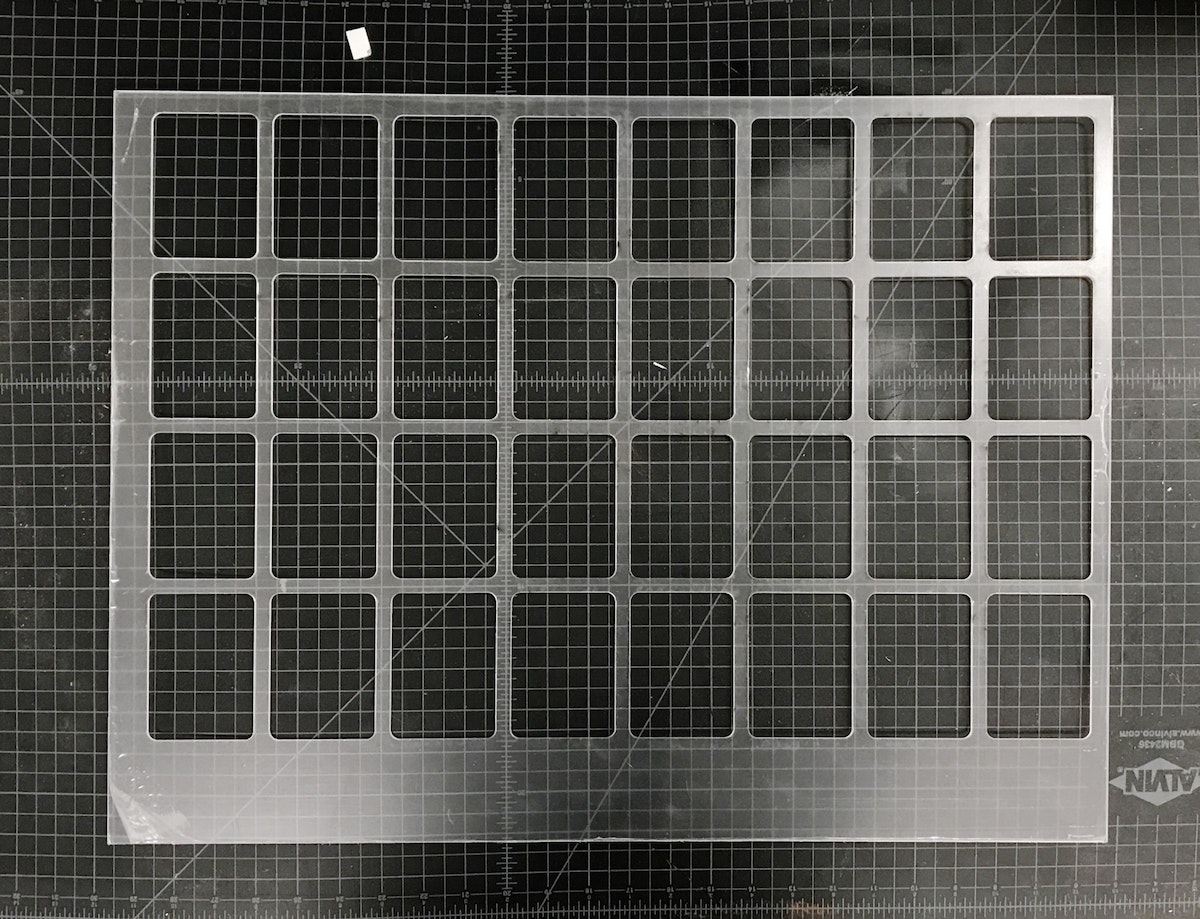
Pro tip: The key to making the most of your acrylic is to leave space for future cuts on the same piece. Instead of designing my reusable jig with all the name tags in the center, I threw them to one side so that I could use the other end again. After I cut the jig, I could get 38 tags out of each subsequent batch because I could simply throw away the negative. Another bonus: When there’s excess acrylic on one end, you can always tell which side goes in which direction.
2. Etching the blanks
Once the blanks were cut, I needed to take the protective plastic off of one side, so that I had a clean surface to etch onto. I peeled the tags, slipped my template jig back into the cutter, and dropped the blanks into place.
The etch file is the same as the template jig, just with a red cut box around the perimeter of the file denoting the edge of the acrylic.
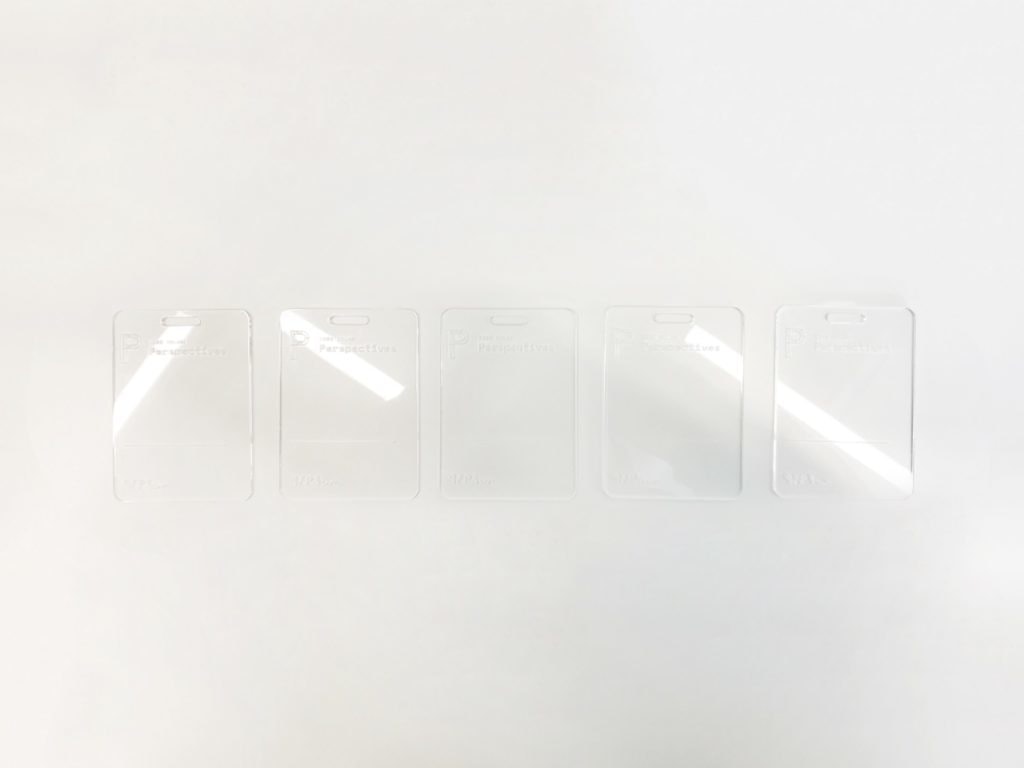
Once I had an etch file ready to go, all I had to do was push the file to the top left of the cutting area and check the focus points of the laser on the first tags on the first and second rows. Since the etch file is in the same grid form as the old cut file, everything is already spaced for me. The etch settings held ink best at around 74 to 76 percent power at 100 percent speed.
One final thing to note: We don’t want to cut anything (we’re just etching), so after setting my etch power, I set the cutting lines to 0 percent power and 100 percent speed, so we just blow right past them.
3. Taping the etched tags*
Once the blanks were etched, I peeled the plastic off of the back of the tags, then covered the etched side of each in painters tape to keep them clean.
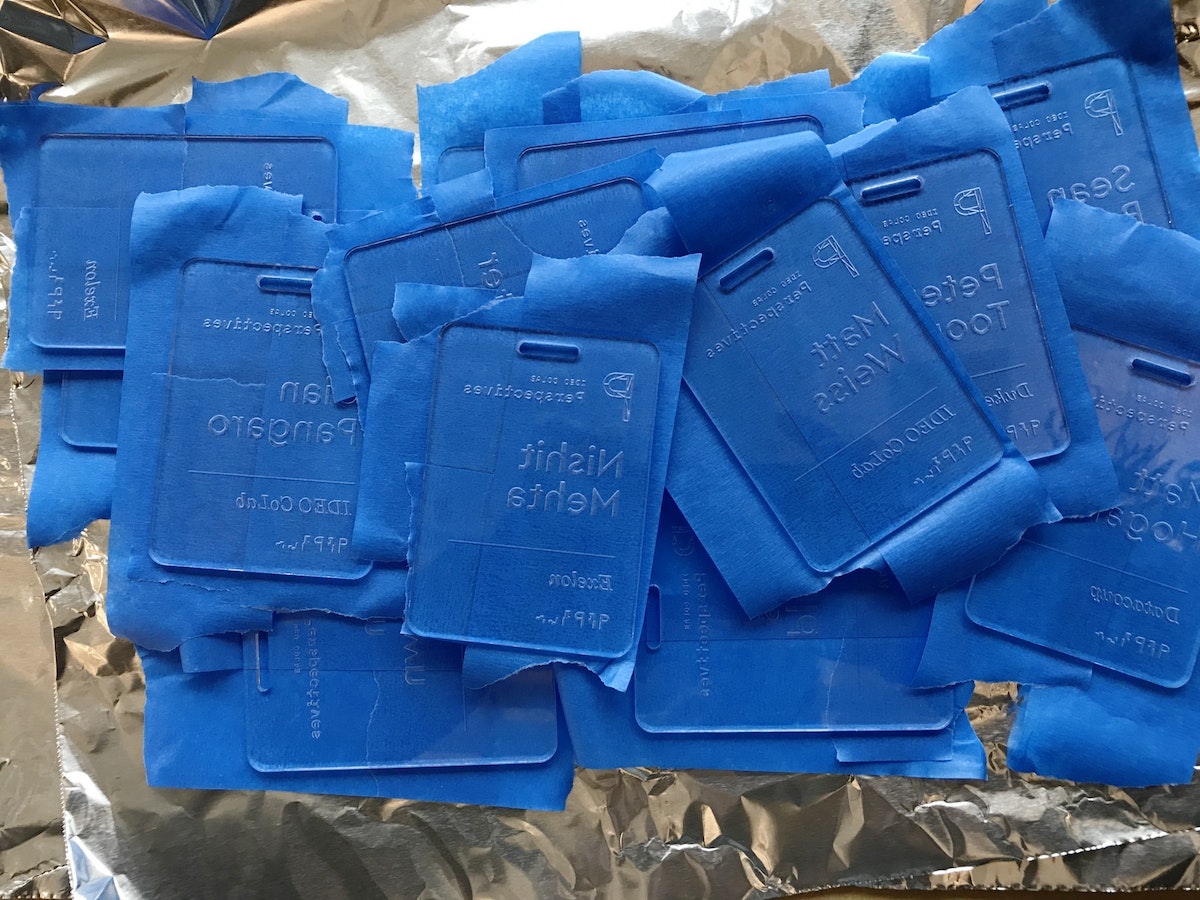
4. Spraying the tags
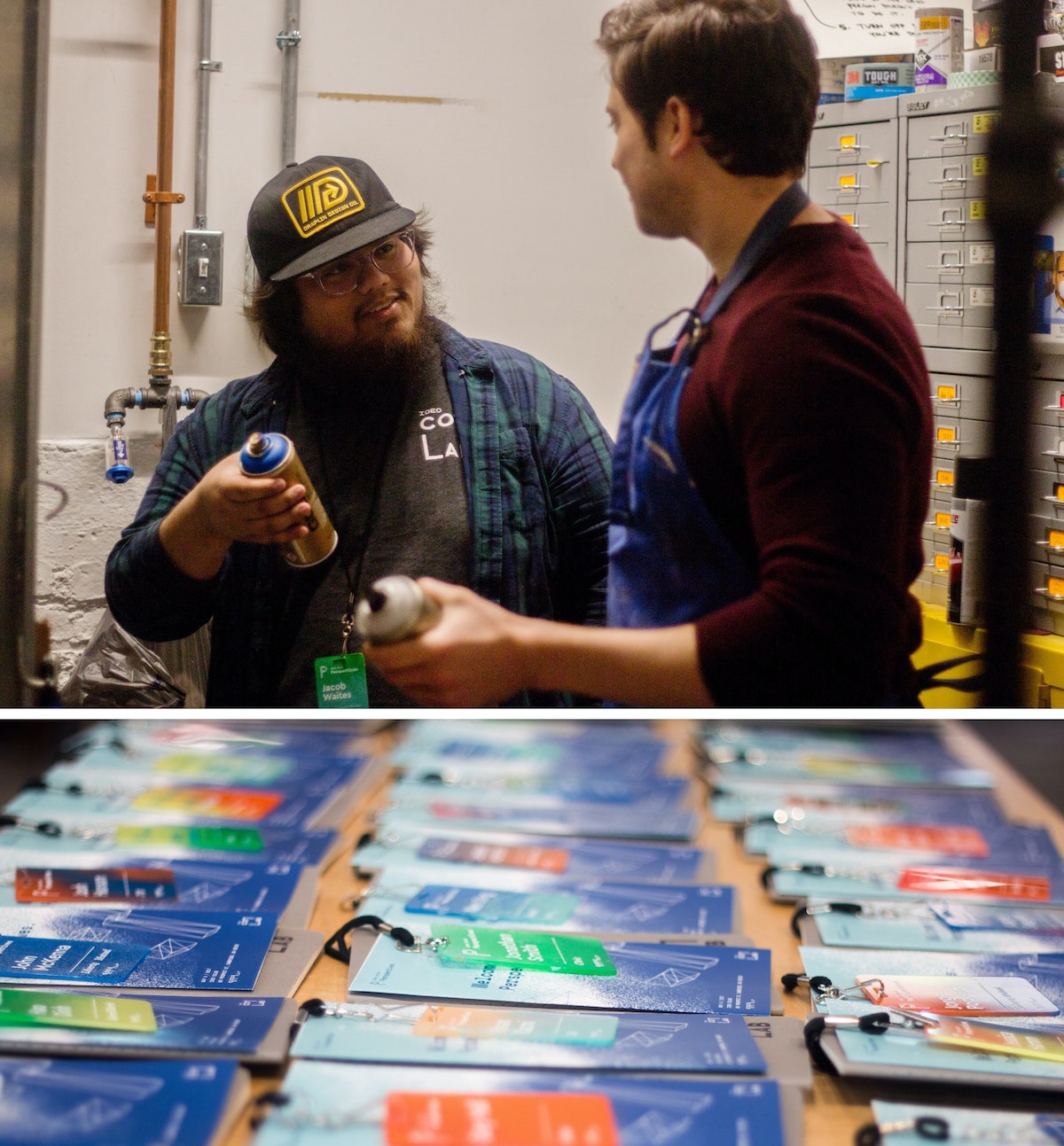
After everything was taped, I slapped some aluminum foil in the vent hood and got to work spraying each tag. The process allowed me to bring out some of the old airbrush tricks my dad showed me as a kid, like holding a tongue depressor at a 60 degree angle in front of the nozzle to create thicker splatter. I used two to three colors for each tag, at varying angles.
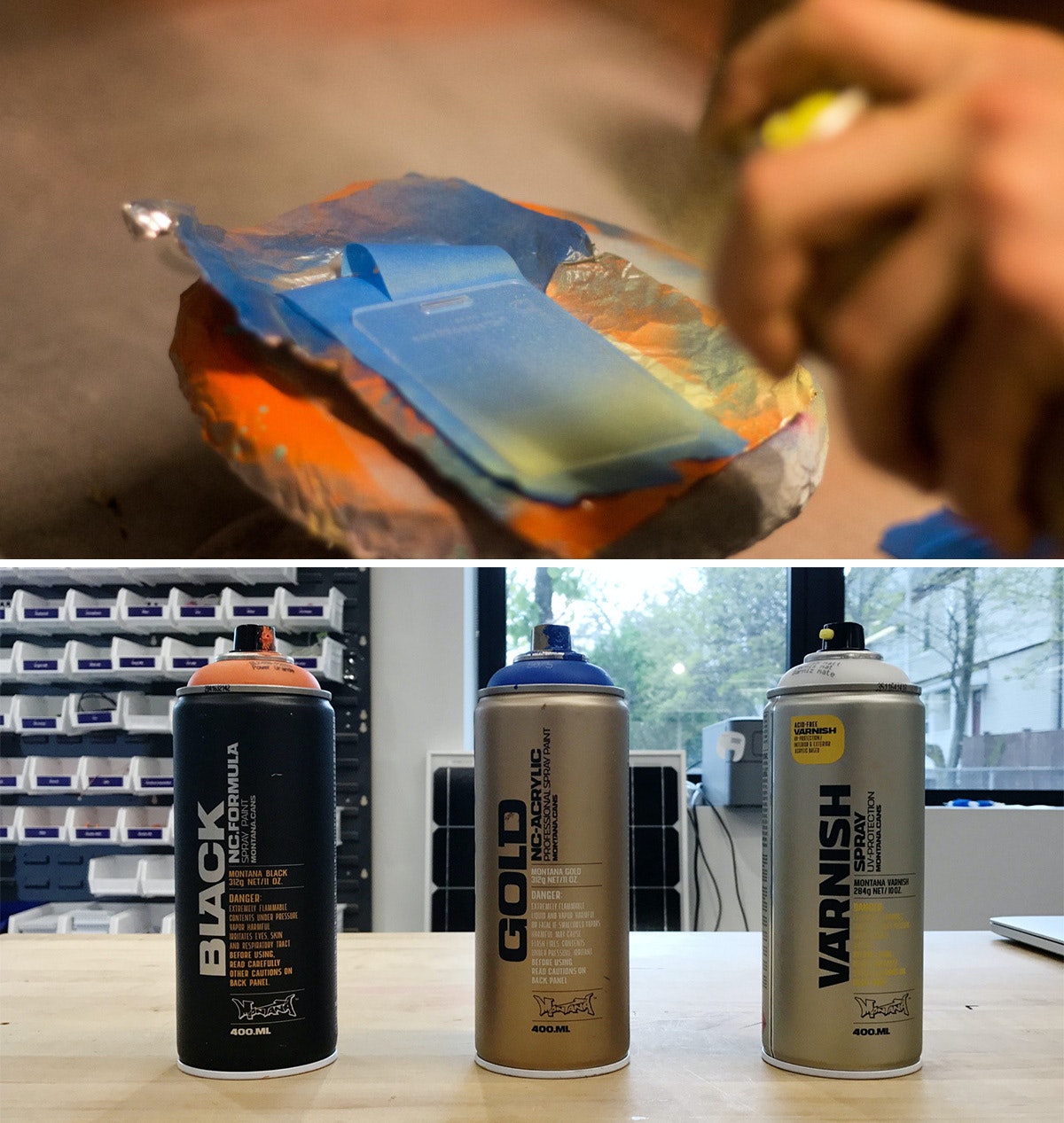
I used Montana brand spray paints, and I definitely recommend using the BLACK formula. Over the course of the project, it dried on the acrylic within four and-a-half minutes, which is pretty insane. The GOLD formula was comparable, but my run of the mill Krylon paints took much longer, so it’s worth the extra bucks to buy Montana.
Pro tip: If you’re spraying a bunch of parts in a hood, aluminum foil is actually a great material for coverage as it tends to not stick to your parts like paper.
5. Sealing the tags and revealing the beauty
After the sprayed tags had dried, I hit the painted side with a couple quick coats of the Montana clear matte varnish so that they wouldn’t stick to each other. When everything had dried, I peeled off the painter’s tape—my favorite part of the project.
6. Applying the ink inlay
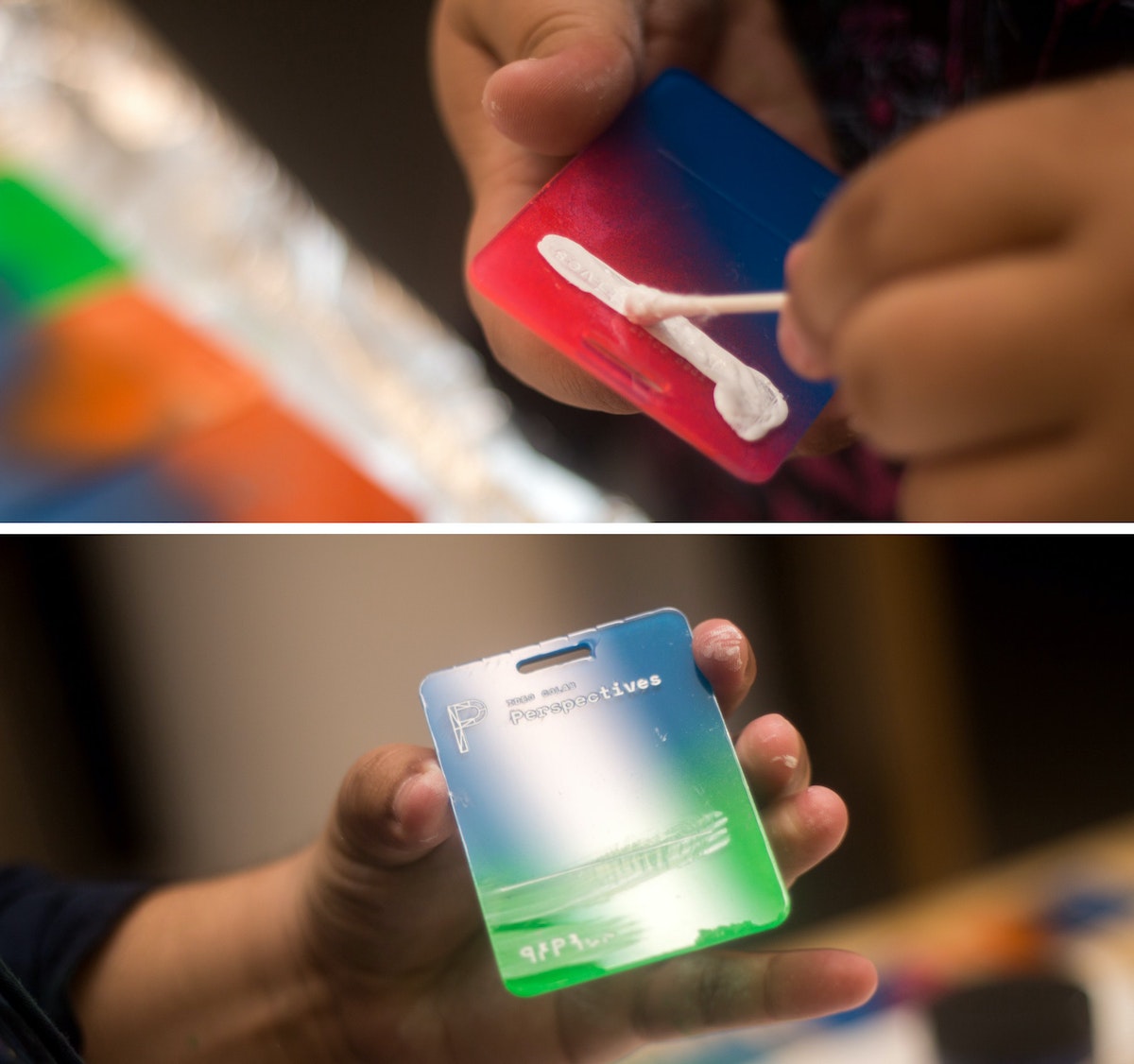
Next came the most time-consuming part: the ink inlay. I used speedball acrylic screen printing ink for its fast drying time, and how easily it wipes off acrylic. I liberally brushed and swabbed the ink into the etch using a Q-tip, then quickly wiped the excess off with a paper towel. Once dry, they were ready to go.
That's it!
*Imperfect process: I know what you’re thinking—why didn’t you just remove one side of the plastic before etching, spray that side, then remove it from the other side, then etch that? I did! After a few batches, I added the taping step because I noticed the spray paint was eating away the plastic coating that kept the paint off the front of the tags.
I work with CoLab, IDEO’s tech-focused R&D group. I’m also someone who’s committed most of my life to craft. Luckily, my day job allows me to bring the two together. But the minute you start making a living from your craft, problems start to surface. You get burnt out. You compromise your vision to deliver things on time. At that point, you're no longer transforming objects—you’re just pushing matter around.
Thoughtless Acts: Single-Serve Medicine
Thoughtless Acts: Single-Serve Medicine. The intuitive ways we adapt and react to things in our environments
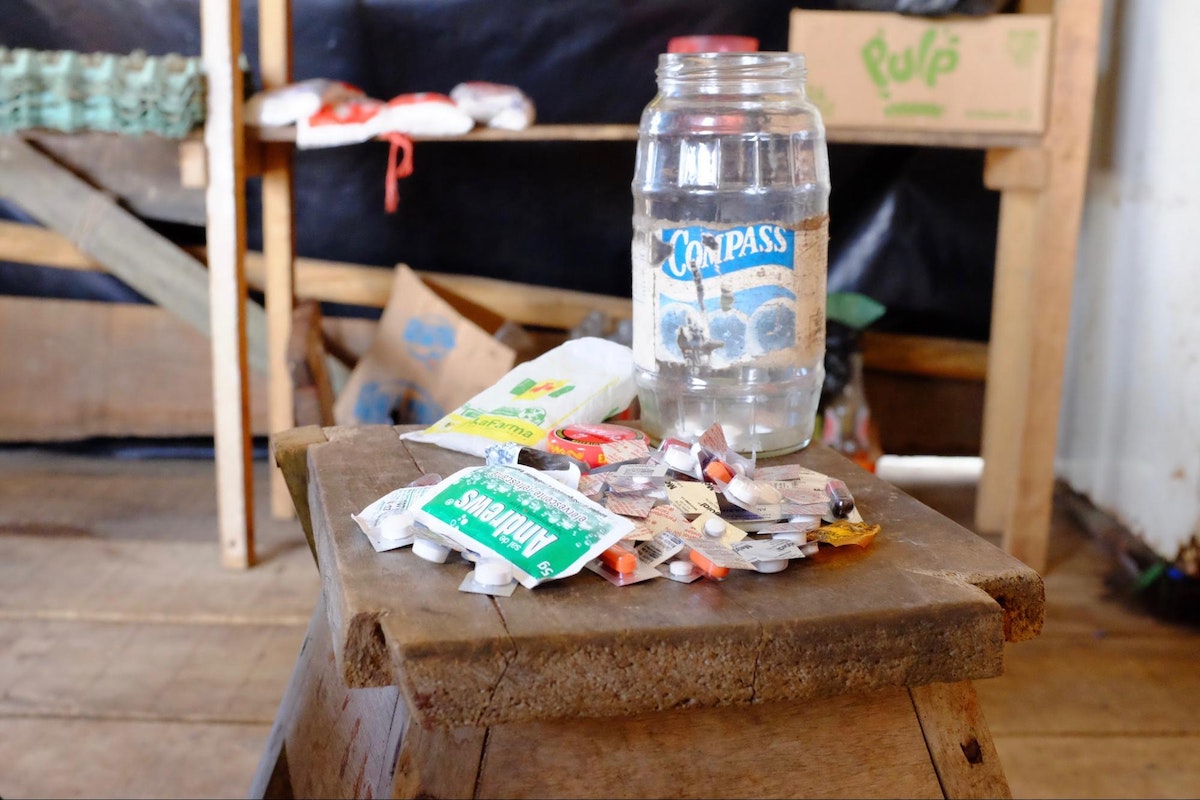
I snapped this photo in the Amazon jungle town of Iquitos, Peru. A jar full of individually cut blister packs sat in the corner of a general store set up in front of a family’s home. By making individual doses available—not even a daily dose, but a single, one-time dose—more families were able to afford treatment for their ailments. In a community where money is very scarce, this family was filling a very real, pressing need that wasn't being addressed by local stores.
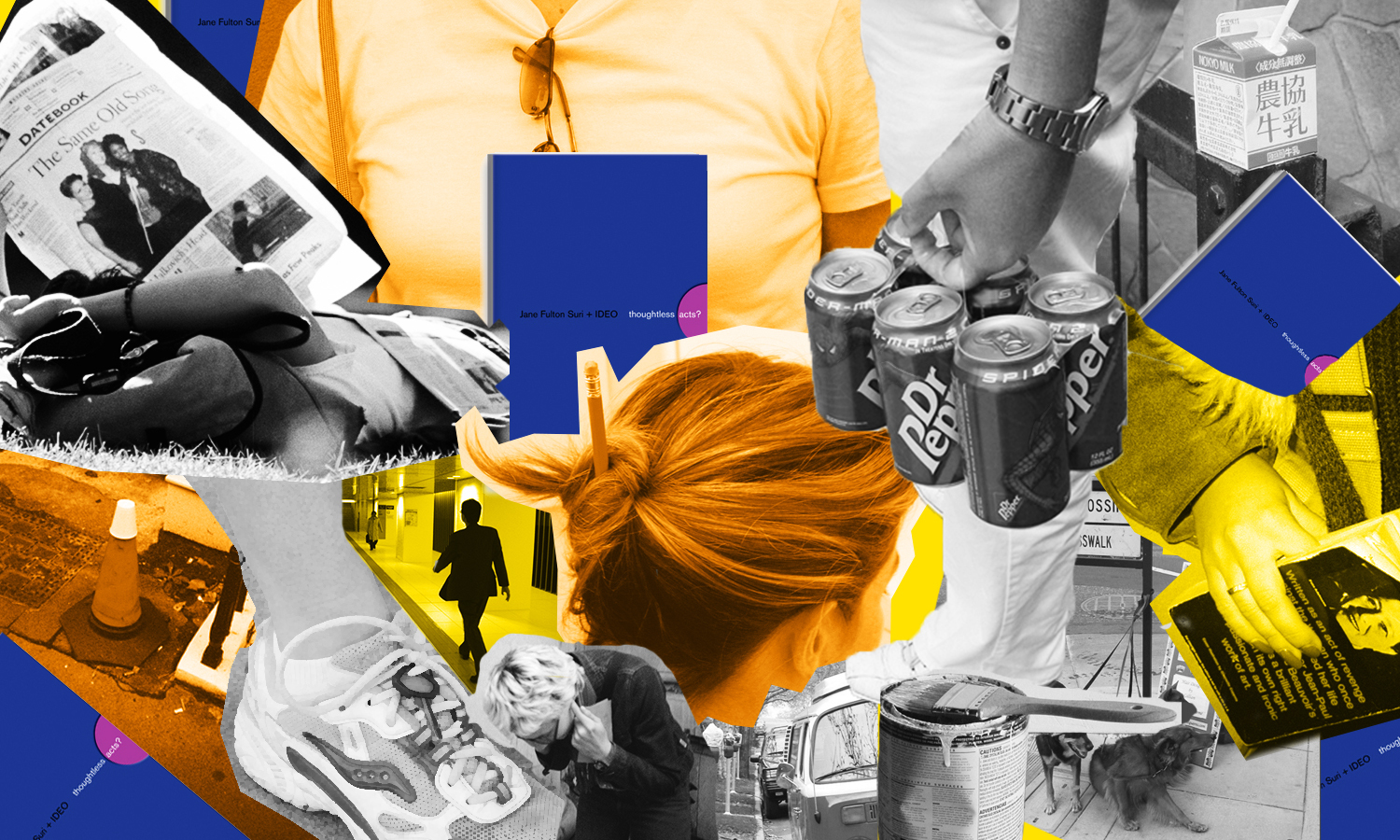
Human-centered design requires us to observe human behavior with beginner's eyes, so that we can spot the innate ways people interact with the world around them. We call these intuitive and unconscious reactions Thoughtless Acts, and IDEO designers collect photos of them to inspire their work.

A Day in the Life of an Environments Designer
Ever wondered what an environments designer does all day?
6:20 AM: Snooze
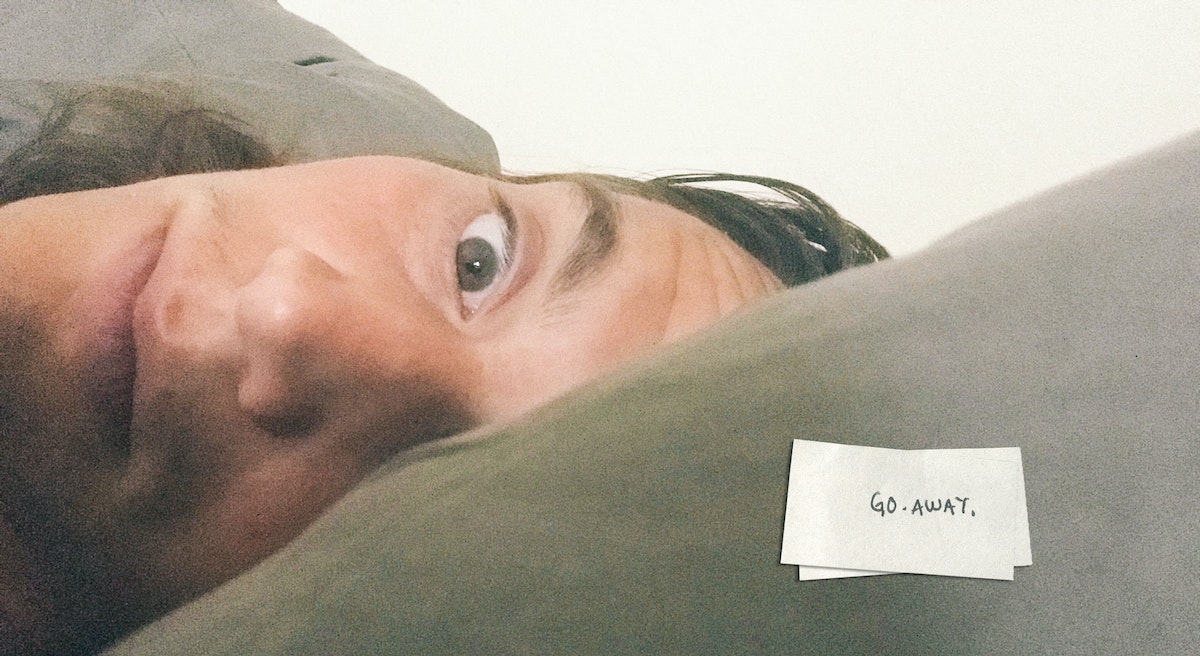
6:30 AM: Sweep
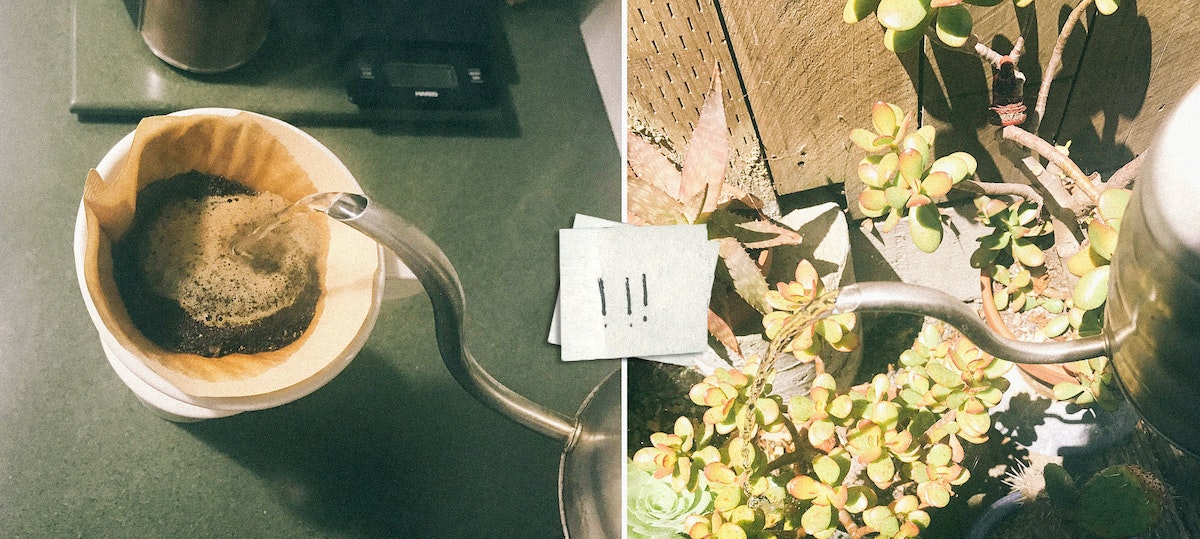
Sweep. Make the coffee, water the succulents, check out a few new product curation apps and services the team has been talking about. While riding the bus across the Bay, I read about immigration patterns and how they affect consumers in North America. Staying inspired is part of our job, so I try to start each day with a healthy dose.
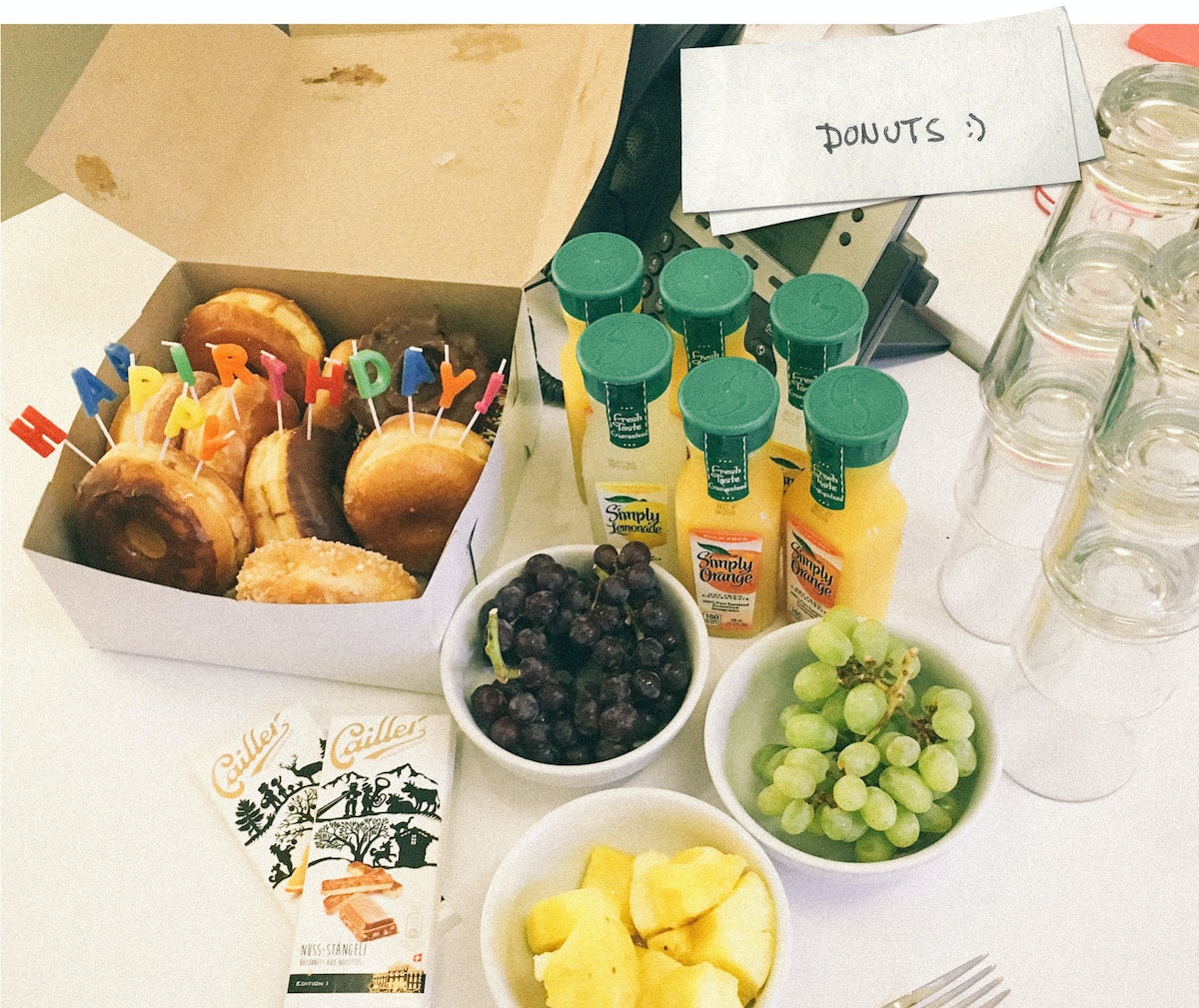
9:00 AM: Birthday shenanigans
Today is my teammate Julian’s birthday, so we surprised him with donuts and orange juice—his morning elixir of choice!
9:30 AM: Sketching and 3D modeling
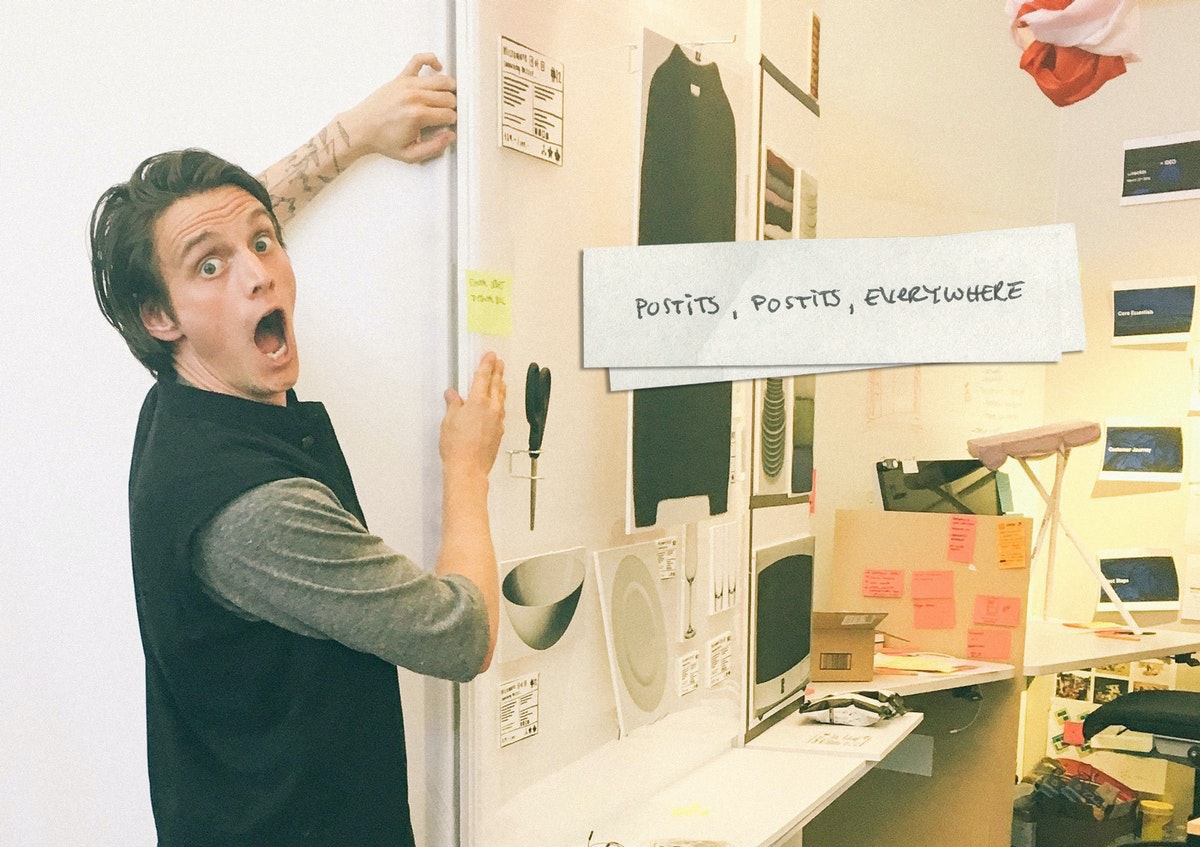
My team’s current project is to reimagine the shopping experience for a large retailer. To prepare for a review with the team, I do some sketching and 3D modeling of in-store display concepts. We are a diverse and interdisciplinary bunch, so it helps to bring everyone’s ideas together through visualization.

10:30 AM: Design review with the team
We do team check-ins throughout the day, talking through our ideas to make sure we’re meeting user needs and pushing the integration of digital behaviors and physical environments. Today, we’re critiquing a bunch of sketches of critical shopping moments that we’ll prototype later. We’re considering how digital projection can add ambient information and subtle interaction to a physical display layout.
11:30 AM: Creating a physical study model
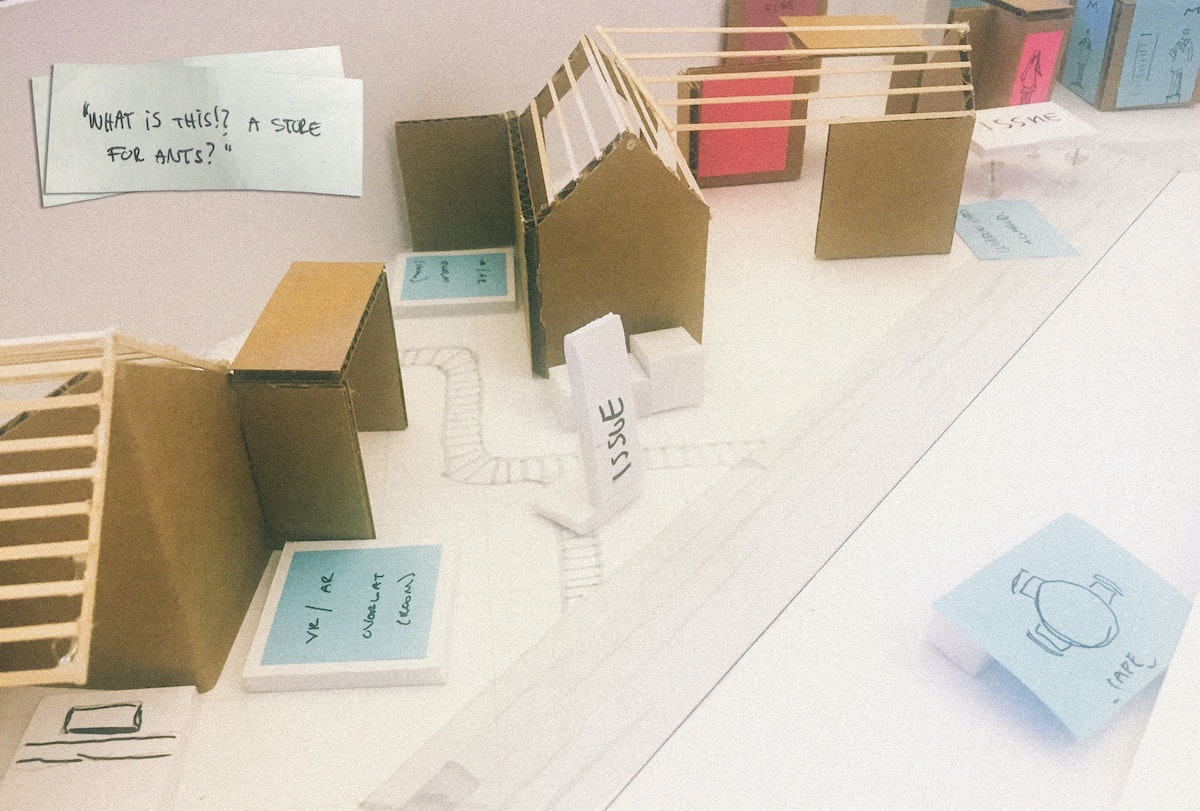
In preparation for our prototyping session in the IDEO Shop, we use a rough physical model to map out the experience of the future retail environment. A small-scale model lets us discuss all the ways shoppers might interact with a brick and mortar store—from browsing to comparison shopping, saving for later or checking out and having things shipped home. It’s helpful to keep our work quick and dirty, so that we have a model that lets the entire team walk through design points together.
12:00 PM: Julian’s birthday lunch
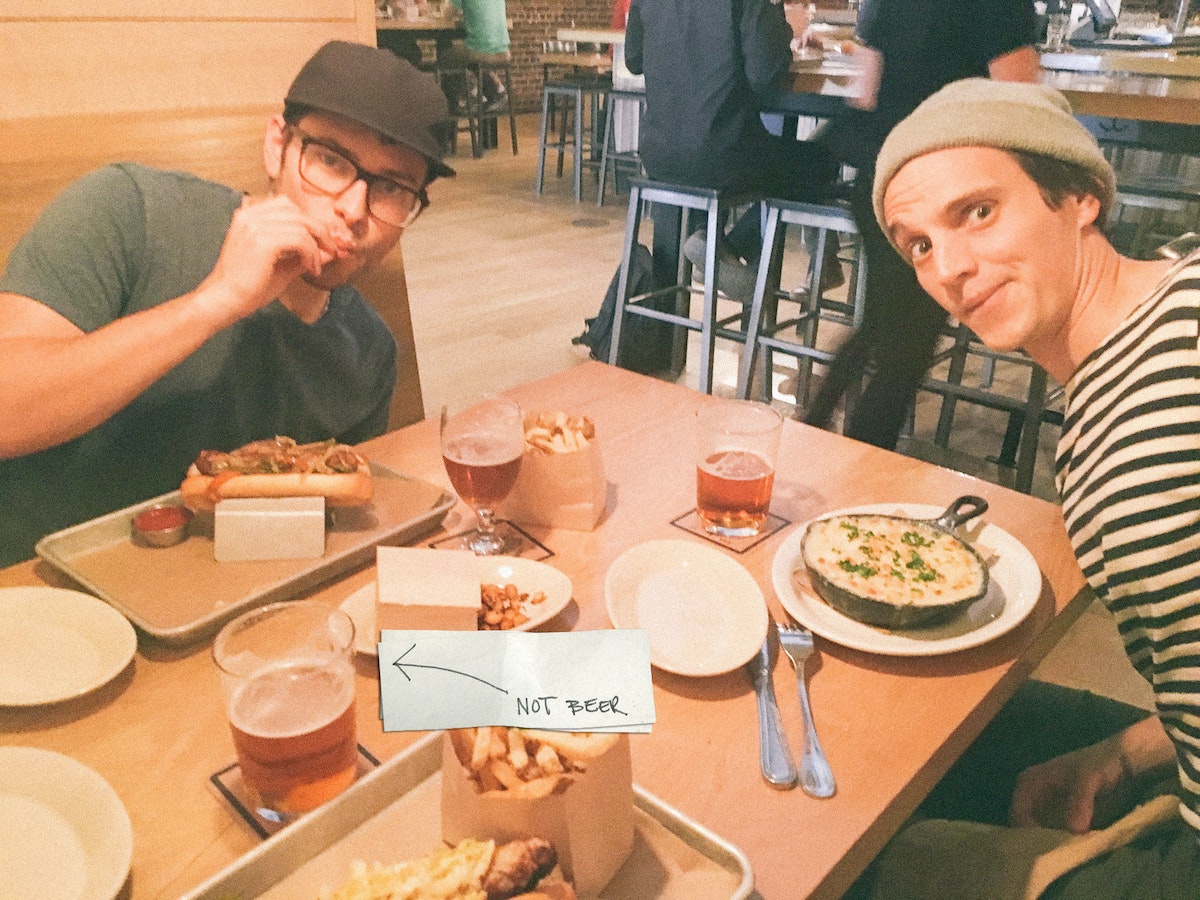
Continuing the festivities, we pop out of the office to get a bite of Scandinavian-inspired eats.
1:30 PM: Field testing and 1:1 prototyping
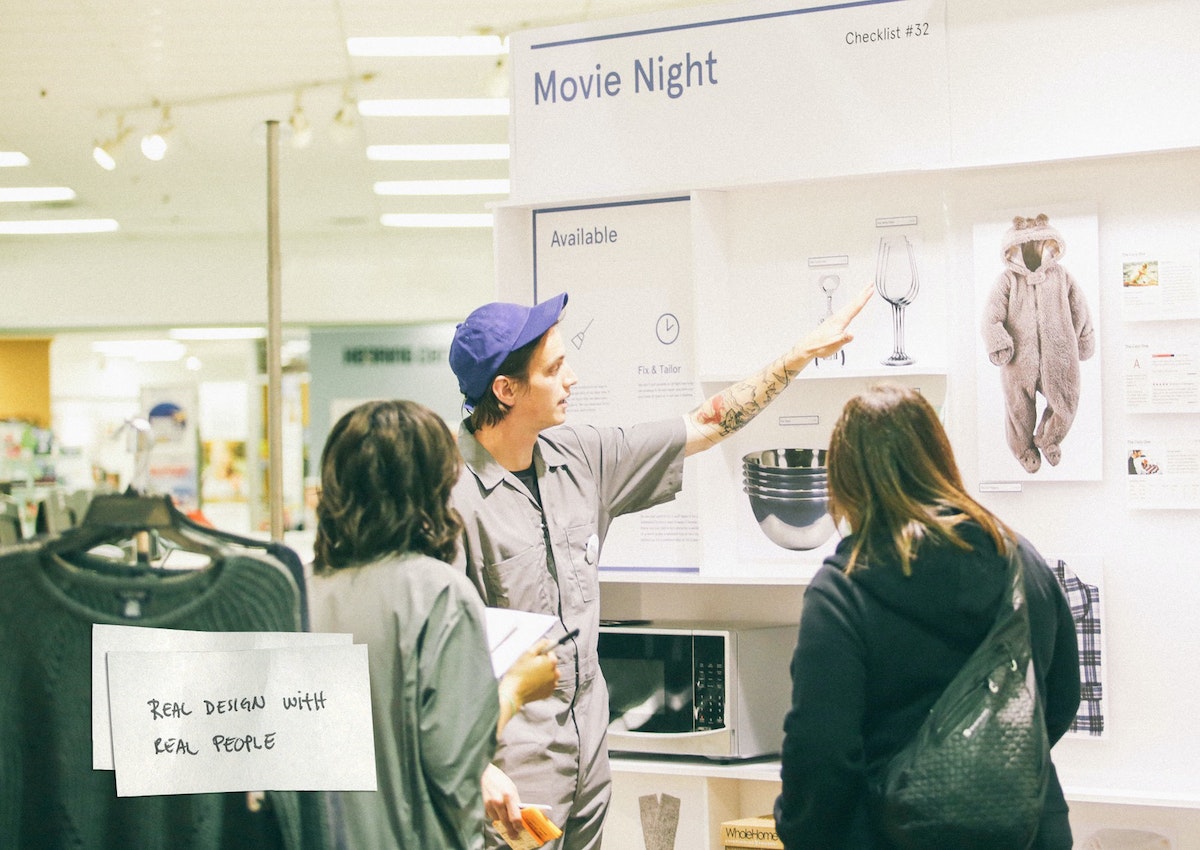
Time to refine the rough mock-up made in the office and rebuild it in a live retail environment. We wear jumpsuits to suggest how we want the client’s brand to evolve (and because jumpsuits are cool).
The prototype begins outside the store with a simulated mobile shopping experience that ushers shoppers directly to our redesigned displays. The point of the prototype is to test a store layout that could feel like an extension of a mobile shopping experience. Think curated themes, minimal options, and intuitive product comparison interactions. Turns out, some things they hate, some things they love, and a few things don’t make sense to them at all! All of that is great feedback for moving forward, by the rock-and-roll rules of prototyping. Achieving a realistic level of physical interaction while keeping the design at a prototypical level is key to getting honest feedback. We draw our insights from watching how users interact with the space, as well as their answers to directed prompts.
7:30 PM: Teach
My nightcap is heading to California College of the Arts, where I teach a class about physical space and digital interaction titled “Objects & Space.” We work with sensors, hack projectors, control motors, glue, and foamcore, and build our way through code, all in the spirit of figuring out what the environments designers of tomorrow might do.

When people ask me what I do for a living, I say, “I use space to explore design solutions.” It might sound like I work for NASA, but what we environments designers actually do is consider how physical space influences human behavior. Much of my time is spent sketching, making models, building walls out of foamcore, miming, turning off the lights, rendering, and doing my best to break feng shui. Here's a breakdown of a typical day:

Lindsey Turner
I’m passionate about building brands, products, and experiences that help organizations show up with meaning and momentum.
I help organizations cut through complexity by shaping how they show up, through brand strategy, identity, and storytelling.
Working at the intersection of brand and business, I bring an editorial eye and a bias toward making—turning ideas into tangible experiences that people can understand, trust, and believe in.
My work spans government, healthcare, financial services, media, and consumer goods, from launching Gen Z-focused ventures to building innovation labs and reimagining legacy brands. I relish moments of ambiguity and enjoy translating across teams, perspectives, and priorities to move ideas forward.
I started my career in editorial and digital design, shaping cross-platform experiences and identity systems in publishing and agency environments. That foundation still shapes how I work today: I’m detail-oriented, collaborative, and overreliant on the Oxford comma. I hold a BFA in Visual Communication from the School of the Art Institute of Chicago.

Rachel Young
My work helps organizations see who their products aren't working for—and build the will and the tools to do something about it
For 25 years, I've asked the same question: Who does this design exclude—and what are we going to do about it?
My work spans human-centered strategy, inclusive design, and qualitative research, with clients ranging from Microsoft, Google, and Verizon to the National Science Foundation, and San Francisco Unified School District.
Before IDEO, I taught elementary school in East Palo Alto and spent a decade doing design work with social service organizations—where I learned firsthand what it costs people when systems are built without them in mind.
I am currently writing User Error, a nonfiction book about digital access and the design decisions behind it. I live in Oakland, California.

Brian Pelsoh
I lead with craft, ensuring our work is creatively excellent: rooted in deep human insight and imagination, while also grounded in the realities of business and technology.
My expertise spans brand, communication, and product design across tech, education, the arts, and social impact.
I believe great work demands both high-level vision and obsessive attention to detail, and only happens through collaboration.
I bring an inclusive, hands-on approach and a deep understanding of business, which enables me to consistently deliver excellence while always asking why.
Before joining IDEO, I worked at the brand firms Pentagram and VSA Partners. I began my career as a designer, leading teams at the School of the Art Institute of Chicago and the Milwaukee Art Museum. I hold an MFA in graphic design from Maryland Institute College of Art and a BFA in communication design from the Milwaukee Institute of Art & Design, and have taught at some of the best design schools in the US.

Tony Wong
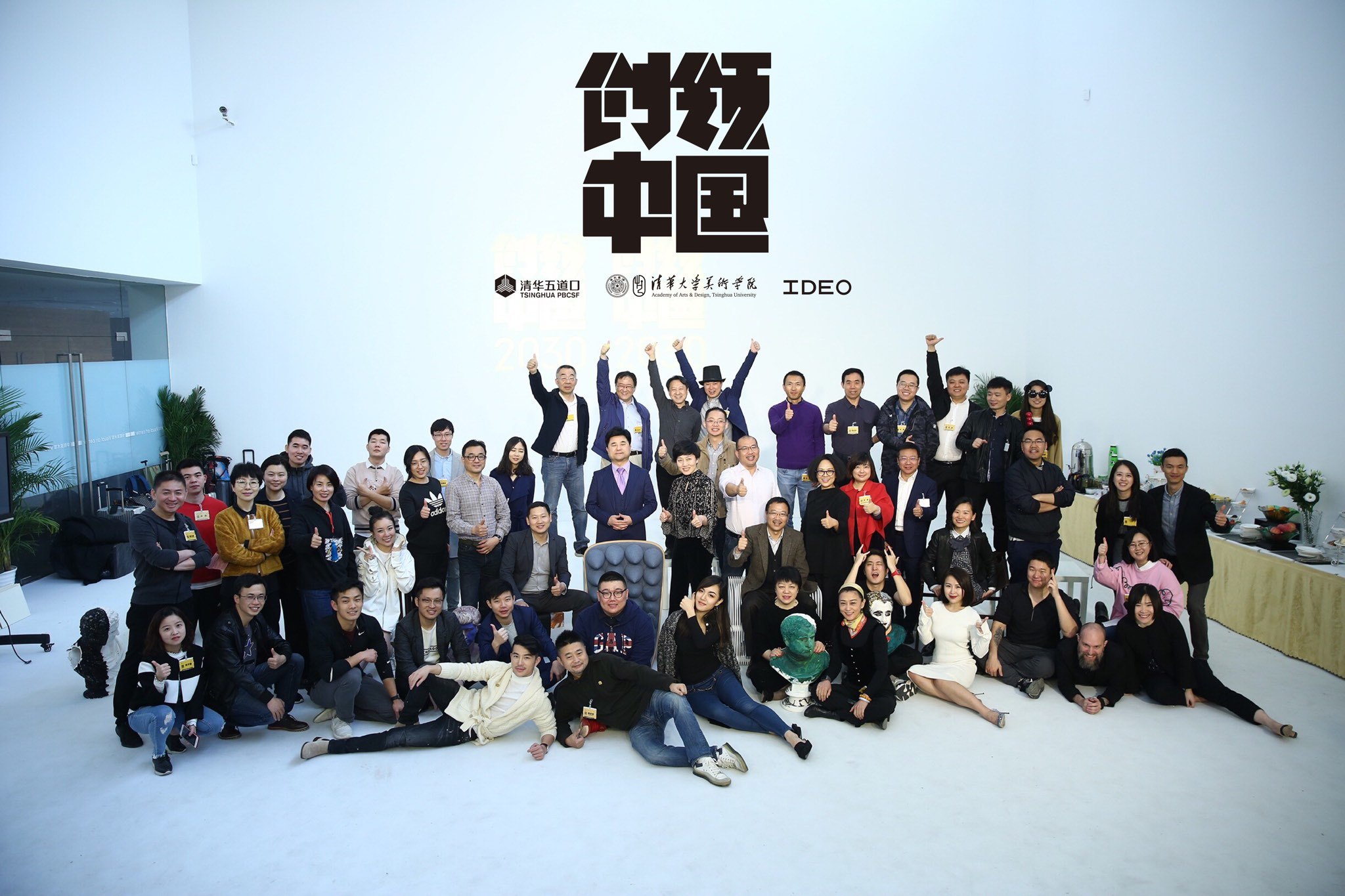
I am responsible for IDEO’s long-term success in China and working with clients to use design as a tool to enable growth.
I am responsible for IDEO’s long-term success in China and working with clients to use design as a tool to enable growth. Specifically, I have helped Chinese companies design holistic brand solutions through the development of their products, communication, services, and innovation teams, and I have helped multinationals expand their presence and influence in China.
I advise global leaders on developing China-led innovation and capabilities.
In over 15 years in IDEO Shanghai, I have worked on projects that use design to elevate the quality of the experience of healthcare products and services, streamline processes that increase productivity, create spaces and programs that promote and enable inclusive communities, and build next generation mobility solutions that are planet-positive.
Before joining IDEO, I worked at Philips Electronics and the Electrolux Group in Italy, the Netherlands, and Singapore on a number of breakthrough commercial products. I am a member of the Young President Organization in Shanghai.

How to use AI as an editor, not a writer
Ed White shares how he uses AI as an editor—not a writer—to sharpen storytelling, rehearse ideas, and preserve the productive friction that makes creative work better.
Ed White has a rule he's tested on his own writing: hold yourself as the writer, and let AI be your editor. Ed is a Senior Design Director at IDEO's London studio, where he co-leads the firm's AI portfolio across Europe. Before IDEO, he spent 12 years as a writer and editor at the Financial Times, Wired, and Contagious. So when he talks about when to use AI for storytelling and when not to, it comes from two decades of crafting his storytelling skills.
In this episode, Mina Seetharaman talks with Ed about two specific tools he uses to keep AI in an editor's seat: a "roasting agent" prompted to critique his drafts without any sugarcoating, and a simulated audience he rehearses pitches on before the real thing. They also get into what Ed is hearing from design leaders at Anthropic, Lovable, Shopify, and Google Creative Lab about how creative work is changing, and why he thinks the friction of writing something yourself is worth protecting rather than automating away.

Building a personal AI for the messiness of life: Sida Li
Becca Carroll talks with Cue co-founder Sida Li about designing a personal AI for the messiness of everyday life—not just work. They explore how Sida stays anchored to human needs while navigating fast-changing technology, product tradeoffs, business-model experimentation, and the realities of building an AI company today.
Most AI products today are built for work—a space with clear problems and established systems. One founder noticed a gap: personal life is messier, harder to systematize, and mostly left behind by the AI boom. So she built Cue, a personal AI that lives inside iMessage and group chats, to go where the other tools haven't.
In this episode, Becca Carroll, IDEO's Chief Strategy Officer, talks with Sida Li, co-founder and CEO of Shared Context Lab, about staying anchored to a human need while the technology around her keeps changing shape, why she treats her business model with the same rigor she'd bring to a product, and what it feels like to build a company at this particular, disorienting moment in AI.
The conversation also gets into how Sida makes design decisions: the language Cue uses to describe itself, the tradeoffs behind building inside iMessage instead of a new app, and a real story about a business idea that didn’t pan out.
This is the second in a two-part series profiling founders from IDEO's Startups-in-Residence program. The first conversation is with Johannes Seemann, founder of Sooner, on designing GenAI for the emotional side of money.

Designing GenAI for the emotional side of money: Johannes Seemann
Designing financial tools around the feelings that shape money decisions.
Most personal financial tools are built to run the numbers and optimize towards a budget. While that works for some, most people experience money as a lived relationship that does not neatly fit into a spreadsheet. Johannes Seemann and Becca Carroll discuss why money is emotional before it is mathematical, and what a human-centered approach to building a generative AI financial product looks like in practice.

The curious leader's edge in uncertainty: Scott Shigeoka
How genuine curiosity helps leaders navigate uncertainty with greater confidence.
Mina Seetharaman talks with Scott Shigeoka, author of Seek and Head of Curiosity Cultivation at the Eames Institute, about what distinguishes genuinely curious leadership from performative curiosity, how power dynamics shape curiosity, and why practicing curiosity can restore energy rather than drain it.
Looks like you might be in search of something very specific?
Or reset the filters above and try another angle.
Here’s some random inspiration
Podcasts about creative leadership
Articles about the power of prototyping