
Store of the future
Sephora reinvents the in-store experience for digital-first shoppers.
Finding the right beauty product online isn’t easy, as shoppers are deluged with choices.
On top of information overload, our research unearthed varying emotional and functional needs when exploring beauty products. When looking for makeup, for example, shoppers are interested in self-expression and open to exploration. But when buying skincare products to fix an acne problem, say, people feel a bit more vulnerable. That insight led to rethinking the retail environment as a space that offers both free range exploration and trial spaces along with engagements that address the individualized needs of customers at different life stages.
Acknowledging that entering a new phase of life can make people feel insecure about their looks, we asked research participants, What does “beauty power” mean to you? Responses suggested a lack of trust in unbiased voices online about how to look and feel powerful. Digital shoppers are continuously bombarded by ads and influencers who are incentivized to push brands who hire them. Shoppers love Sephora for being a neutral space that showcases multiple brands, so we leaned into that strength, designing displays that offer product reviews and details that enable consumers to make informed decisions.
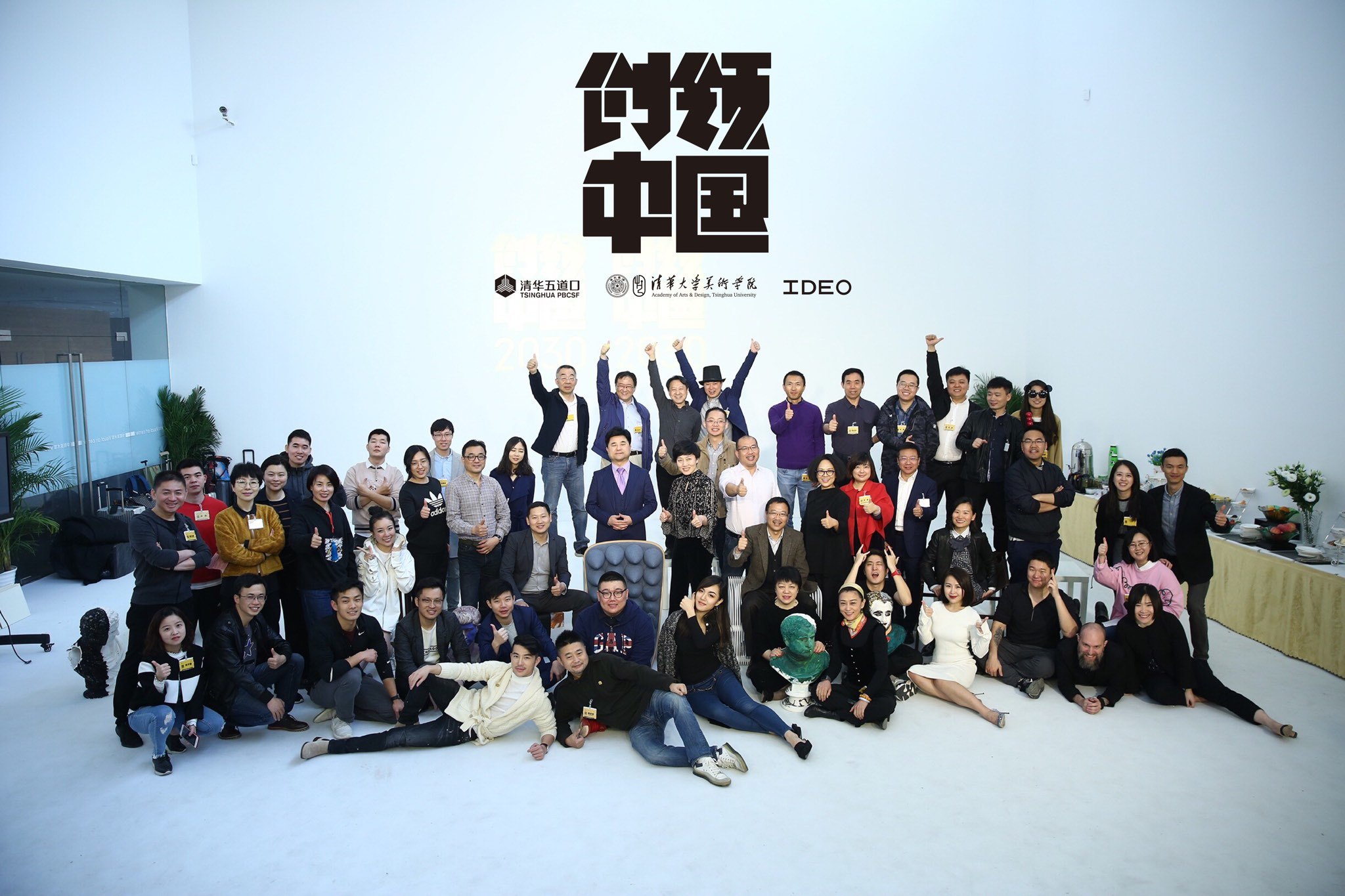
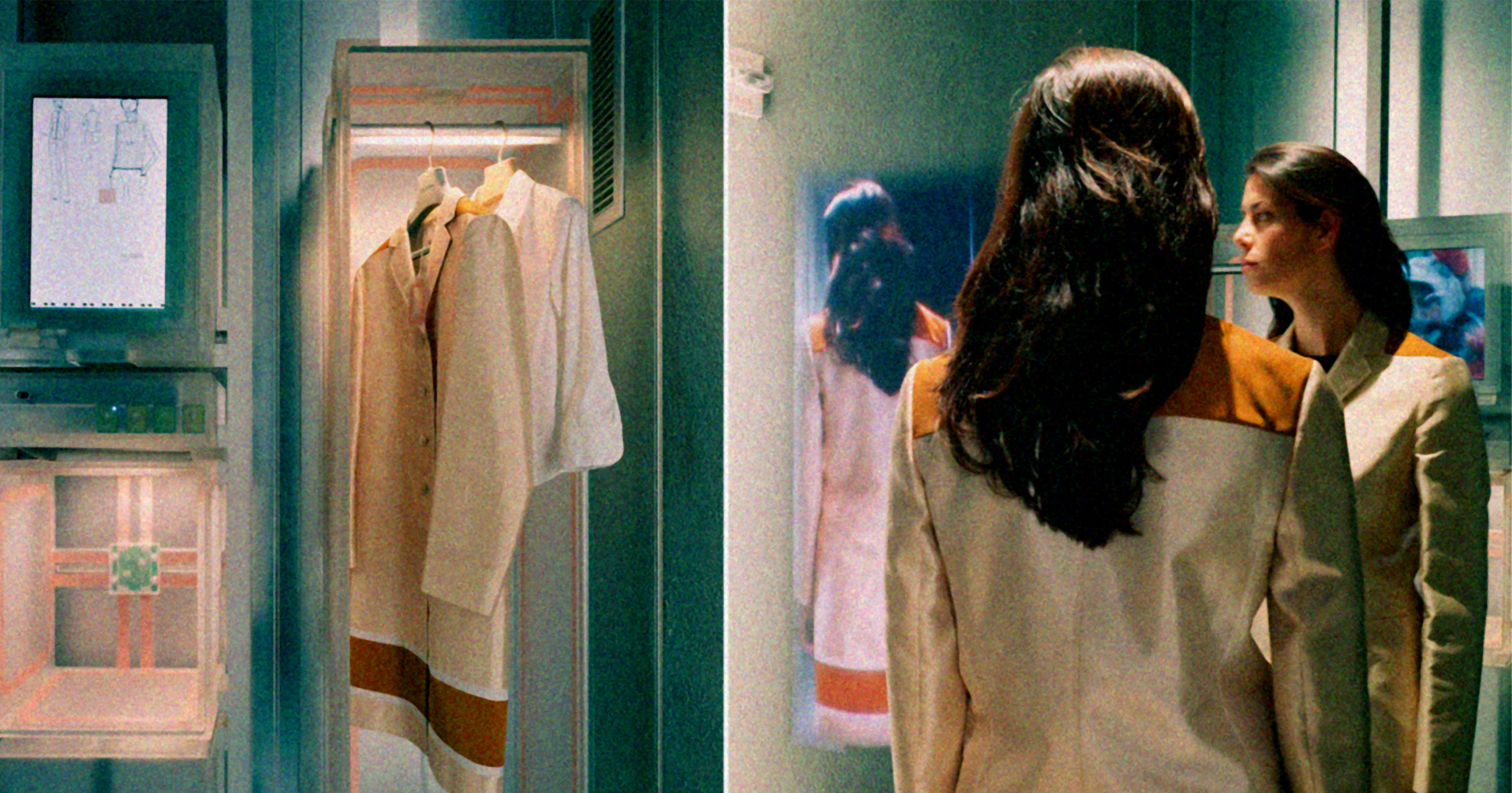
Those displays started as prototypes in a Sephora concept store that filled an entire floor of IDEO’s Shanghai office. In our bright, modern space, consumers of all demographics explored a self-led experience designed to delight. A “Play Table” allowed visitors to freely explore products, using digital platforms to access product details and reviews. Beauty consultants were close at hand to offer assistance. At another pitstop, the “Sephora Beauty School,” offered a spectrum of classes and community activities, providing hands-on guidance and enabling participants to test out beauty bloggers’ techniques. The “Care Table” addressed more personal skincare needs, providing a semi-private setting for individuals to remove makeup, try out products, and consult with experts. Here, digital tools helped consumers understand their skin type, facilitating personalized consultations akin to professional medical care. These innovative features aimed to create a unique, exploratory experience, blending digital convenience with concierge in-store service.
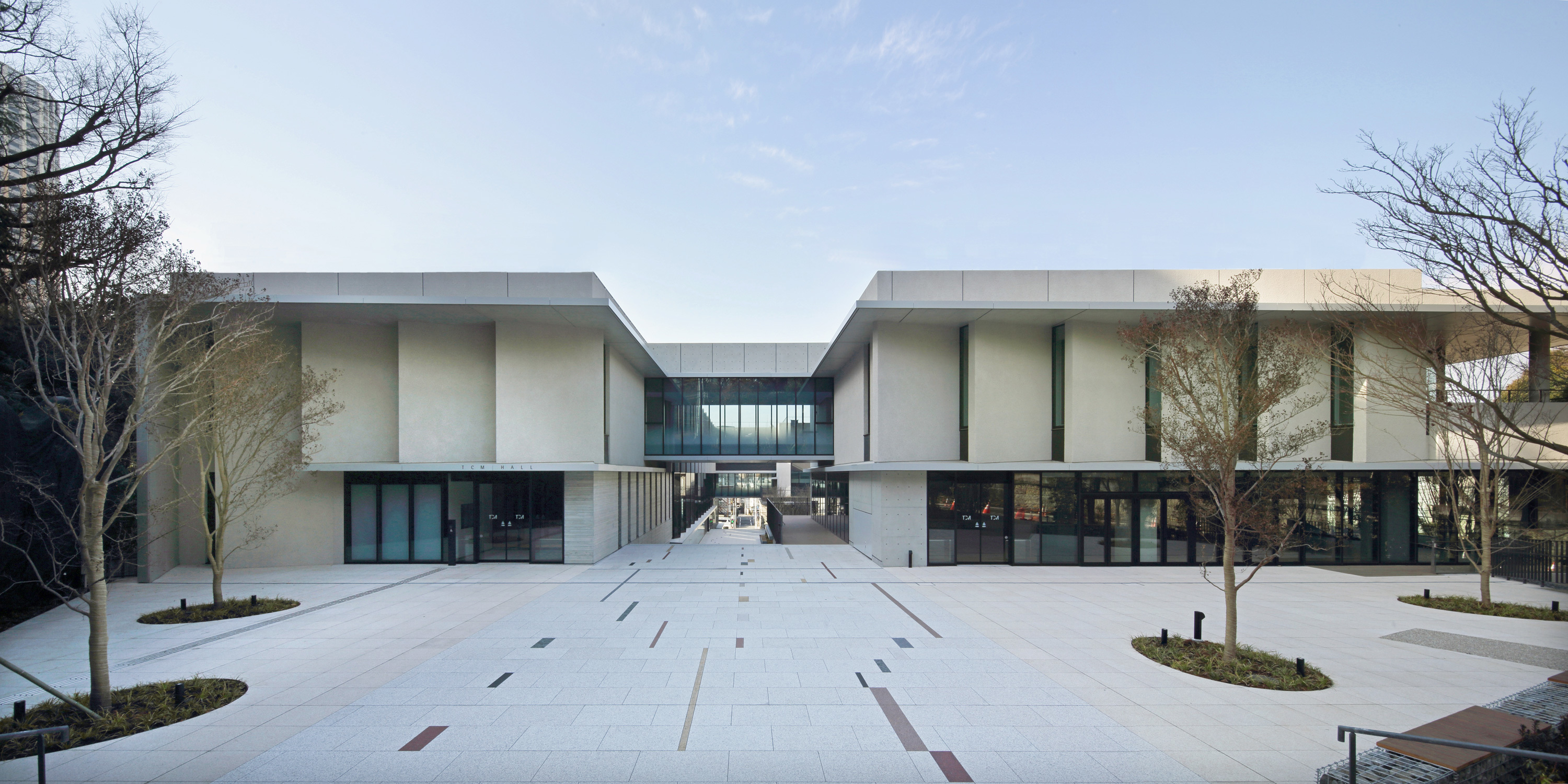
The feedback garnered from that prototype helped the team iterate quickly and gave Sephora the confidence to launch its first “Asia Store of the Future” in Singapore in 2022, followed by a second store in Shanghai in 2023. The Singapore store, situated in Raffles City, offered consumers a free-flowing, interactive beauty playground with a blend of digital and personal services, much like our early prototype.
The success of these two shops validated Sephora’s “Store of the Future” strategy. But experiences must evolve to stay fresh, so the team set up an “engagement indicator” tracking customers’ interaction with digital touchpoints to provide Sephora with valuable insights. Based on those insights, Sephora can continue to iterate its in-store experience and foster loyalty as its customers’ preferences shift.
As hoped, Sephora’s revitalized storefront blends digital and physical experiences in a way that gives every person who enters the store the feeling that they are stepping into their own “beauty power”. By getting close to its customers, building early prototypes, and learning as it goes, Sephora has redefined the in-store experience, ensuring its relevance and appeal in a rapidly transforming retail landscape.
E-commerce has created tremendous challenges to companies whose core business revolves around retail stores.
Online consumers struggle to make informed decisions with the deluge of choices online.
2
“Stores of the Future” launched
107%
traffic increase within four months of Shanghai store launch
Teaching robots to dance
What if technology were designed to make our lives more poetic?
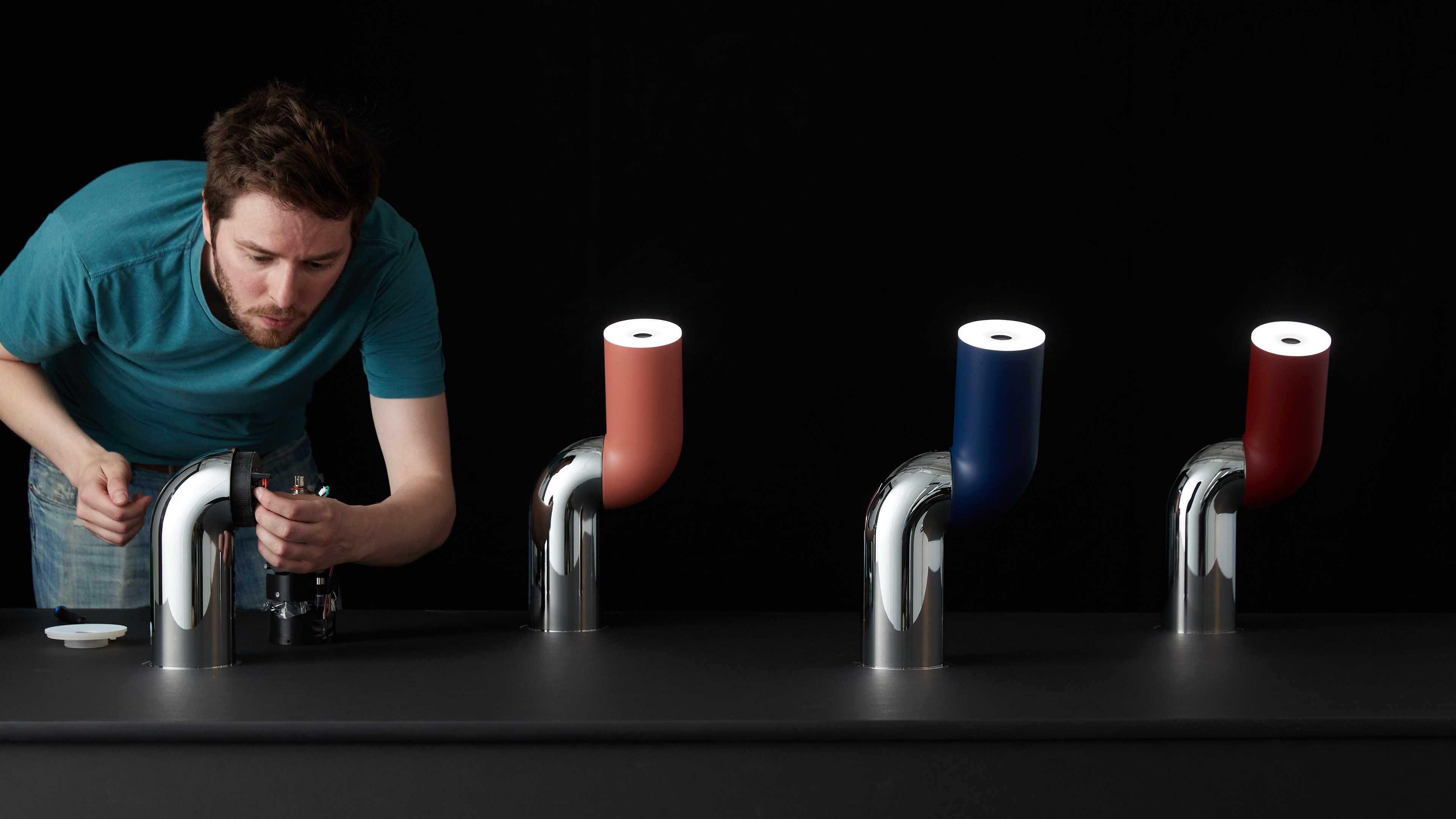
As the curtain parted on moooi’s 2022 exhibit, the audience was treated to a multi-sensory performance unlike any other: four synchronized robot scent diffusers telling a story through dance. As the robots—called Piro—swayed and dipped to the beats of a custom-designed soundscape, it was easy to forget the performers were made by a team of industrial designers and engineers in San Francisco.
The work expressed a future vision for what it means to humanize technology. Rather than design technology to make our lives more efficient, what if instead we designed technology to make life more beautiful?
For twenty years, moooi has seduced the world with bold, imaginative design. The firm, named after the Dutch word for beautiful, made its name by designing furniture and home goods that appeal to an interest in pushing the edges of form as much as function. Moooi came to IDEO looking to create an exhibit for the largest furniture fair in the world that might provoke the audience to imagine a world where design’s primary function was to inspire joy.
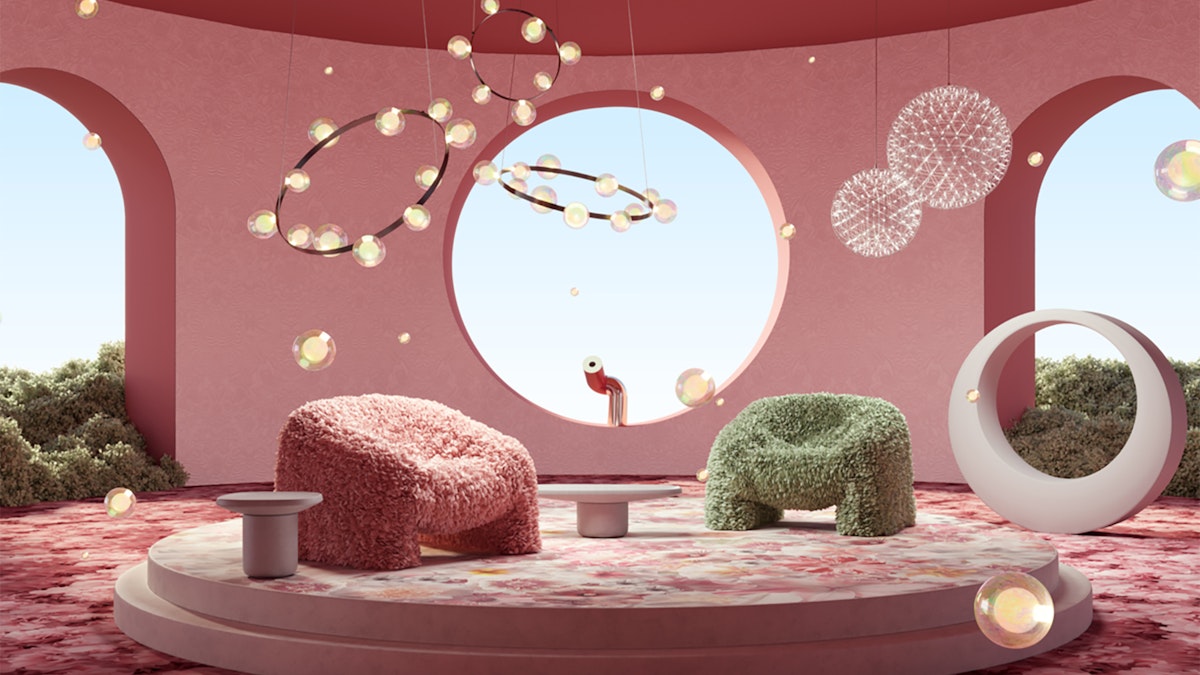
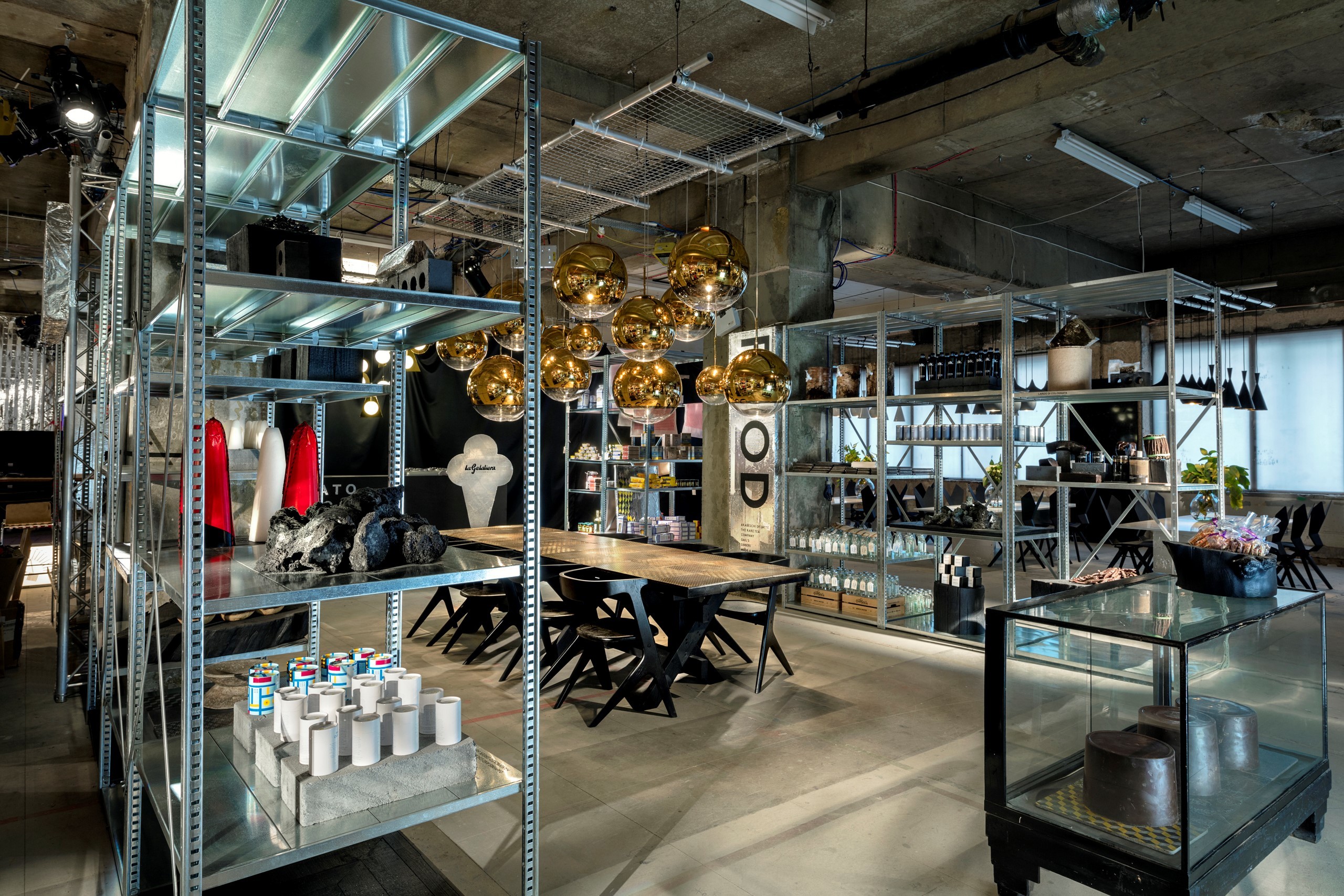
“Defy Gravity”: one of several experiential “worlds” moooi created for the 2022 Salone del Mobile. Each room had its own scent, soundscape, color, and digital experience.
Our process started by going wide. We presented 20 potential conceptual designs to the team, one of which moooi founder Marcel Wanders lovingly referred to as the “farting pet,” a robot scent diffuser that could walk around the home.
A scented smoke ring lingers in the air after Piro’s final crescendo.
From there, a team of IDEO designers enlisted the support of Catie Cuan, a choreographer who specializes in human-robot interaction, and Dutch sound design firm KLOAQ, to refine the concept into a four-minute performance piece.
Piro learned to mimic balletic human gestures.
The final result was technically involved: four robots moved independently, controlled by custom electronics and software designed to mimic the movements and grace of ballerinas. But in the performance itself, the complex mechanics disappeared, allowing the audience to experience not just what technology can do, but how it can make us feel.
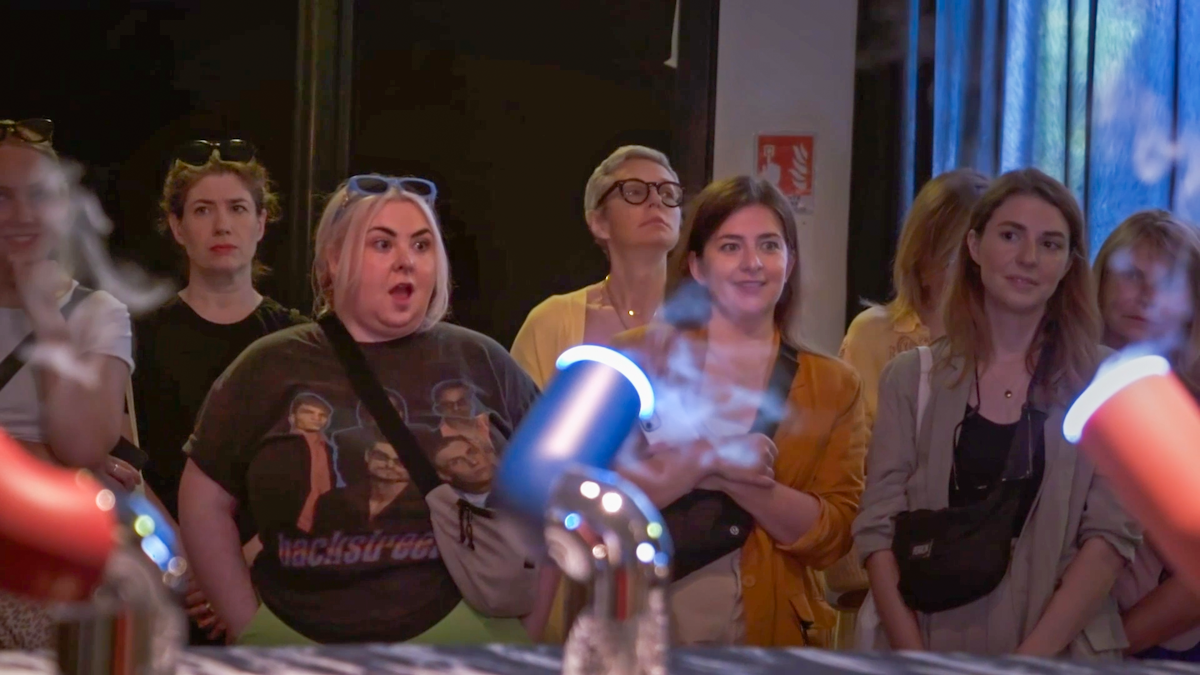
What happens when a designer and a classically-trained choreographer collaborate? Attendees of Salone del Mobile.Milano, the largest furniture fair in the world, got to see for themselves.

Empowering frontline communities
CSAA Insurance Group leads a global call for climate resiliency solutions.
To build a climate-resilient future, we need an all-hands-on-deck approach across industries and organizations, as well as the leadership and collaboration of frontline communities themselves.
To that end, IDEO and CSAA Insurance Group worked together to unite nine partner organizations, including Aon and the Environmental Defense Fund, to launch an open call for solutions to help communities prevent, prepare for, and recover from climate-related disasters. The goal of the Challenge was to surface actionable and scalable ideas that experiment with new technologies, models, and partnerships, then provide innovators with the support and funding they need to get their ideas off the ground and into the hands of frontline communities.
IDEO set these entrepreneurs up for success throughout the submission process, holding one-on-one conversations with participants, sharing constructive feedback on potential solutions, and developing their ideas and skill sets. The team also hosted workshop and panel sessions to grow community bonds and provide expertise on critical topics, including assessing climate risk and storytelling for impact. Hundreds of ideas came in from around the world, ranging from harnessing the power of AI, to building resilient infrastructures, to democratizing access to climate data, and more.
Once all of the ideas were in, a cohort of judges with a wide diversity of work and lived experience screened for concepts that were relevant, impactful, novel, community-informed, and equitable. At the end of the Challenge, the team chose 13 winning concepts with high potential for impact and partnerships, including Reef Rocket, which seeks to fabricate natural biocement reefs that reduce coastal flooding and erosion, and BurnBot, which is working to prevent wildfires by conducting controlled burns at scale.
For these winning entrepreneurs, the end of the Challenge is just the beginning. Now, they are equipped with critical early funding, as well as a cohort of climate entrepreneurs, along with mentorship from IDEO, CSAA, and the other organizations. It’s a big step forward as they introduce new forms of equitable and transparent data, promote the voices of BIPOC communities, and bring to market new technologies that will protect and support frontline communities through this ongoing crisis.
In the US alone, climate-related disasters cause $120 billion in damages annually. That figure is five times greater than 50 years ago, and projections are $2 trillion by the end of the century.
Nearly 90% of counties in the US declared a natural disaster over the last decade.
418
submissions
13
winners
$1M
in prizes
Faster science
How the NSF leveraged design to unite multidisciplinary teams.
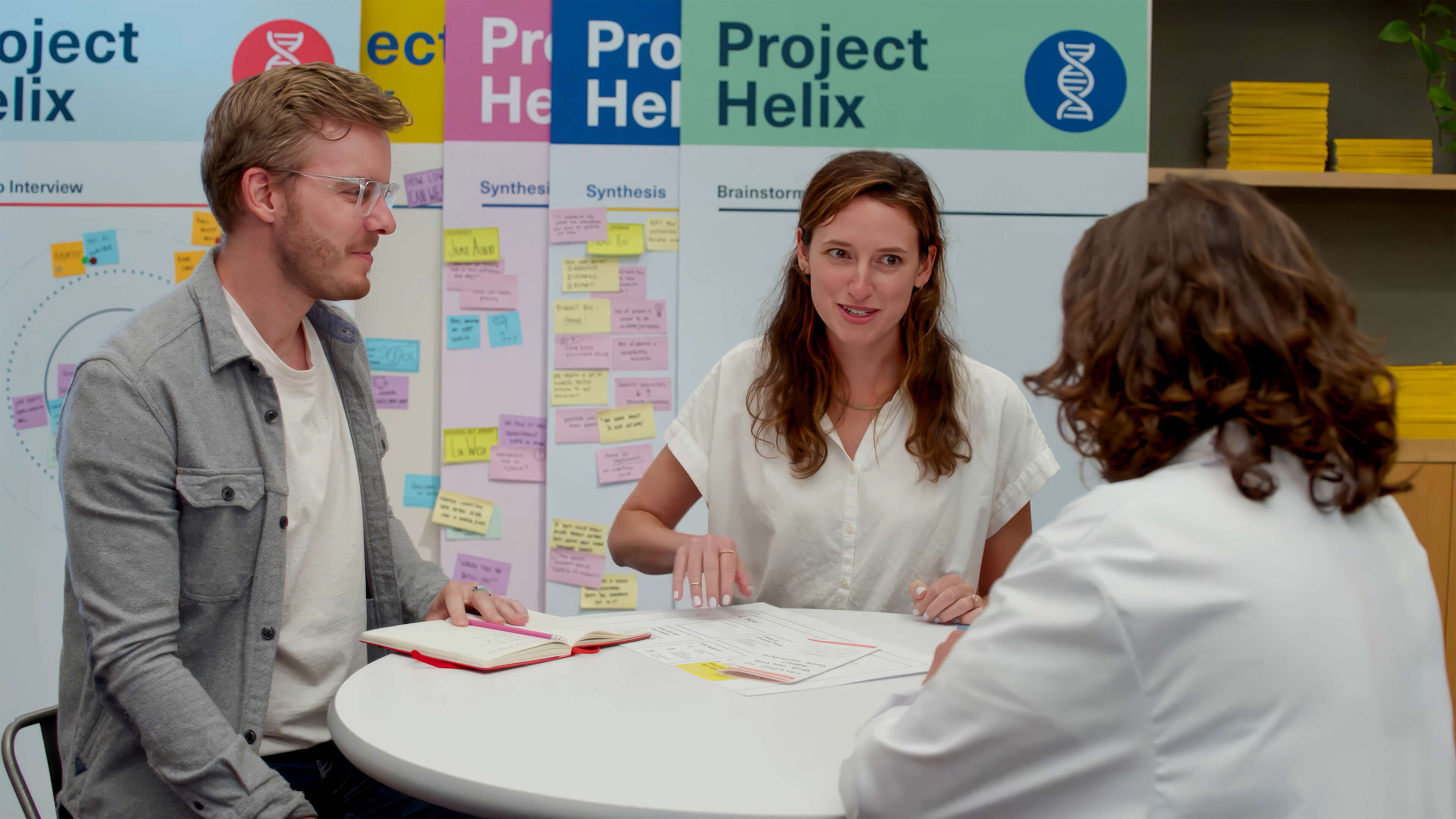
Every year, the NSF provides around 30 teams with up to $750,000 and a year’s worth of coaching, training, and collaboration to develop solutions for research areas like sustainable ocean use or combating fake news. Over the course of nine months, the teams learn how to uncover insights about human needs and design durable solutions for end users. But many of the scientists and experts in the program felt stretched by the idea of putting the needs of end users in the mix with their scientific testing—something few of them have been trained to do in their previous work.
To make that process feel more achievable, the teams built out prototypes and received guidance on refining and pitching their ideas along the way. IDEO joined the project as an innovation partner, facilitating hands-on workshops and creating “Science TV” episodes that could help the program reach a broader audience, deepening its impact now and in the future.

To help grantees get vulnerable, and evolve their ways of working, IDEO sent grantees to improv training so that they could learn to build off each other. The team also took them to magic shows and on ghost tours in downtown San Francisco to learn the value of compelling storytelling in their work. The fun was part of the plan—gelling as a team and building relationships meant participants could make mistakes in front of one another. Being wrong doesn’t come naturally to academics, but it’s a key part of the design process, and a crucial part of solving complex problems .
Each year, a select group of teams move onto the next phase of the “coop-etition,” receiving up to $5 million in additional funding. And all of the participants leave with valuable new skills they can use to break out of their own silos and create human-centered, ground-breaking solutions for the rest of their careers.
When the NSF launched the Convergence Accelerator and made the radical move of bringing together teams from different disciplines, these academics, scientists, and industry partners didn’t have a shared language to move their ideas forward, and needed a structured approach to coming up with new solutions.
164
trained research teams
$200M
in federal support granted to AI-driven innovation, quantum technology, food security, sustainable materials, opportunities for people with disabilities, and more

Quick + Dirty Design Tips: Animation in After Effects
Animation tips from an After Effects power user
For this method of animation, make sure to use only lines in your Illustrator file. The idea is to animate the lines across their own path, so the way you design them will play a big part on how elaborate your animation will be.
Watch this video for a quick step-by-step guide to animating lines in After Effects:
- When your Illustrator file is ready, import it to After Effects. You can simply drag your Illustrator file to the Project area or go to File > Import > File.
- Drag the imported file to the Timeline. It will automatically create a Composition.
- Now you must turn your Illustrator file into Outlines that After Effects can control. On the timeline, right click on the layer and select "Create Shapes from Vector Layer.
- The next step is to animate your outlines. For that, you will need to add a Trim Paths feature to your new layer.
- On Trim Paths, use keyframes for Start/End to change when and where you want your paths to animate. If your file has multiple lines, you can choose to animate them simultaneously or individually.
This technique is a simple and effective way to create powerful motion graphics for storytelling, user interface behaviors, or even a simple animated gif. Hope you enjoyed it!
Adobe After Effects is one of my favorite tools for prototyping user interfaces, creating video scenarios to communicate a context of use, or simply crafting stories through animation. It's a tool that allows you to explore and visualize ideas, and there's no right or wrong way to use it. Here are a few tips for using After Effects to animate vector lines imported from Adobe Illustrator.
Why You Should Keep Making Stuff By Hand
Don't let technology stop you from getting your hands dirty
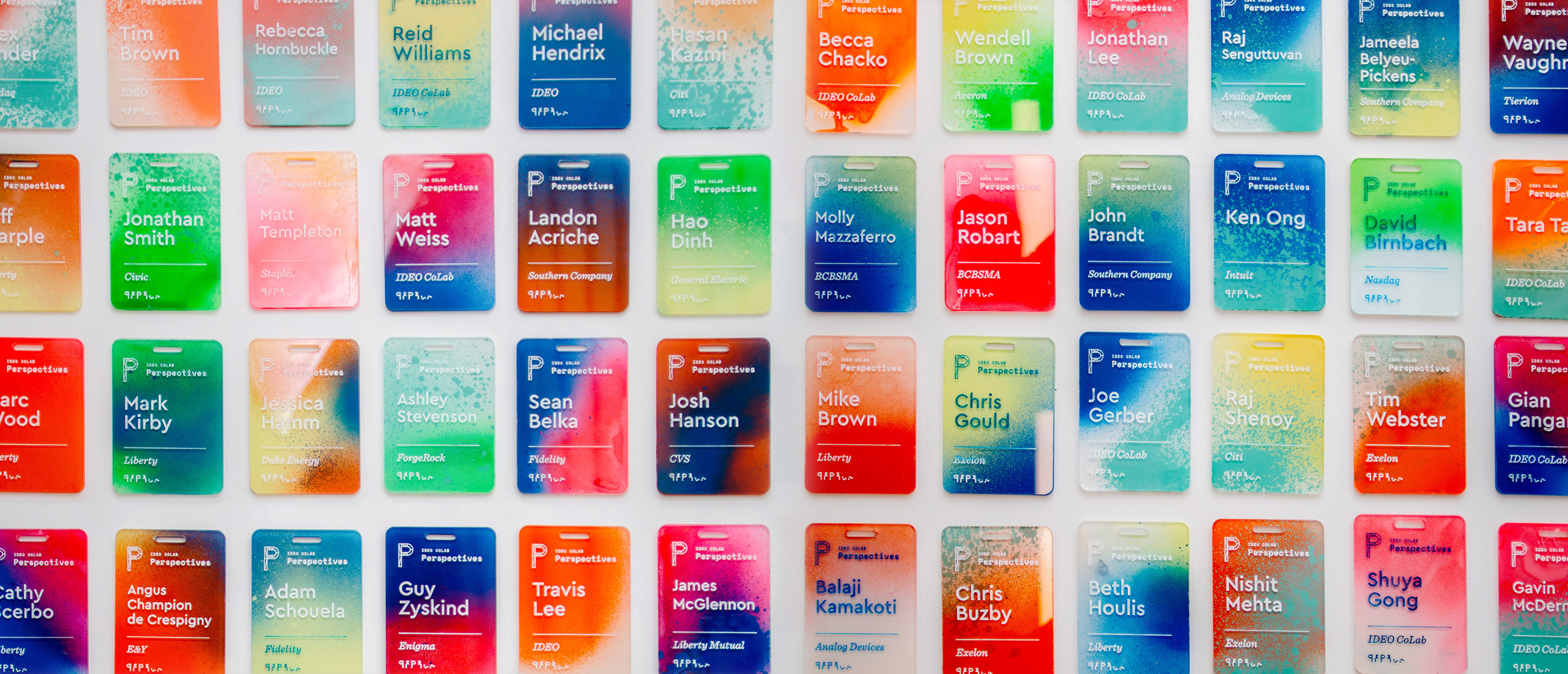
So, when the opportunity comes up, I like to turn off the computer and focus on creating artifacts. While an object is just a thing that serves its purpose until it’s tossed out, an artifact sparks an invisible conversation, a connection between the human who made it and the human experiencing it. Even something that people don’t think twice about, like an event name tag, deserves to be well designed.
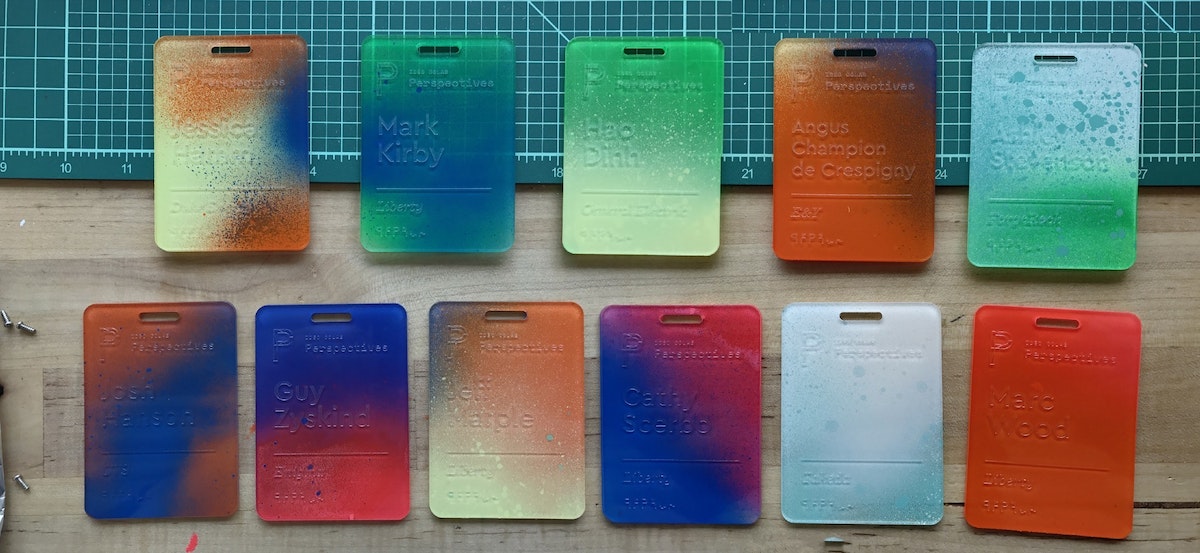
That belief drove me to create a collection of one-of-a-kind name tags for a CoLab event. I wanted to make something with my hands that would bring a level of craft to our content. The tags served as the icebreaker for more than a few conversations, and reminded people at the tech-focused event that there's a human element to everything. Many attendees we reached out to a month later said that they still had the tag on their desks.
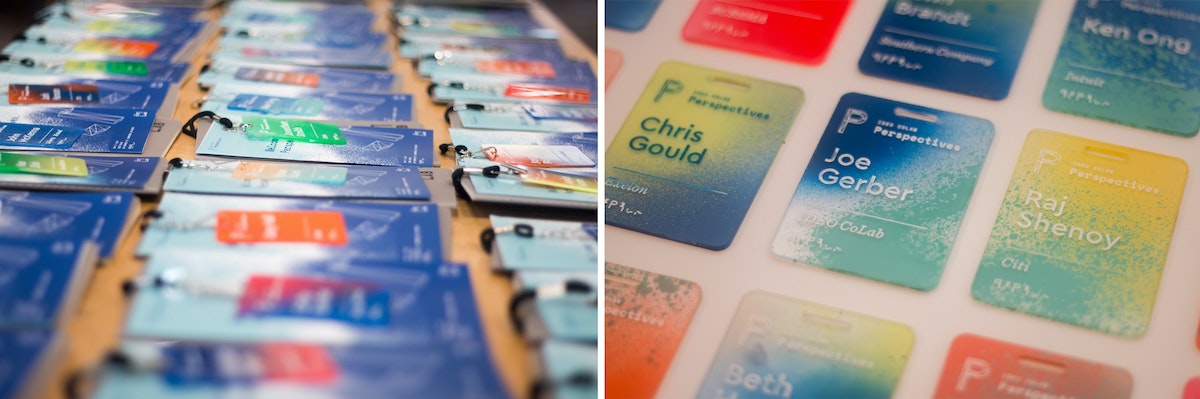
The process was simple, but arduous: I laser cut blanks, etched the names, spray painted each tag using unique colors and angles, and finished it off with acrylic screen printing ink to make the names readable.
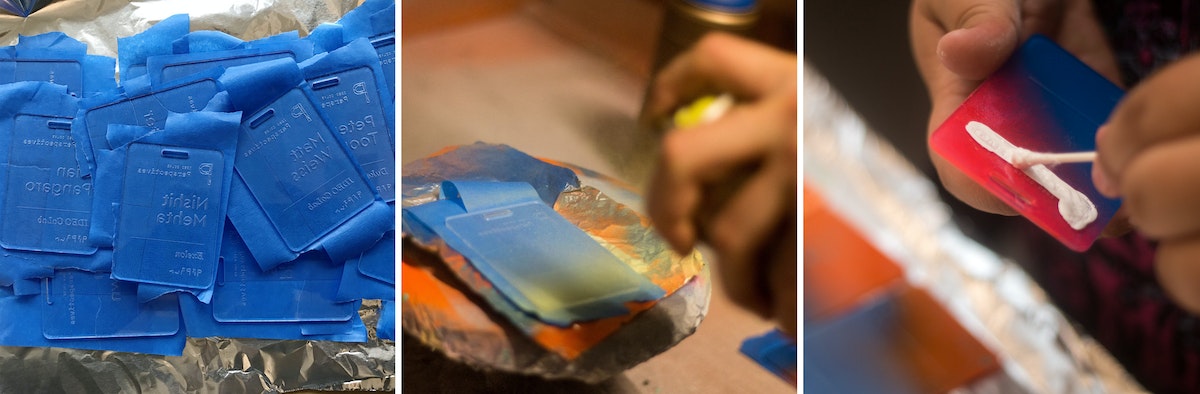
Here's how I did it, step by step:
1. Creating the blanks
I designed the negative of the template so that I could later use it as a jig. I used 18 x 24 inch sheets of 3mm acrylic, so that with the name tags at 2.5 inches x 3.5 inches, I could fit about 32 comfortably in each batch (as opposed to 38 if I used all available space and threw away the negative).
Acrylic sheets tend to melt and then cool quickly in the laser cutter, leading to possible sticking, so I usually add about .2mm to my thickness settings to compensate (i.e. I was using 3mm acrylic, but put 3.2mm in the settings). There are two benefits: One, you guarantee that you actually cut through the sheet. Two, it also gives you a little bit of wiggle room so you don’t end up with hard to pick out joints.
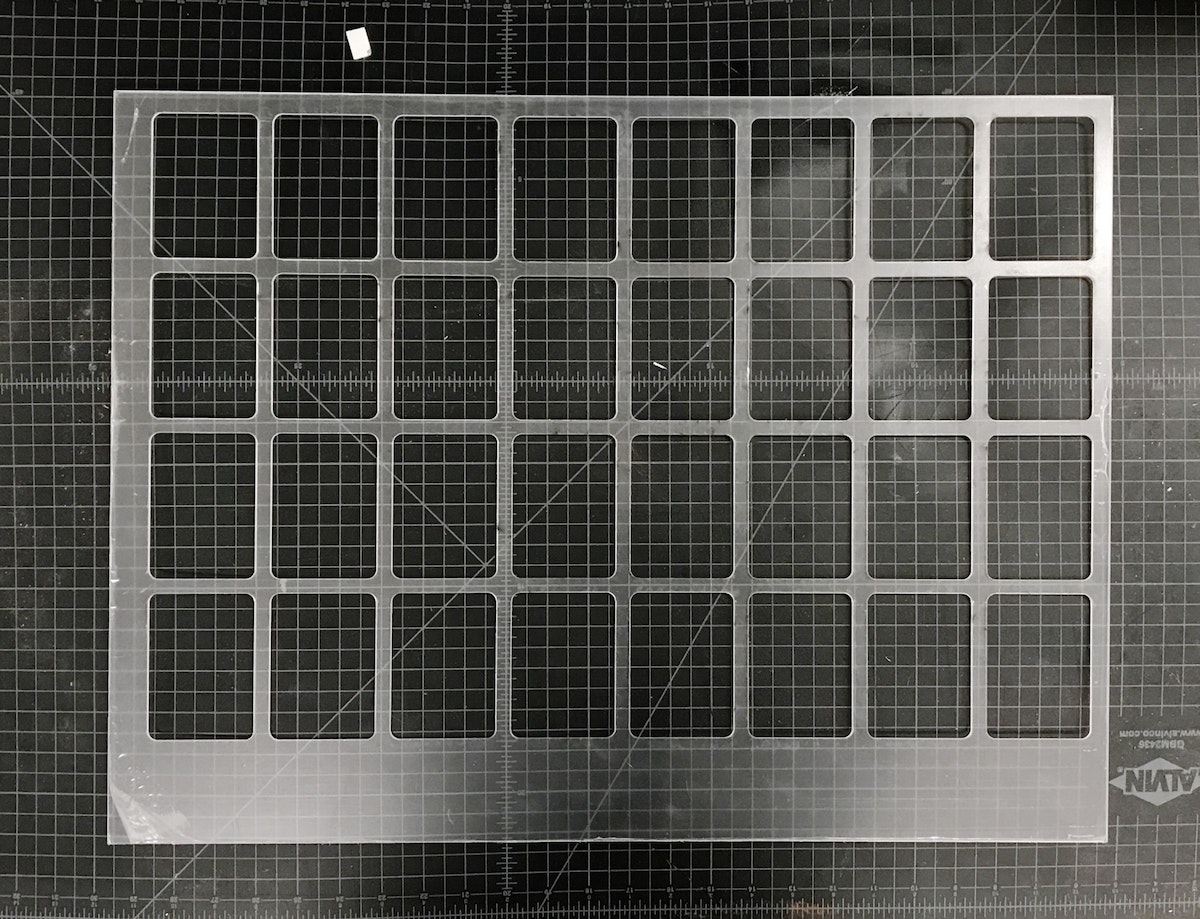
Pro tip: The key to making the most of your acrylic is to leave space for future cuts on the same piece. Instead of designing my reusable jig with all the name tags in the center, I threw them to one side so that I could use the other end again. After I cut the jig, I could get 38 tags out of each subsequent batch because I could simply throw away the negative. Another bonus: When there’s excess acrylic on one end, you can always tell which side goes in which direction.
2. Etching the blanks
Once the blanks were cut, I needed to take the protective plastic off of one side, so that I had a clean surface to etch onto. I peeled the tags, slipped my template jig back into the cutter, and dropped the blanks into place.
The etch file is the same as the template jig, just with a red cut box around the perimeter of the file denoting the edge of the acrylic.
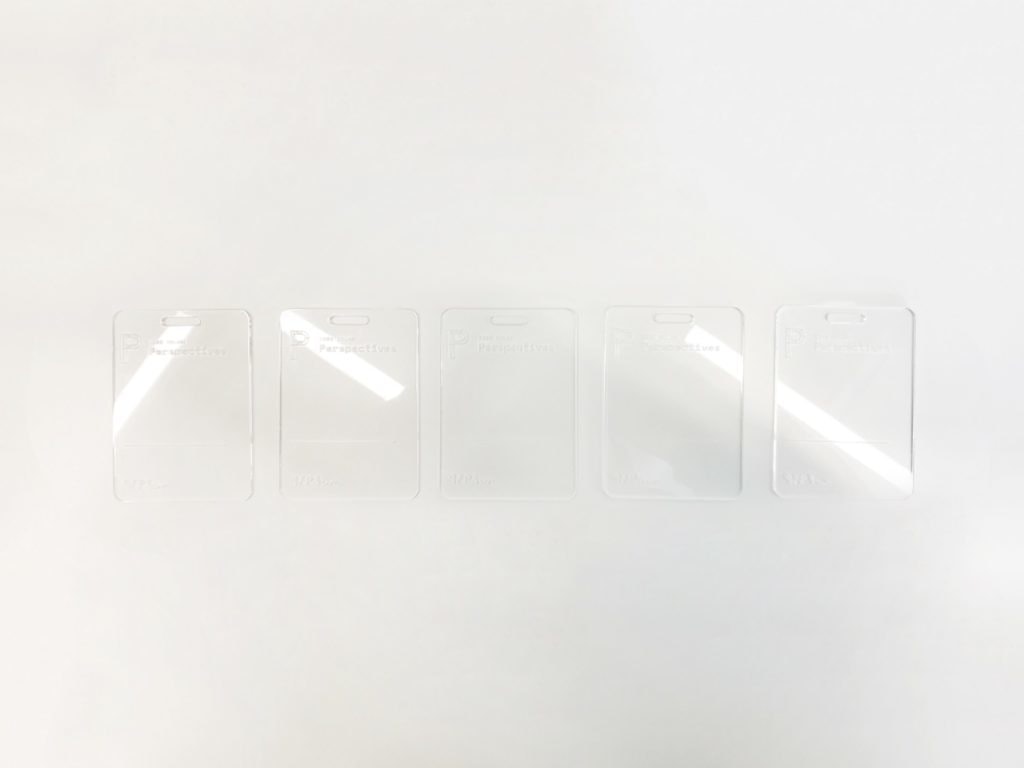
Once I had an etch file ready to go, all I had to do was push the file to the top left of the cutting area and check the focus points of the laser on the first tags on the first and second rows. Since the etch file is in the same grid form as the old cut file, everything is already spaced for me. The etch settings held ink best at around 74 to 76 percent power at 100 percent speed.
One final thing to note: We don’t want to cut anything (we’re just etching), so after setting my etch power, I set the cutting lines to 0 percent power and 100 percent speed, so we just blow right past them.
3. Taping the etched tags*
Once the blanks were etched, I peeled the plastic off of the back of the tags, then covered the etched side of each in painters tape to keep them clean.
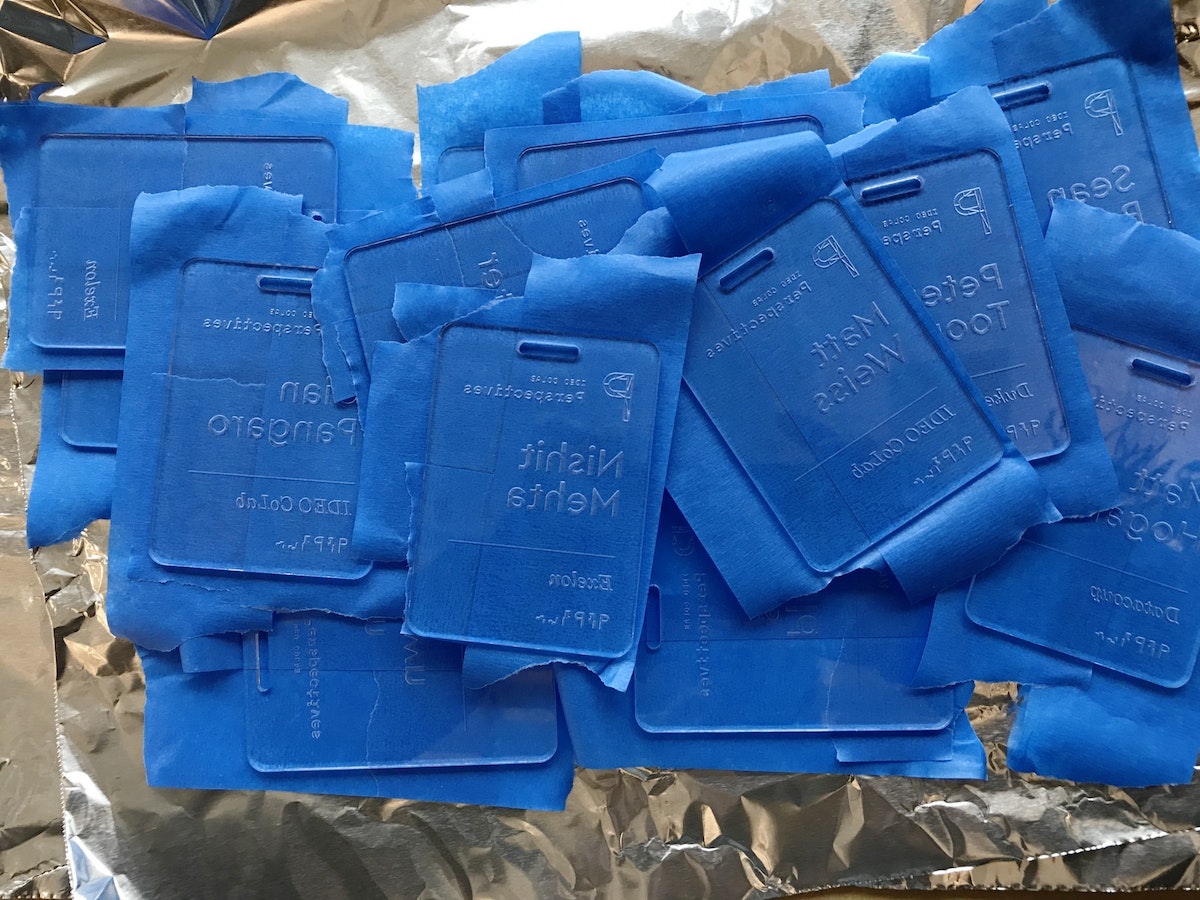
4. Spraying the tags
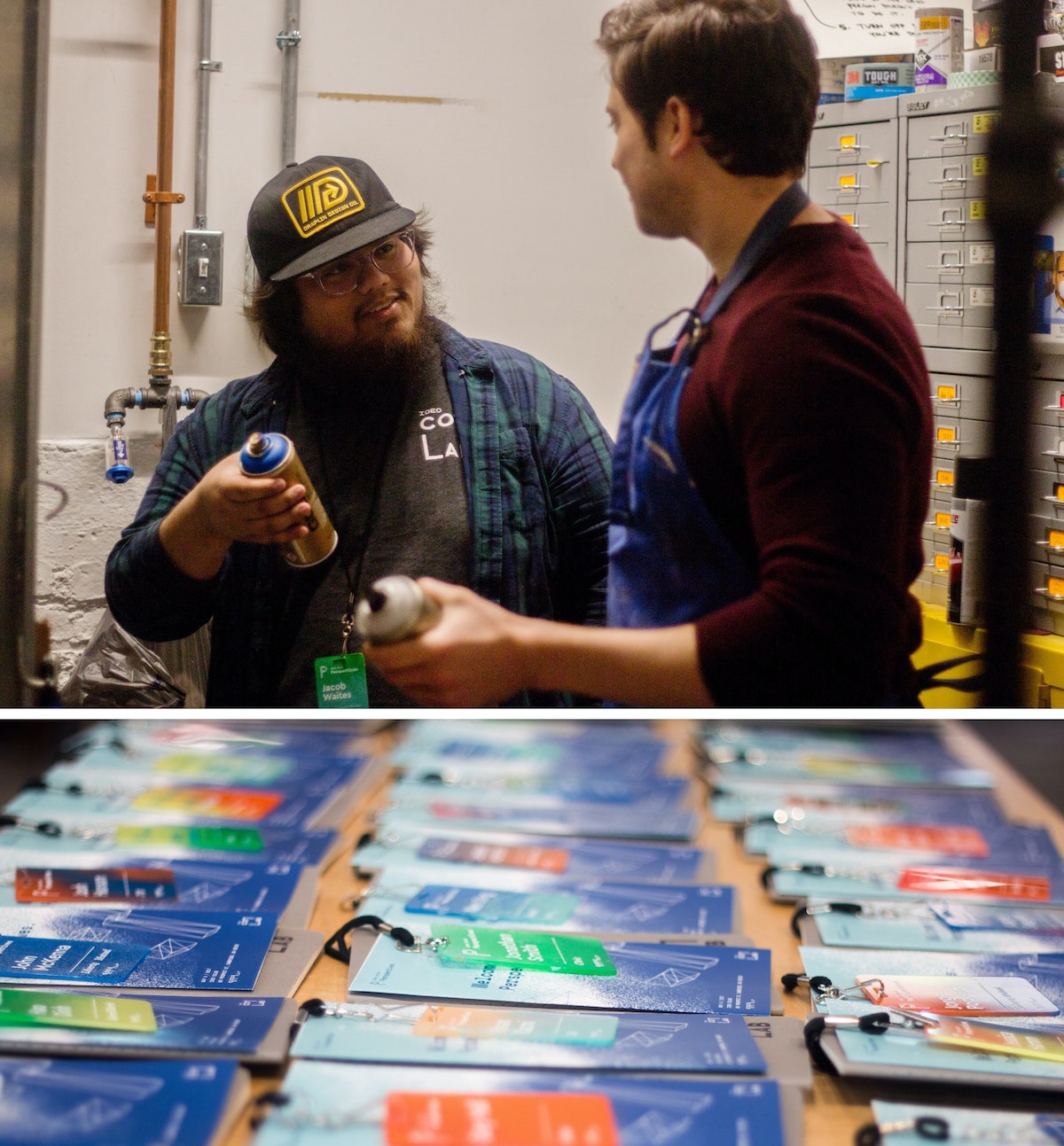
After everything was taped, I slapped some aluminum foil in the vent hood and got to work spraying each tag. The process allowed me to bring out some of the old airbrush tricks my dad showed me as a kid, like holding a tongue depressor at a 60 degree angle in front of the nozzle to create thicker splatter. I used two to three colors for each tag, at varying angles.
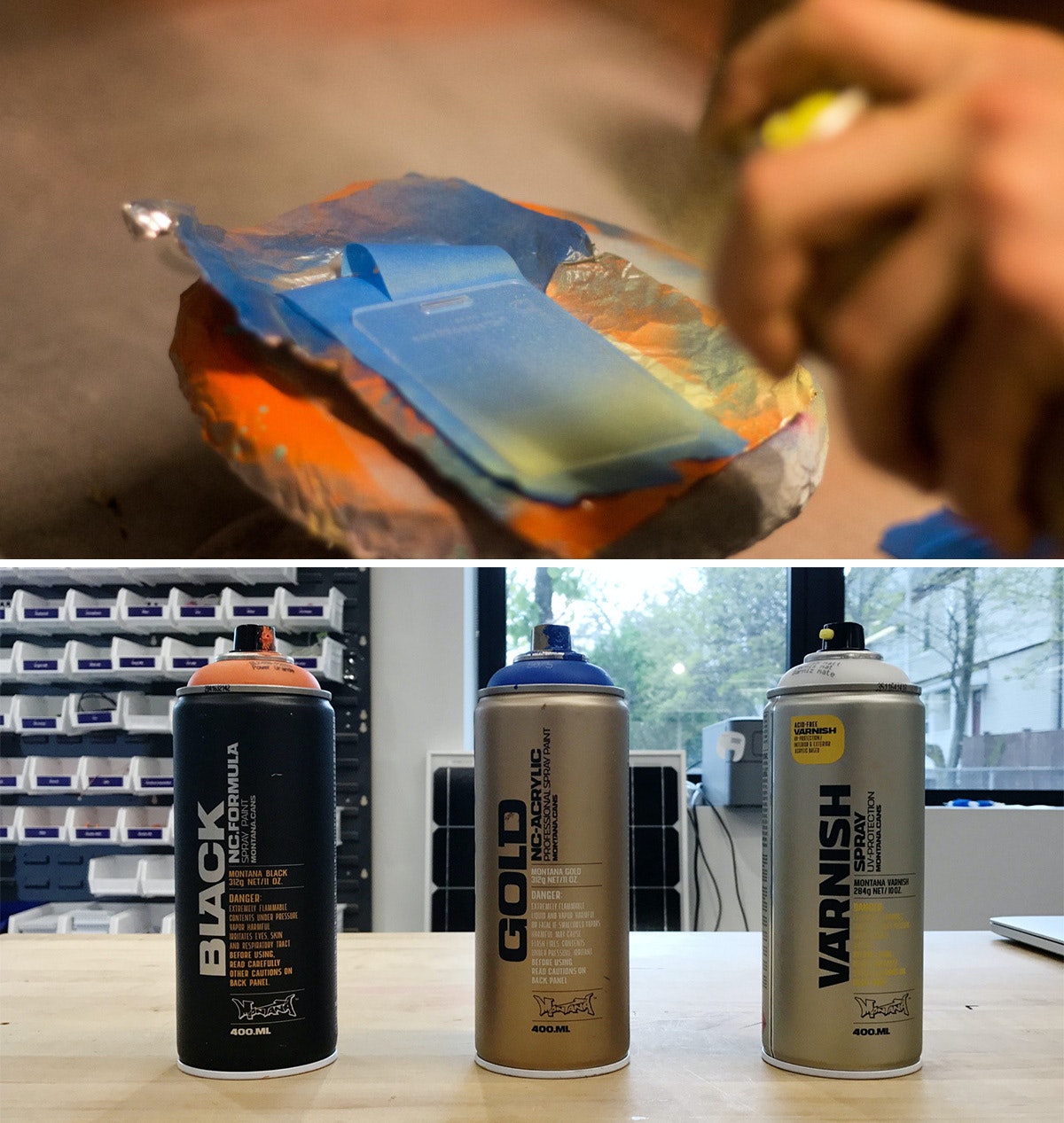
I used Montana brand spray paints, and I definitely recommend using the BLACK formula. Over the course of the project, it dried on the acrylic within four and-a-half minutes, which is pretty insane. The GOLD formula was comparable, but my run of the mill Krylon paints took much longer, so it’s worth the extra bucks to buy Montana.
Pro tip: If you’re spraying a bunch of parts in a hood, aluminum foil is actually a great material for coverage as it tends to not stick to your parts like paper.
5. Sealing the tags and revealing the beauty
After the sprayed tags had dried, I hit the painted side with a couple quick coats of the Montana clear matte varnish so that they wouldn’t stick to each other. When everything had dried, I peeled off the painter’s tape—my favorite part of the project.
6. Applying the ink inlay
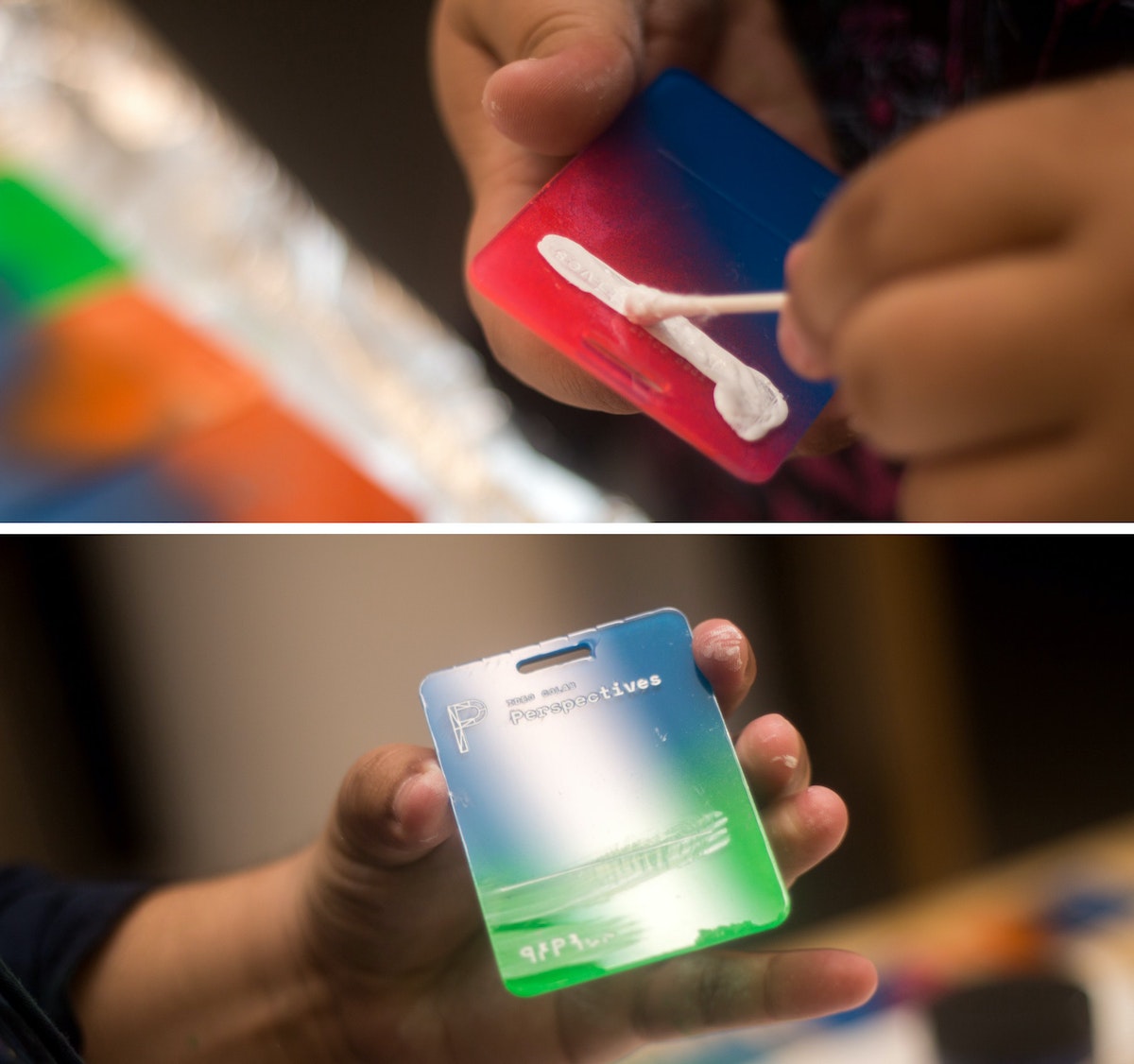
Next came the most time-consuming part: the ink inlay. I used speedball acrylic screen printing ink for its fast drying time, and how easily it wipes off acrylic. I liberally brushed and swabbed the ink into the etch using a Q-tip, then quickly wiped the excess off with a paper towel. Once dry, they were ready to go.
That's it!
*Imperfect process: I know what you’re thinking—why didn’t you just remove one side of the plastic before etching, spray that side, then remove it from the other side, then etch that? I did! After a few batches, I added the taping step because I noticed the spray paint was eating away the plastic coating that kept the paint off the front of the tags.
I work with CoLab, IDEO’s tech-focused R&D group. I’m also someone who’s committed most of my life to craft. Luckily, my day job allows me to bring the two together. But the minute you start making a living from your craft, problems start to surface. You get burnt out. You compromise your vision to deliver things on time. At that point, you're no longer transforming objects—you’re just pushing matter around.
Thoughtless Acts: Single-Serve Medicine
Thoughtless Acts: Single-Serve Medicine. The intuitive ways we adapt and react to things in our environments
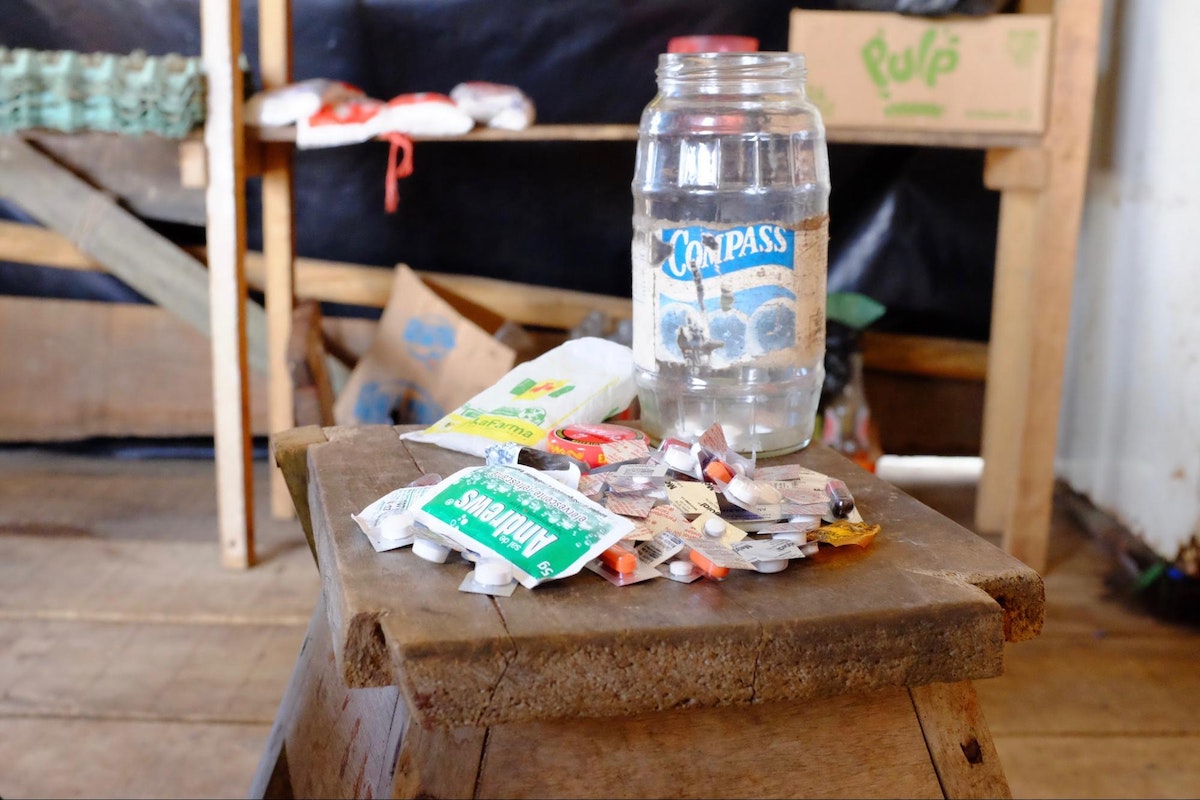
I snapped this photo in the Amazon jungle town of Iquitos, Peru. A jar full of individually cut blister packs sat in the corner of a general store set up in front of a family’s home. By making individual doses available—not even a daily dose, but a single, one-time dose—more families were able to afford treatment for their ailments. In a community where money is very scarce, this family was filling a very real, pressing need that wasn't being addressed by local stores.
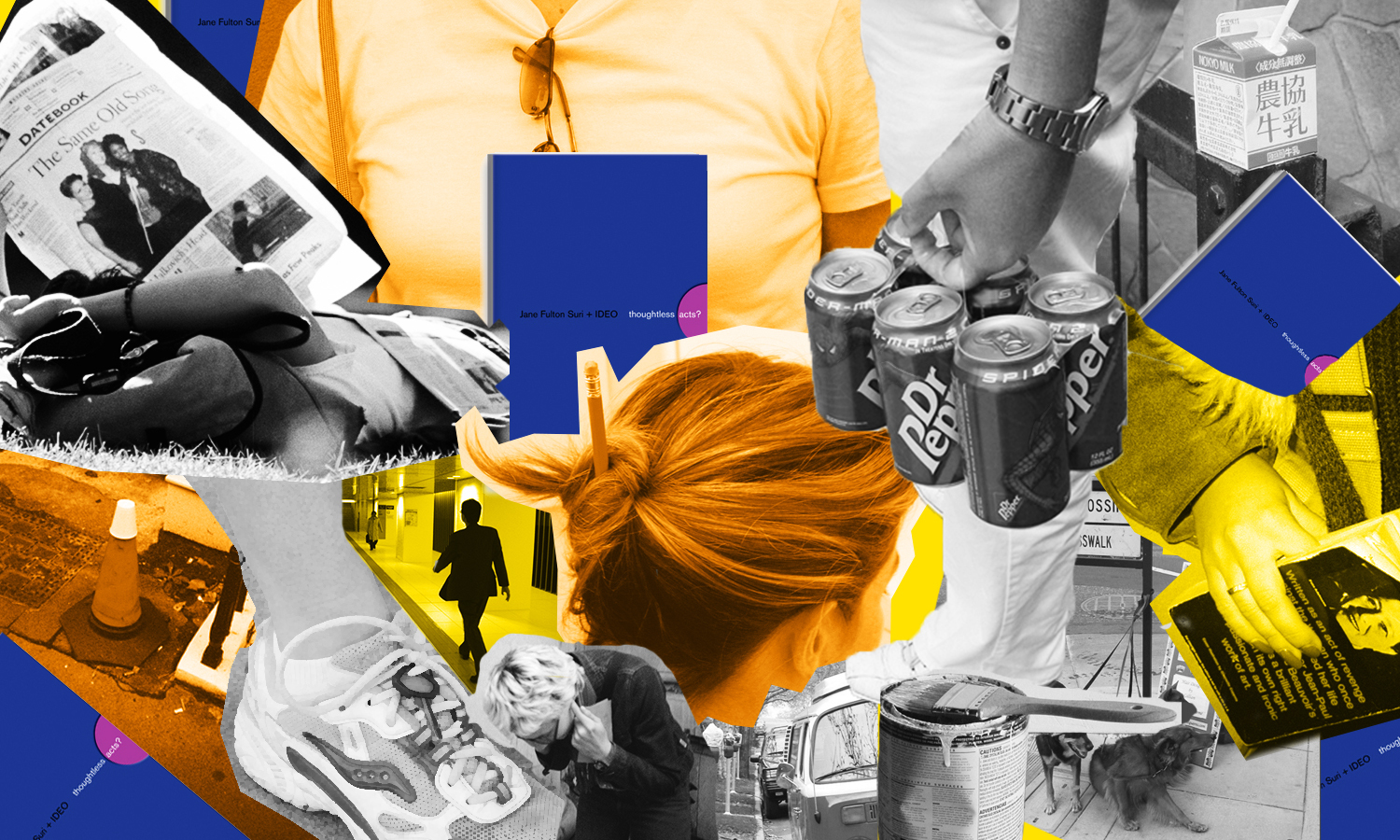
Human-centered design requires us to observe human behavior with beginner's eyes, so that we can spot the innate ways people interact with the world around them. We call these intuitive and unconscious reactions Thoughtless Acts, and IDEO designers collect photos of them to inspire their work.
A Day in the Life of an Environments Designer
Ever wondered what an environments designer does all day?
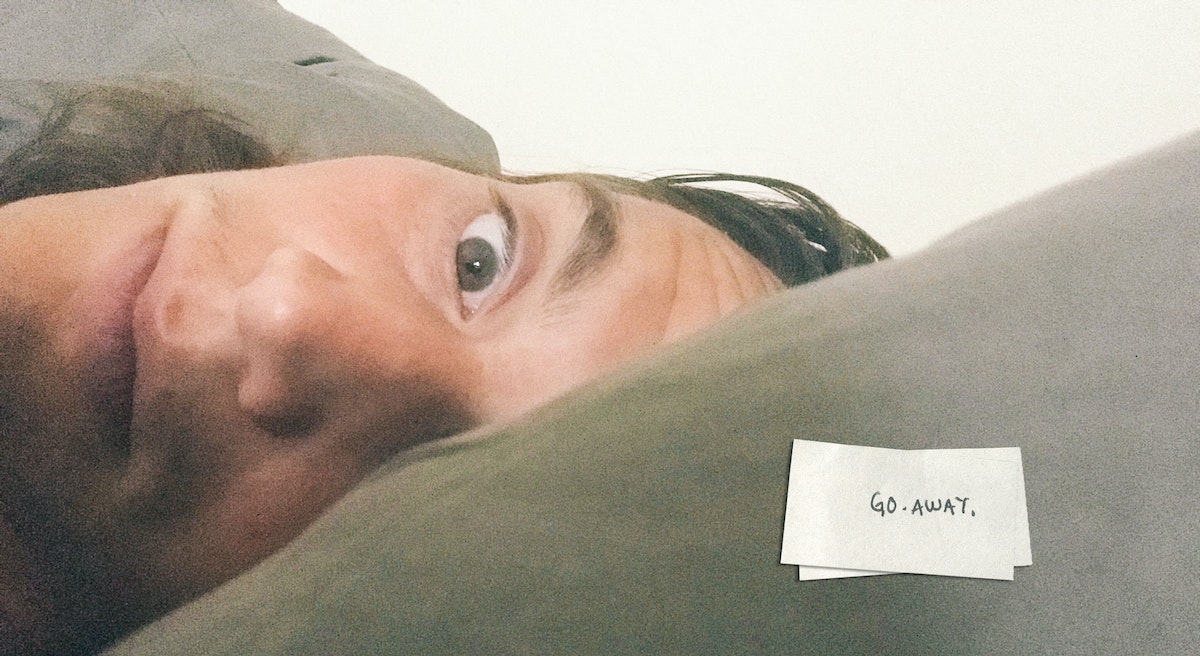
6:20 AM: Snooze
6:30 AM: Sweep
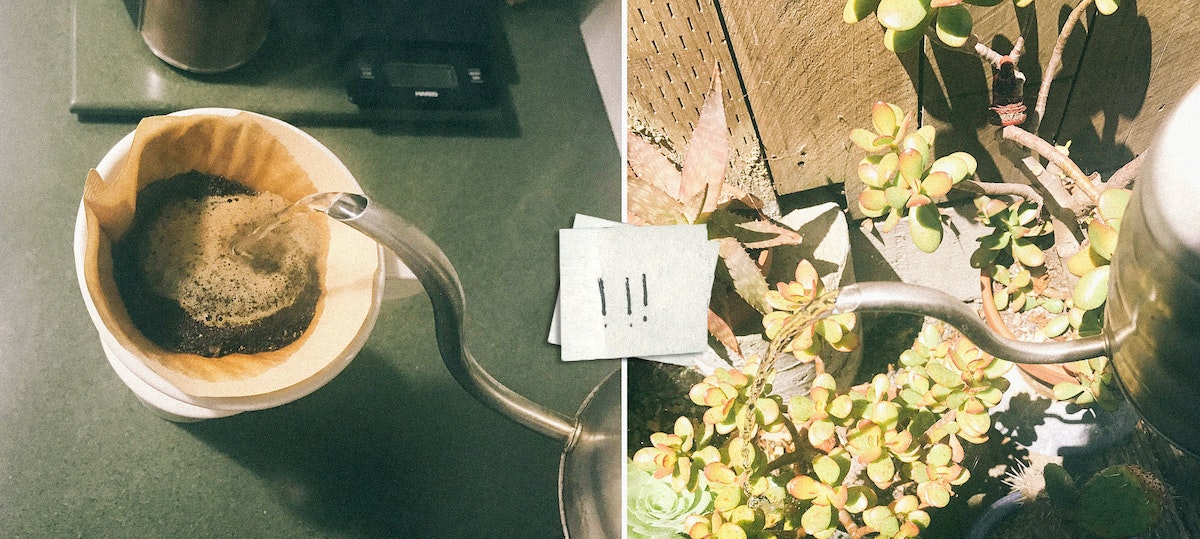
Sweep. Make the coffee, water the succulents, check out a few new product curation apps and services the team has been talking about. While riding the bus across the Bay, I read about immigration patterns and how they affect consumers in North America. Staying inspired is part of our job, so I try to start each day with a healthy dose.
9:00 AM: Birthday shenanigans
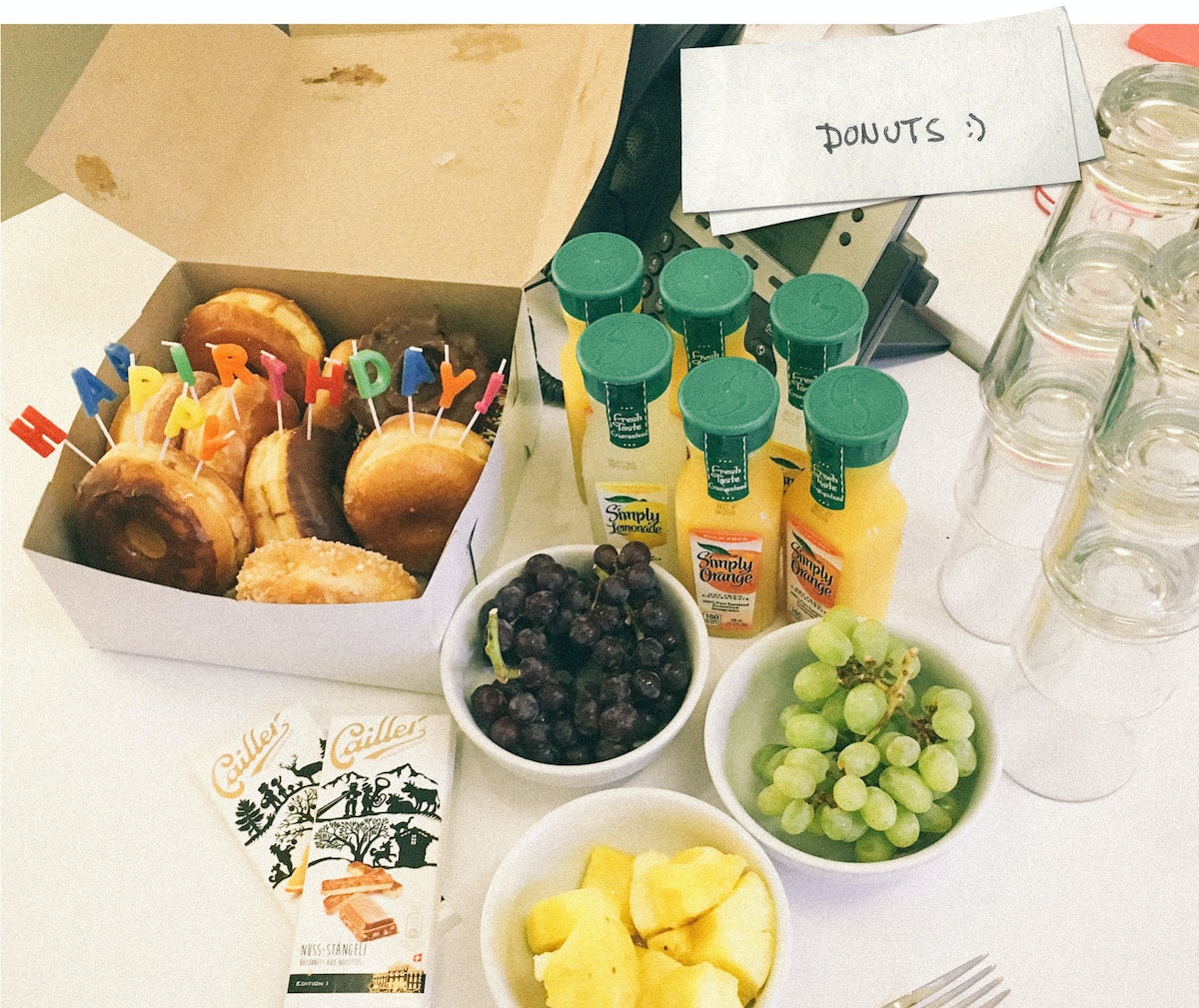
Today is my teammate Julian’s birthday, so we surprised him with donuts and orange juice—his morning elixir of choice!
9:30 AM: Sketching and 3D modeling
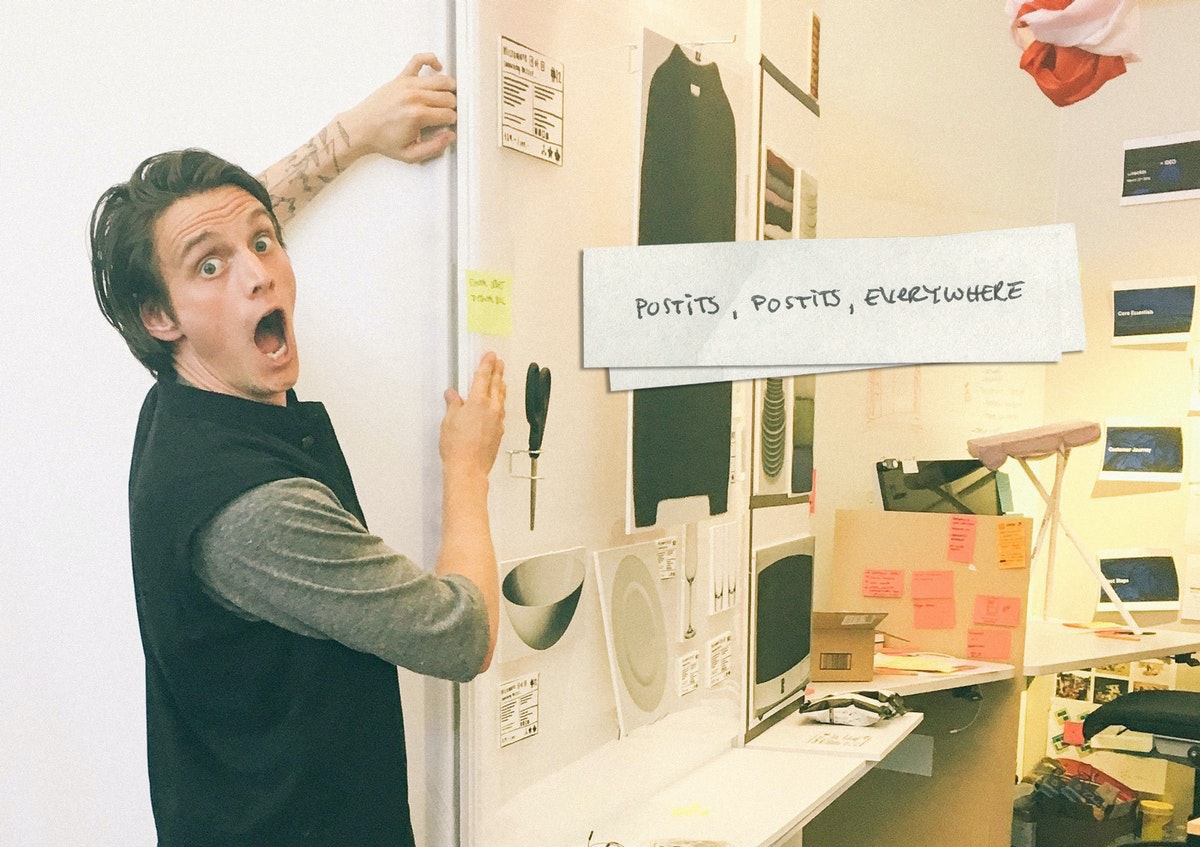
My team’s current project is to reimagine the shopping experience for a large retailer. To prepare for a review with the team, I do some sketching and 3D modeling of in-store display concepts. We are a diverse and interdisciplinary bunch, so it helps to bring everyone’s ideas together through visualization.

10:30 AM: Design review with the team
We do team check-ins throughout the day, talking through our ideas to make sure we’re meeting user needs and pushing the integration of digital behaviors and physical environments. Today, we’re critiquing a bunch of sketches of critical shopping moments that we’ll prototype later. We’re considering how digital projection can add ambient information and subtle interaction to a physical display layout.
11:30 AM: Creating a physical study model
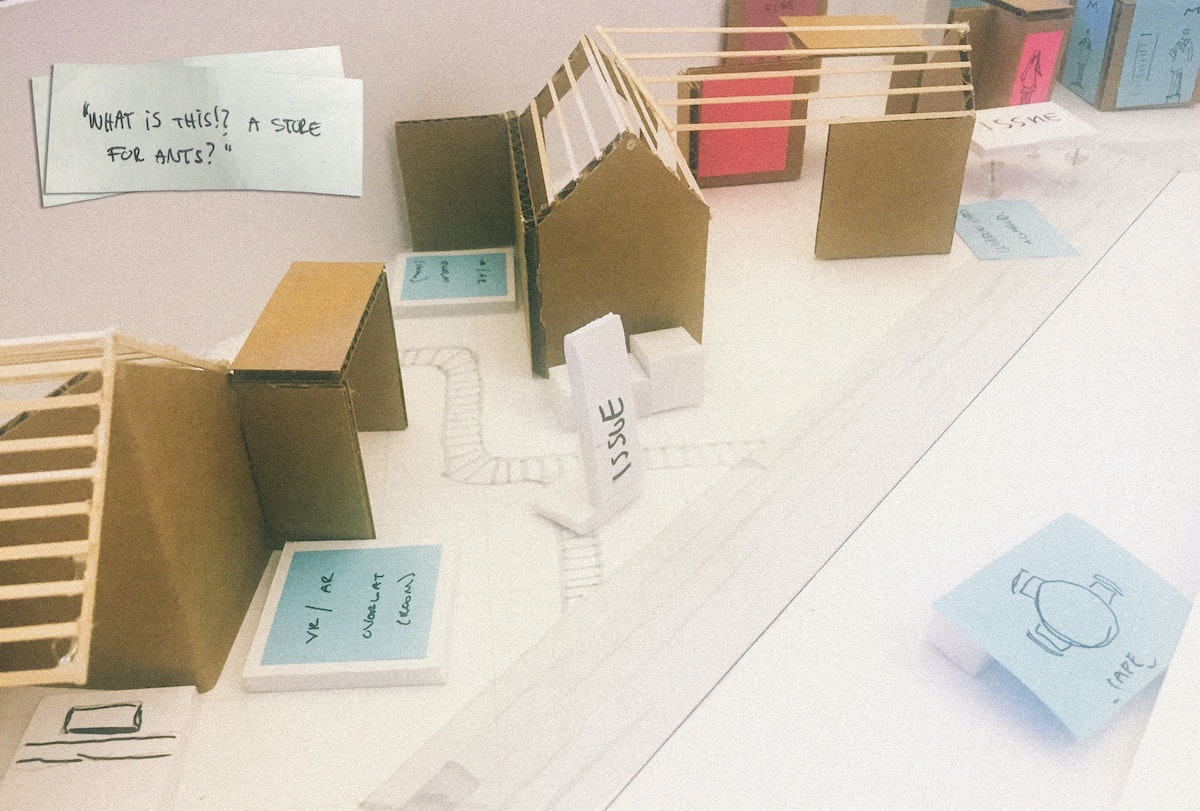
In preparation for our prototyping session in the IDEO Shop, we use a rough physical model to map out the experience of the future retail environment. A small-scale model lets us discuss all the ways shoppers might interact with a brick and mortar store—from browsing to comparison shopping, saving for later or checking out and having things shipped home. It’s helpful to keep our work quick and dirty, so that we have a model that lets the entire team walk through design points together.
12:00 PM: Julian’s birthday lunch
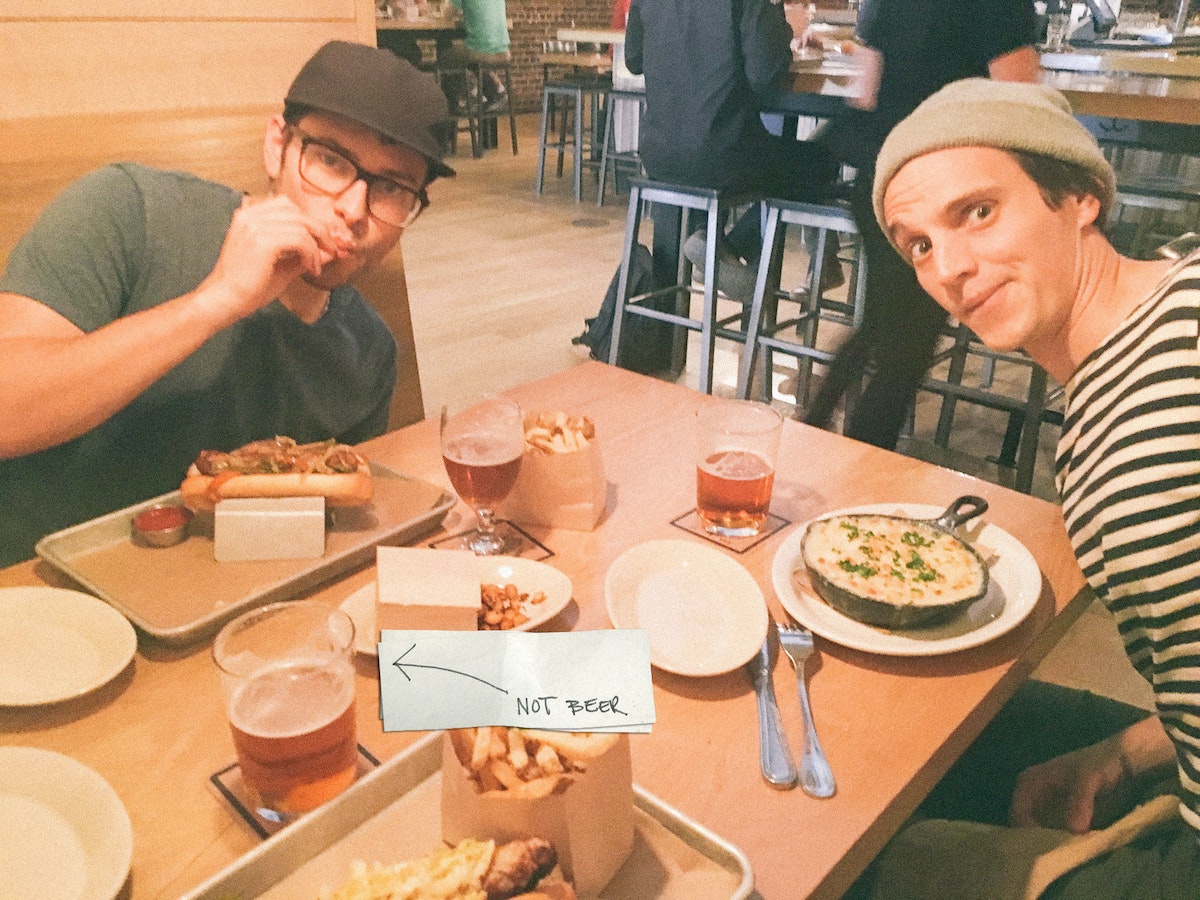
Continuing the festivities, we pop out of the office to get a bite of Scandinavian-inspired eats.
1:30 PM: Field testing and 1:1 prototyping
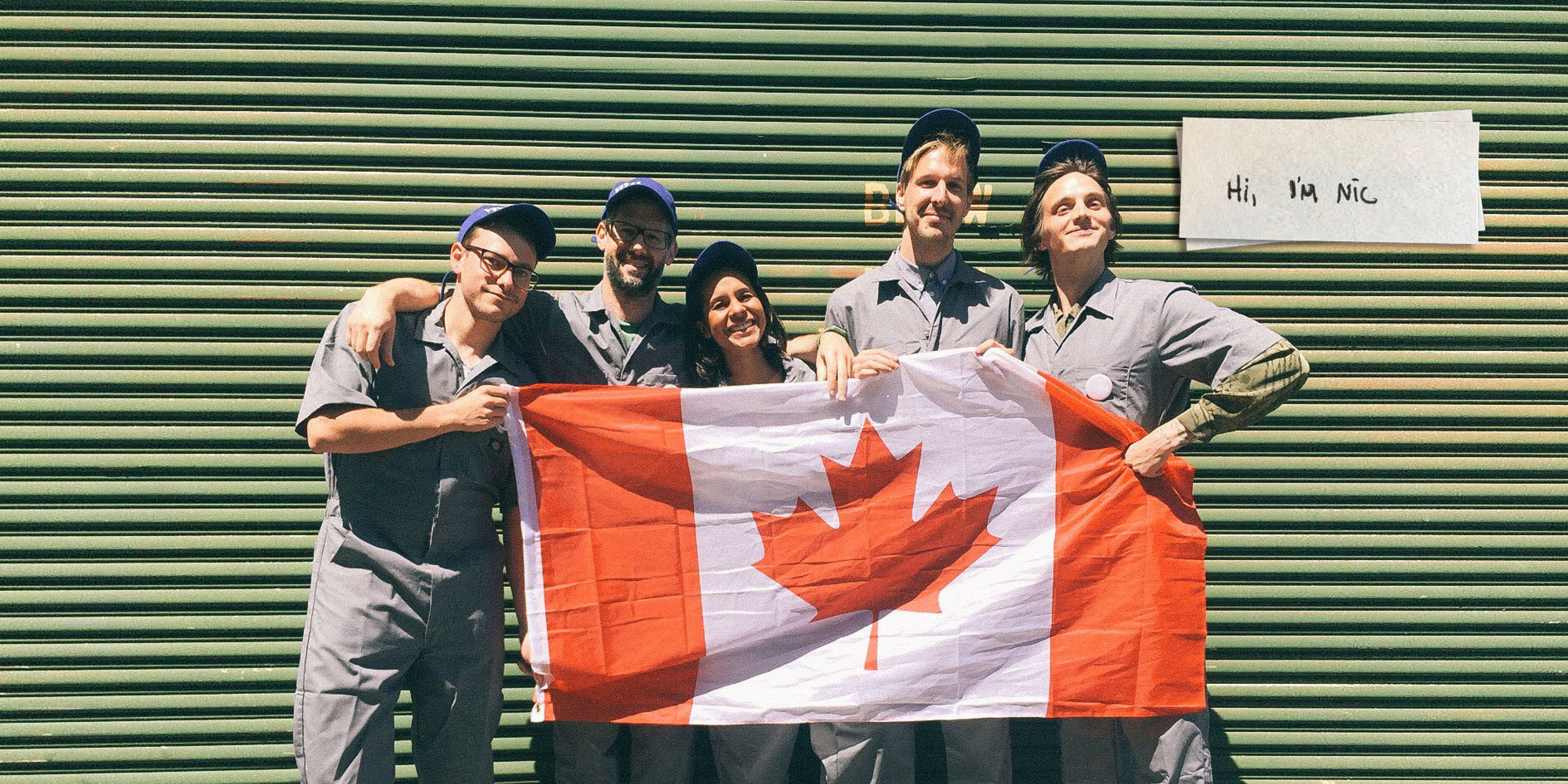
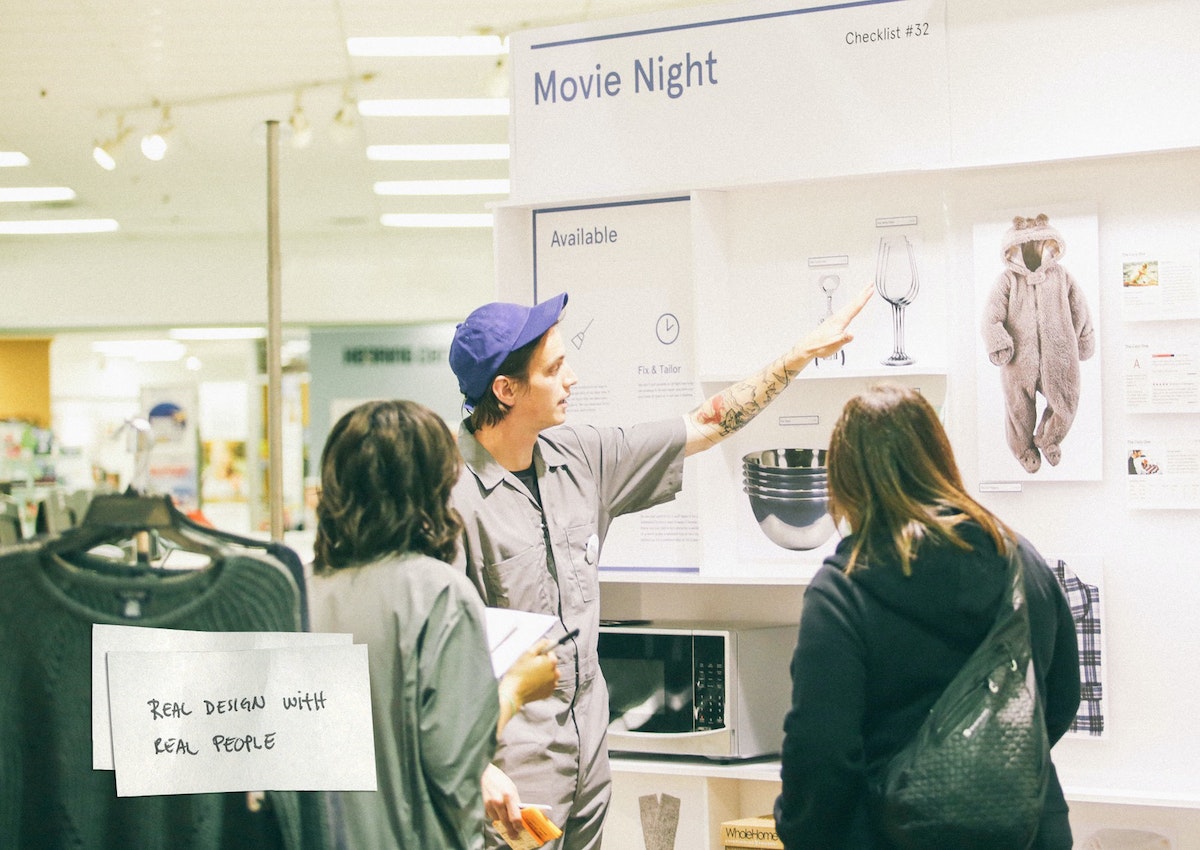
Time to refine the rough mock-up made in the office and rebuild it in a live retail environment. We wear jumpsuits to suggest how we want the client’s brand to evolve (and because jumpsuits are cool).
The prototype begins outside the store with a simulated mobile shopping experience that ushers shoppers directly to our redesigned displays. The point of the prototype is to test a store layout that could feel like an extension of a mobile shopping experience. Think curated themes, minimal options, and intuitive product comparison interactions. Turns out, some things they hate, some things they love, and a few things don’t make sense to them at all! All of that is great feedback for moving forward, by the rock-and-roll rules of prototyping. Achieving a realistic level of physical interaction while keeping the design at a prototypical level is key to getting honest feedback. We draw our insights from watching how users interact with the space, as well as their answers to directed prompts.
7:30 PM: Teach
My nightcap is heading to California College of the Arts, where I teach a class about physical space and digital interaction titled “Objects & Space.” We work with sensors, hack projectors, control motors, glue, and foamcore, and build our way through code, all in the spirit of figuring out what the environments designers of tomorrow might do.

When people ask me what I do for a living, I say, “I use space to explore design solutions.” It might sound like I work for NASA, but what we environments designers actually do is consider how physical space influences human behavior. Much of my time is spent sketching, making models, building walls out of foamcore, miming, turning off the lights, rendering, and doing my best to break feng shui. Here's a breakdown of a typical day:

Lindsey Turner
I’m passionate about building brands, products, and experiences that help organizations show up with meaning and momentum.
I help organizations cut through complexity by shaping how they show up, through brand strategy, identity, and storytelling.
Working at the intersection of brand and business, I bring an editorial eye and a bias toward making—turning ideas into tangible experiences that people can understand, trust, and believe in.
My work spans government, healthcare, financial services, media, and consumer goods, from launching Gen Z-focused ventures to building innovation labs and reimagining legacy brands. I relish moments of ambiguity and enjoy translating across teams, perspectives, and priorities to move ideas forward.
I started my career in editorial and digital design, shaping cross-platform experiences and identity systems in publishing and agency environments. That foundation still shapes how I work today: I’m detail-oriented, collaborative, and overreliant on the Oxford comma. I hold a BFA in Visual Communication from the School of the Art Institute of Chicago.

Rachel Young
My work helps organizations see who their products aren't working for—and build the will and the tools to do something about it
For 25 years, I've asked the same question: Who does this design exclude—and what are we going to do about it?
My work spans human-centered strategy, inclusive design, and qualitative research, with clients ranging from Microsoft, Google, and Verizon to the National Science Foundation, and San Francisco Unified School District.
Before IDEO, I taught elementary school in East Palo Alto and spent a decade doing design work with social service organizations—where I learned firsthand what it costs people when systems are built without them in mind.
I am currently writing User Error, a nonfiction book about digital access and the design decisions behind it. I live in Oakland, California.

Brian Pelsoh
I lead with craft, ensuring our work is creatively excellent: rooted in deep human insight and imagination, while also grounded in the realities of business and technology.
My expertise spans brand, communication, and product design across tech, education, the arts, and social impact.
I believe great work demands both high-level vision and obsessive attention to detail, and only happens through collaboration.
I bring an inclusive, hands-on approach and a deep understanding of business, which enables me to consistently deliver excellence while always asking why.
Before joining IDEO, I worked at the brand firms Pentagram and VSA Partners. I began my career as a designer, leading teams at the School of the Art Institute of Chicago and the Milwaukee Art Museum. I hold an MFA in graphic design from Maryland Institute College of Art and a BFA in communication design from the Milwaukee Institute of Art & Design, and have taught at some of the best design schools in the US.

Tony Wong
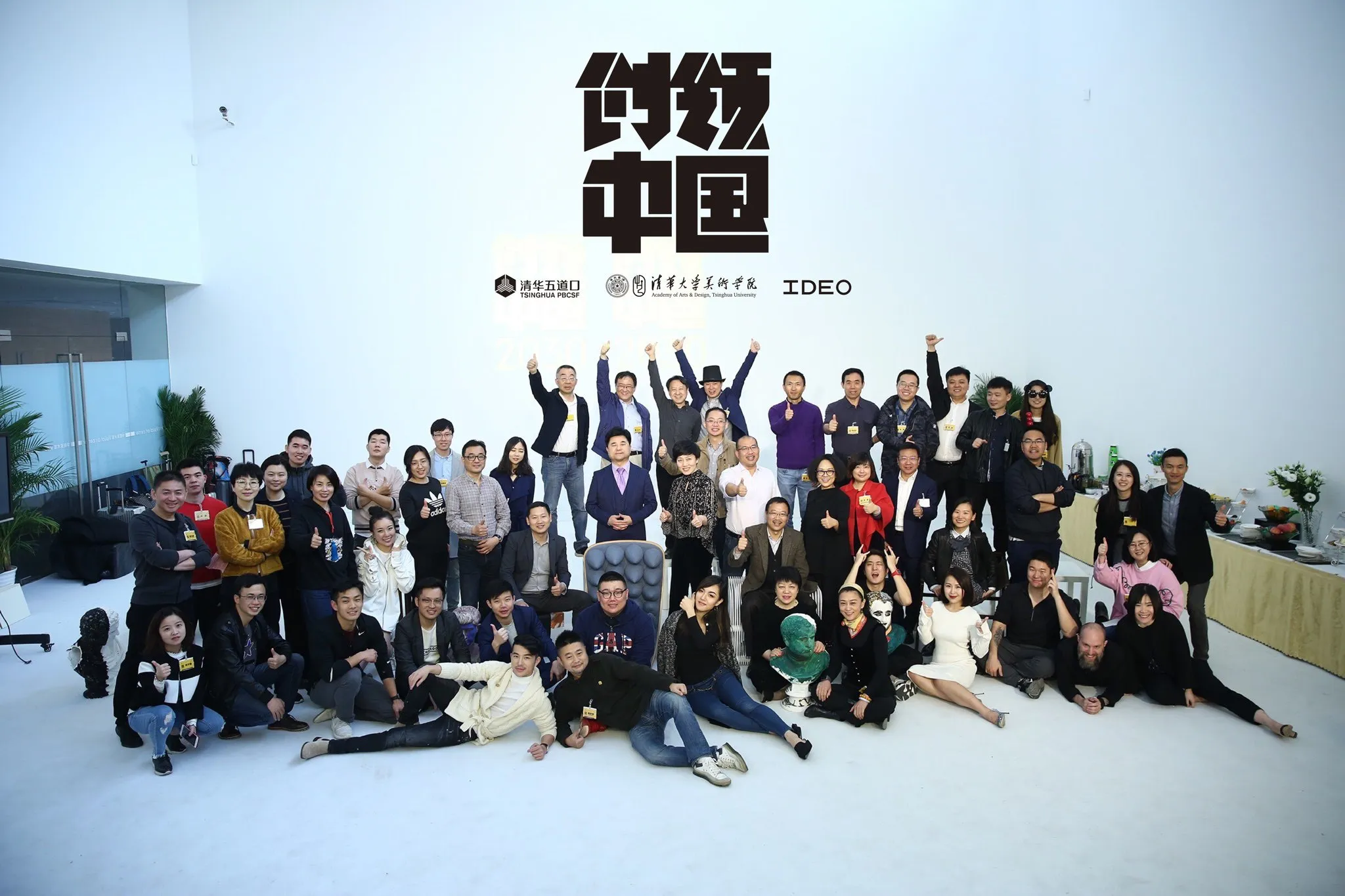
I am responsible for IDEO’s long-term success in China and working with clients to use design as a tool to enable growth.
I am responsible for IDEO’s long-term success in China and working with clients to use design as a tool to enable growth. Specifically, I have helped Chinese companies design holistic brand solutions through the development of their products, communication, services, and innovation teams, and I have helped multinationals expand their presence and influence in China.
I advise global leaders on developing China-led innovation and capabilities.
In over 15 years in IDEO Shanghai, I have worked on projects that use design to elevate the quality of the experience of healthcare products and services, streamline processes that increase productivity, create spaces and programs that promote and enable inclusive communities, and build next generation mobility solutions that are planet-positive.
Before joining IDEO, I worked at Philips Electronics and the Electrolux Group in Italy, the Netherlands, and Singapore on a number of breakthrough commercial products. I am a member of the Young President Organization in Shanghai.

How to use AI as an editor, not a writer
Ed White shares how he uses AI as an editor—not a writer—to sharpen storytelling, rehearse ideas, and preserve the productive friction that makes creative work better.
Ed White has a rule he's tested on his own writing: hold yourself as the writer, and let AI be your editor. Ed is a Senior Design Director at IDEO's London studio, where he co-leads the firm's AI portfolio across Europe. Before IDEO, he spent 12 years as a writer and editor at the Financial Times, Wired, and Contagious. So when he talks about when to use AI for storytelling and when not to, it comes from two decades of crafting his storytelling skills.
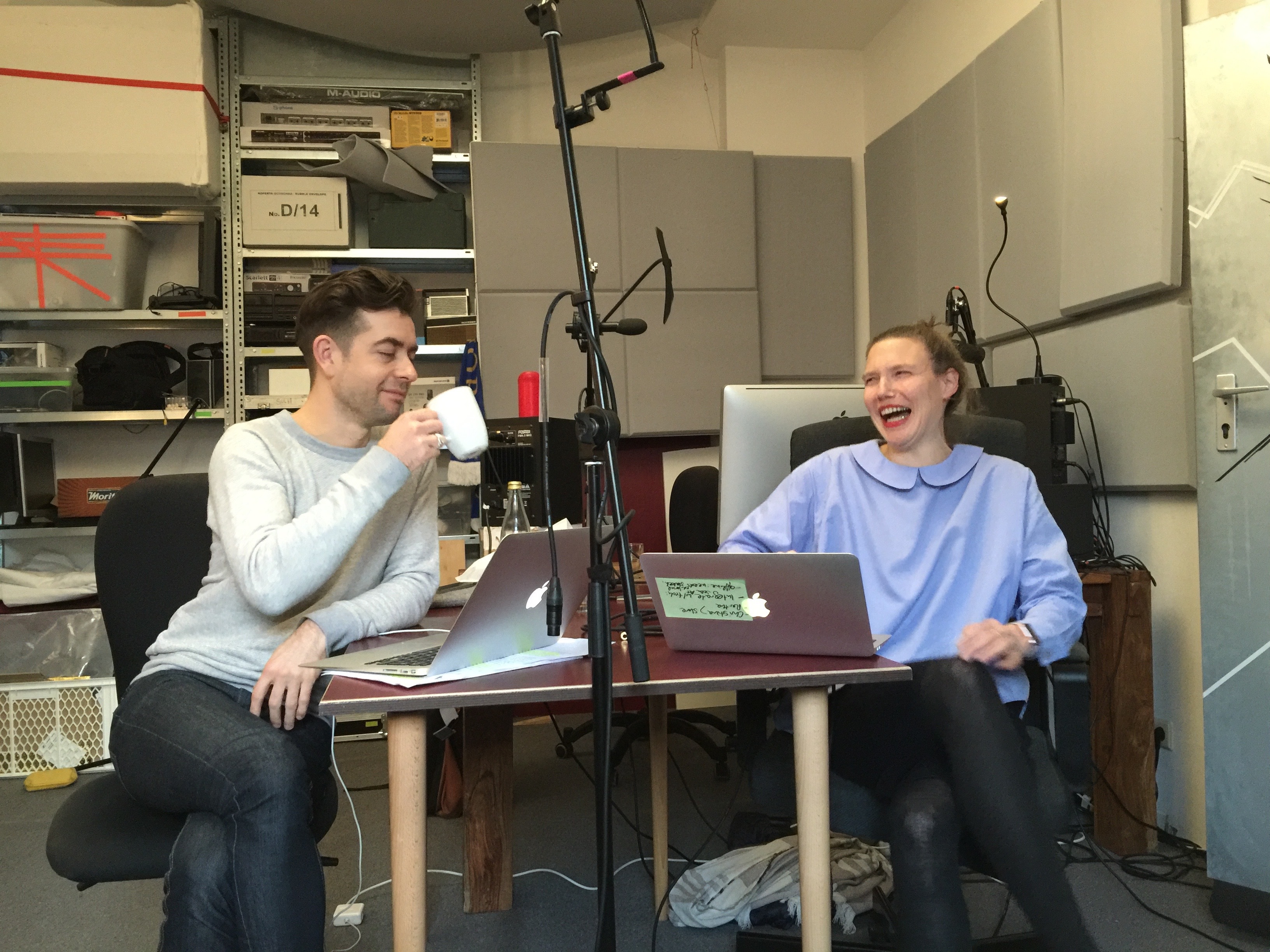
In this episode, Mina Seetharaman talks with Ed about two specific tools he uses to keep AI in an editor's seat: a "roasting agent" prompted to critique his drafts without any sugarcoating, and a simulated audience he rehearses pitches on before the real thing. They also get into what Ed is hearing from design leaders at Anthropic, Lovable, Shopify, and Google Creative Lab about how creative work is changing, and why he thinks the friction of writing something yourself is worth protecting rather than automating away.

Building a personal AI for the messiness of life: Sida Li
Becca Carroll talks with Cue co-founder Sida Li about designing a personal AI for the messiness of everyday life—not just work. They explore how Sida stays anchored to human needs while navigating fast-changing technology, product tradeoffs, business-model experimentation, and the realities of building an AI company today.
Most AI products today are built for work—a space with clear problems and established systems. One founder noticed a gap: personal life is messier, harder to systematize, and mostly left behind by the AI boom. So she built Cue, a personal AI that lives inside iMessage and group chats, to go where the other tools haven't.
In this episode, Becca Carroll, IDEO's Chief Strategy Officer, talks with Sida Li, co-founder and CEO of Shared Context Lab, about staying anchored to a human need while the technology around her keeps changing shape, why she treats her business model with the same rigor she'd bring to a product, and what it feels like to build a company at this particular, disorienting moment in AI.
The conversation also gets into how Sida makes design decisions: the language Cue uses to describe itself, the tradeoffs behind building inside iMessage instead of a new app, and a real story about a business idea that didn’t pan out.
This is the second in a two-part series profiling founders from IDEO's Startups-in-Residence program. The first conversation is with Johannes Seemann, founder of Sooner, on designing GenAI for the emotional side of money.

Designing GenAI for the emotional side of money: Johannes Seemann
Designing financial tools around the feelings that shape money decisions.
Most personal financial tools are built to run the numbers and optimize towards a budget. While that works for some, most people experience money as a lived relationship that does not neatly fit into a spreadsheet. Johannes Seemann and Becca Carroll discuss why money is emotional before it is mathematical, and what a human-centered approach to building a generative AI financial product looks like in practice.

The curious leader's edge in uncertainty: Scott Shigeoka
How genuine curiosity helps leaders navigate uncertainty with greater confidence.
Mina Seetharaman talks with Scott Shigeoka, author of Seek and Head of Curiosity Cultivation at the Eames Institute, about what distinguishes genuinely curious leadership from performative curiosity, how power dynamics shape curiosity, and why practicing curiosity can restore energy rather than drain it.
Looks like you might be in search of something very specific?
Or reset the filters above and try another angle.
Here’s some random inspiration
Podcasts about creative leadership
Articles about the power of prototyping