
.svg)


Rough, rapid, and right in the age of AI
“For decades, the three Rs have kept us grounded, reminding us why we prototype and ensuring that we get the most out of the design process.”
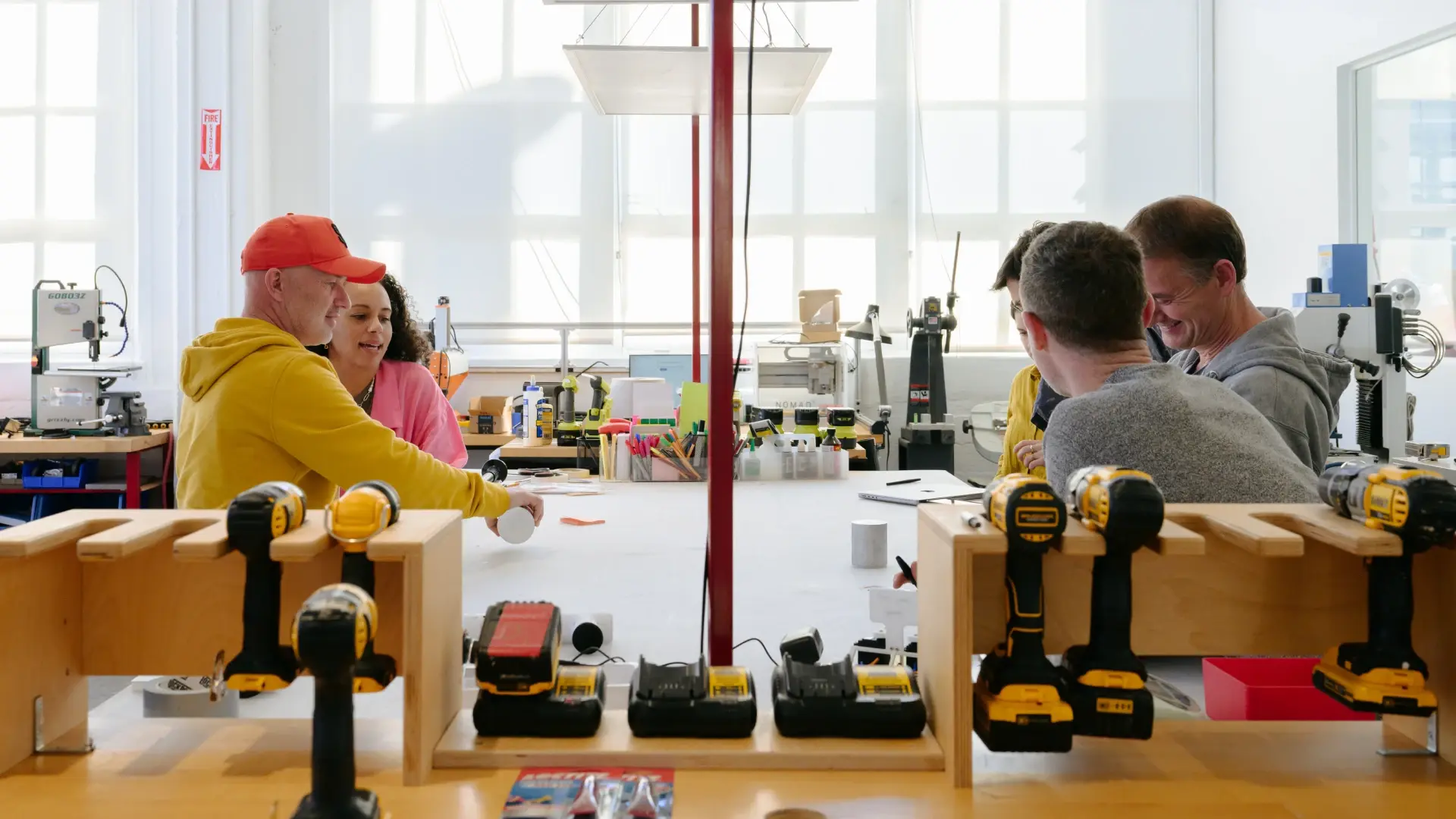
When we prototype, we embrace what we call the three Rs: rough, rapid, and right. We keep prototypes rough, so that the people we design with feel comfortable providing honest feedback. We move rapidly, getting in as many reps as we can to open up creative possibilities, learn from each iteration, and avoid falling in love with the first ideas that pop into our heads. And we work very hard to get it right, creating lo-fi designs that test for just one variable at a time, so that, for example, a beautiful design doesn’t distract from a less-than-ideal experience. As AI makes it easier to generate polished renders with minimal effort, we see more people celebrating the ease and speed of design. But beautiful images aren’t design. In fact, they can seduce us into thinking an idea is fully baked, stopping us from asking the most important questions, the ones that uncover the insights that help us truly meet human needs.
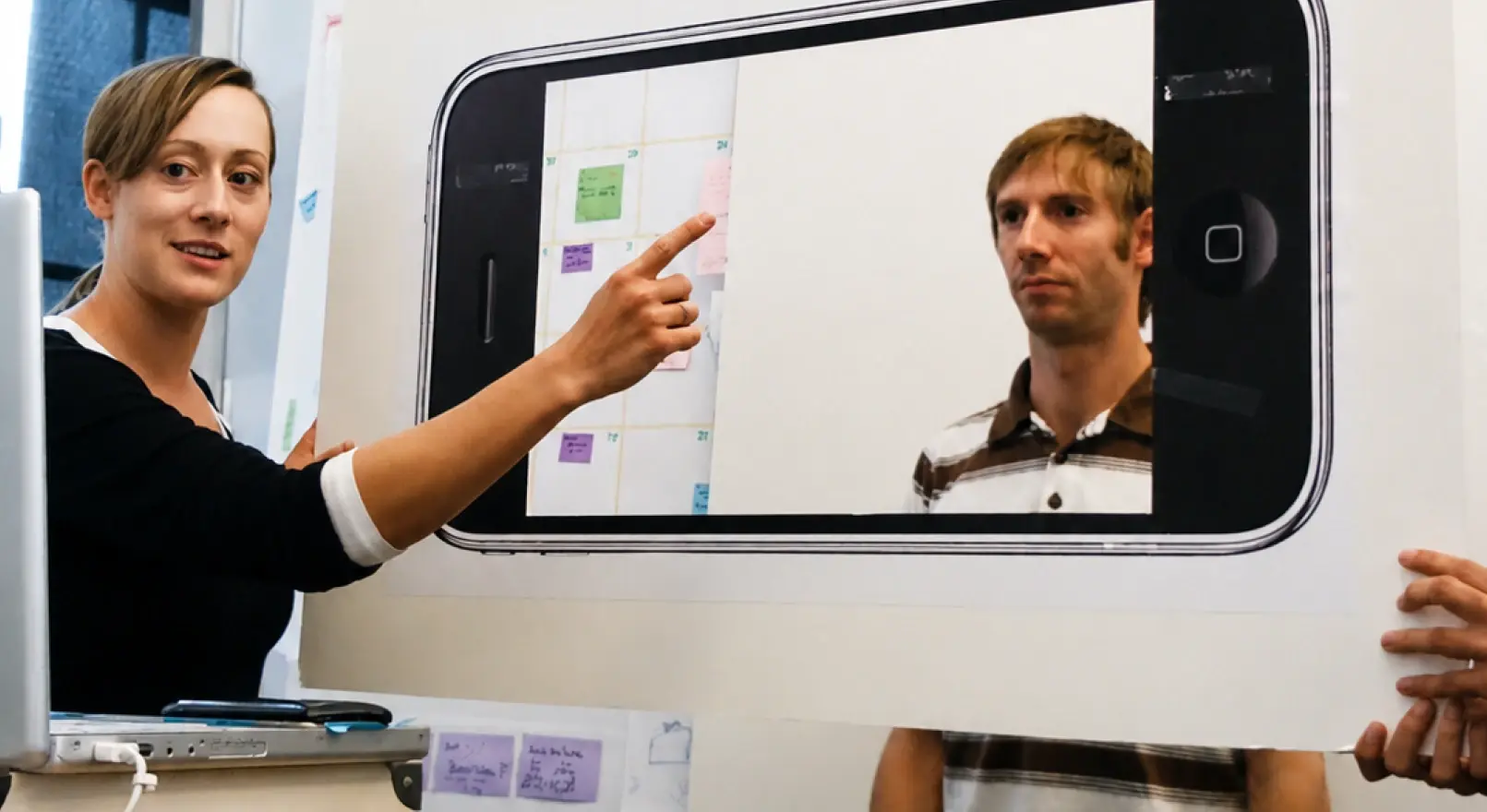
For decades, the three Rs have kept us grounded, reminding us why we prototype and ensuring that we get the most out of the design process. They apply to everything we design—from physical products to AI-enabled systems and digital tools. One of our most memorable prototypes was for a digital product for Sesame Workshop. It involved a simple cardboard cutout of an iPhone and a bit of role-play. One colleague pretended to be a preschooler, standing in front of the board, pointing to elements on the improvised screen. Another stood behind the board, impersonating a furry monster that introduced a new dance move whenever our “preschooler” tapped the invisible screen. It did exactly what a prototype is meant to do: It drew people in, sparked a discussion with our partners at Sesame Workshop, invited valuable feedback, and could be easily adjusted and improved, giving us numerous opportunities to make it into something kids and parents loved. The video we recorded became so popular that professors still show it in design schools today.
As we integrate AI tools into our prototyping process, it’s crucial that we use them thoughtfully and intentionally, so we don’t lose the methods that have enabled us to create category-defining innovations that meet real human needs. We have to maintain the three Rs to expose knowledge gaps, invite real feedback, build belief, and give us confidence that a concept is worth developing and investing in. They help us make space for surprising turns, illuminate opportunities for joy in the design process, and even let us embody and fully engage with our ideas. Here’s a deeper dive into why each R matters, and how to integrate them while embracing AI tools.
Rough: A strategic incompleteness
Early prototypes aren’t finished or even pretty. That’s on purpose—it gives the people we test with permission to dive in and co-create with us. It also keeps us from becoming overly attached to our initial ideas, making it easier to pivot if we see a better way forward.
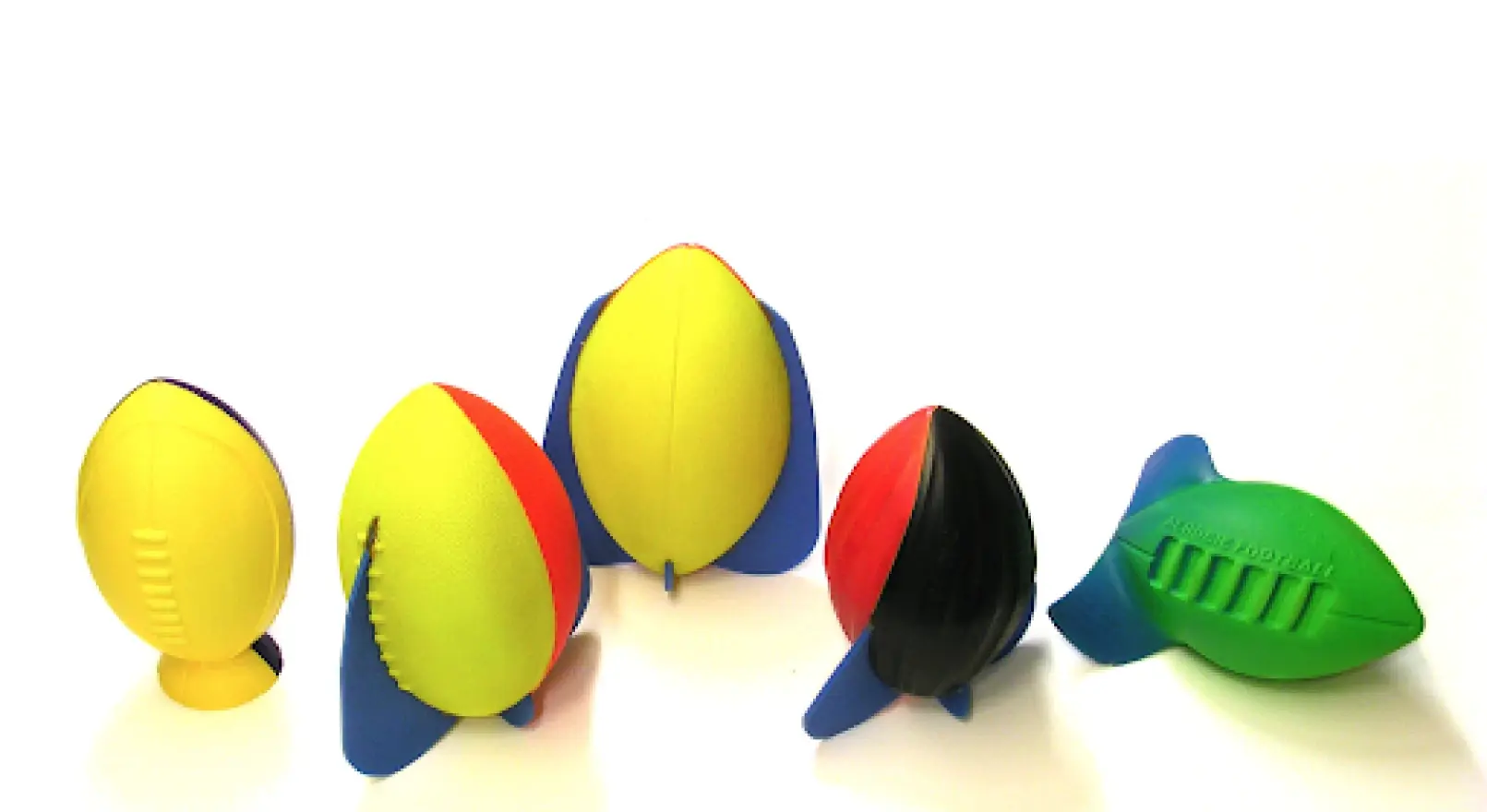
When our toy inventors created the first prototype of the Aerobie Rocket Football, for example, it featured a small pedestal glued to the bottom of a foam football. The goal was to create a football that could stand upright, allowing kids to practice place-kicking without someone holding the ball. The pedestal was clunky and awkward, so we replaced it with fins. Nothing fancy—just four fins cut from a sheet of foam then hot-glued to the ball. It was better, but still incomplete. The next iteration included a ball with two curved parting lines running from the nose to the tail. Taking advantage of this feature, we attached the fins along the ball’s curve, creating a helix. The design compromised stability, and the ball immediately toppled when we tried to stand it up. But when we picked up the ball and threw it, it flew through the air with a perfect spiral. We had accidentally made something better than what we were aiming for—a toy so successful that it’s been selling for decades.
How can you intentionally introduce roughness into your prototypes when your tools automatically default to high fidelity? One approach IDEOers use is to roll them back to earlier versions, such as Midjourney 1.0, where figures are rendered with multiple fingers and other noticeable flaws that indicate a work in progress. You can also ask AI to create sketch-level or monochrome outputs rather than full-color rendered ones, leaving things visibly incomplete, annotate prototypes with open questions, or present multiple competing directions side by side, ensuring that no single option feels like the answer. The goal is to signal to collaborators and users that their input is still welcome and that the design has room to evolve.
Rapid: More cycles, questions, and opportunities to learn
We don’t want to spend too much time on a single round of prototypes. The goal is to iterate as quickly as possible, giving us multiple opportunities to share our ideas with users and to grow and morph our designs into something that resonates functionally and emotionally. By addressing challenges and responding to feedback, we reduce risk and build confidence with each iteration.
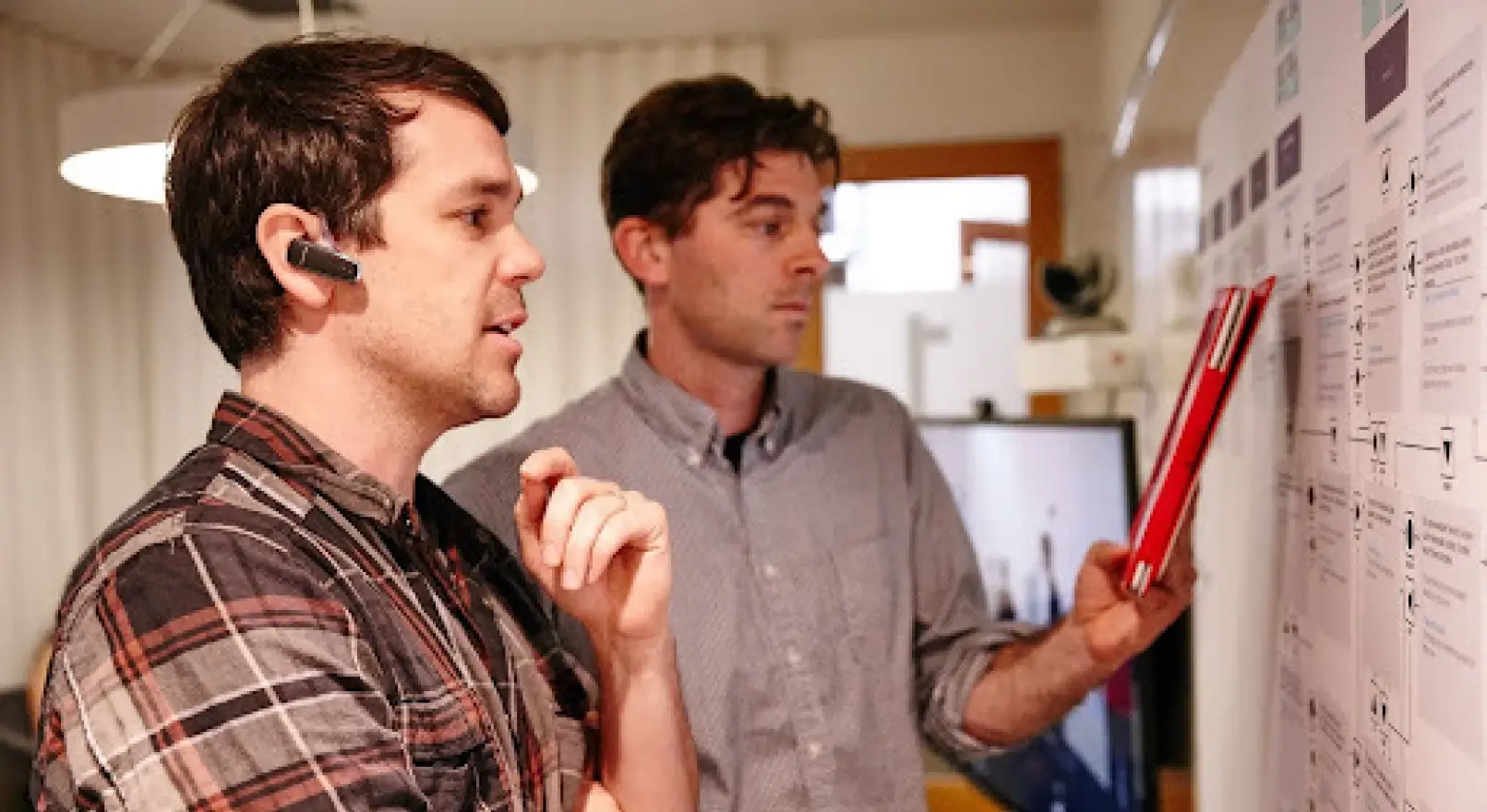
For example, when we prototyped a new voting booth for Los Angeles County, we wanted to incorporate tactile and audio interfaces for individuals with visual impairments. Instead of fully coding the experience and pre-recording audio clips to respond to testers’ actions, we hired a voice actor and improviser. He was hidden in an adjacent room with one of our designers, who had taped a flowchart to the wall. When our “voter” tapped the keypad to navigate the voting process, the designer would point to a phrase on the flowchart, prompting the voice actor/improviser to read it into the microphone. The audio was then relayed to the voter via headphones. Throughout the research session, our designer could make last-minute adjustments and explore different paths on the flowchart, enabling him to quickly test which scenarios provided the best experience for our voters. The flexibility of the prototype—combined with the voice actor’s improvisational skills—allowed us to modify not only the flow of the interaction, but also the wording, pacing, tone of voice, and more, on the fly.
There’s no doubt that AI accelerates output, but that’s only valuable if the time saved goes back into more cycles, more questions, and more variations. How do you make sure AI’s speed translates into more iterations rather than locking in your design too early? Show your prototype to various stakeholders to solicit their feedback. Listen closely and incorporate what you’re hearing. If you’re working on a digital design, for example, and the people you’re testing with don’t like the size or placement of a button, or how an interaction works, consider how you might alter the UI. Does moving the button over a tad solve the problem, or is there something else that isn’t working? With AI, you can make changes and test them almost immediately, even if you don’t have a coding background. However, be sure to keep your updates focused on the feedback you’re hearing rather than on testing a completely new design.
Right: Testing one variable at a time
“Right” means building a prototype early in the process to answer a specific question, rather than showcasing the entire vision. When too many variables are included in one prototype, it can be hard to discern what is working and what is not. Do people love it because the ergonomic shape feels great in their hand or because they like the color or texture you chose? Or do they dislike it because of how it functions mechanically or digitally? Splitting these attributes apart allows you to learn about each element separately before bringing them all together into a cohesive prototype in the later stages of refinement.
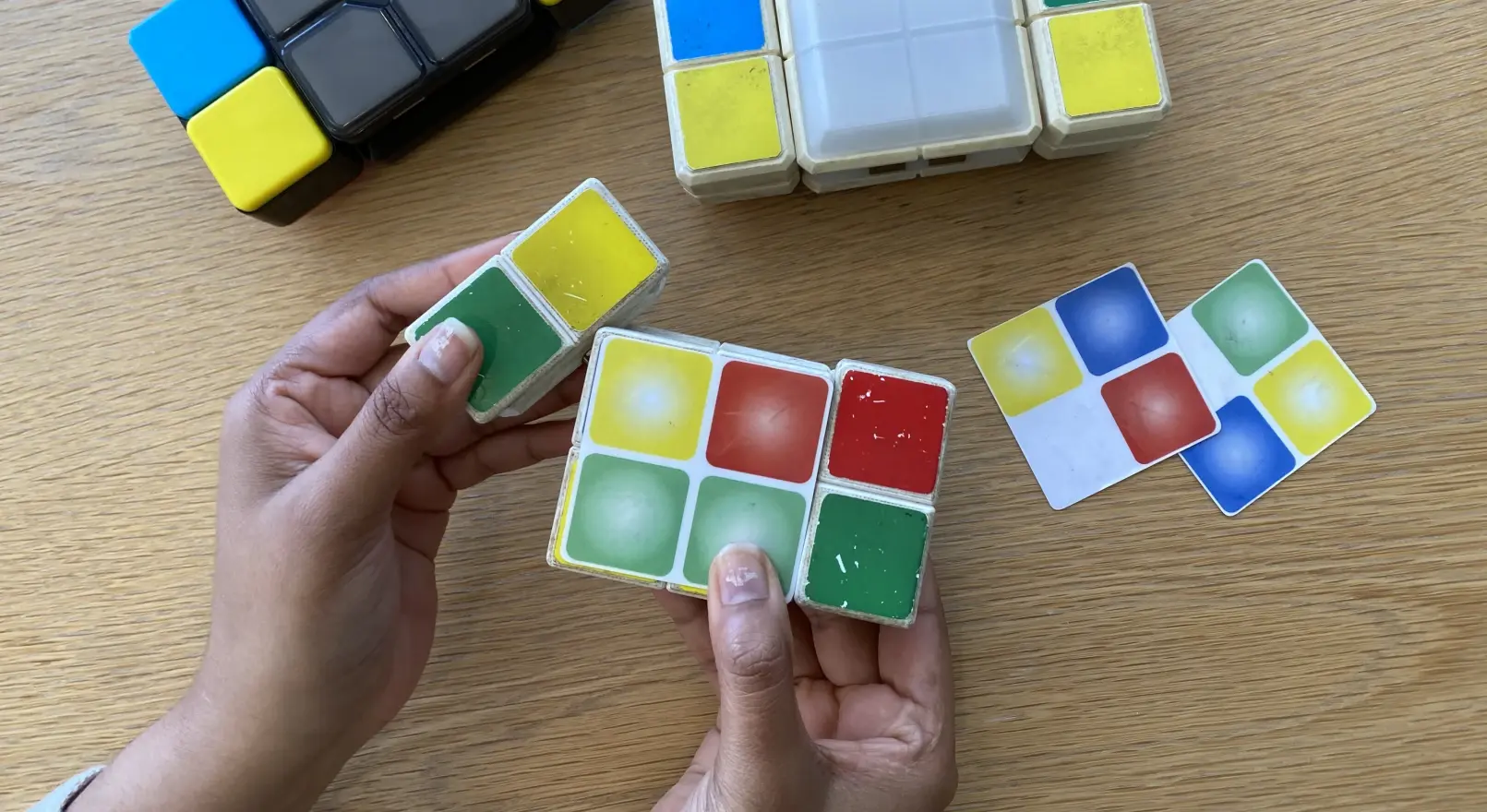
An example of this is Flipslide, an electronic game that we designed and licensed to Moose Games. The toy was inspired by the fidget craze, which includes items like fidget spinners, chew beads, pop-its, and the resurgence of the Rubik’s Cube. Recognizing this trend and wanting to create a challenging gameplay experience without a screen, we came up with a game concept in which pieces flip, slide, and click into place as players manipulate them to match tiles that light up and change color. We built our first prototype to test the movement of our design and understand what it would take to create a mechanical toy with shifting components. The initial model was made of foam core and rubber bands. Next, we wanted to create a fidget toy that felt satisfying to hold and transform, so we made a prototype with more bulk, incorporating machined plastic parts held together with tension springs that provided just the right amount of resistance when moving the pieces around. By refining this model, we created a prototype that felt particularly satisfying to hold and manipulate. It also made a fantastic clicking sound as pieces fell into place.
After we solved the mechanical elements, we moved on to gameplay. We started by taping a stack of 2 x 2-inch laminated color grids onto the front. Each grid had a different color pattern, representing rounds of gameplay. To complete a round, rectangular wings had to be rotated, flipped, and moved into place to match the colors on the grid. Once the colors matched, we’d yell “ding!” and pull off a grid to represent the next round, initiating another flurry of rotating, flipping, and sliding to match the new color scheme. Satisfied that the gameplay felt fulfilling, we added electronics to bring sound effects, music, pacing, and more advanced gameplay into the test. Soon after Flipslide hit the market, we had an award-winning game and fans around the world.
Don’t get caught "boiling the ocean”—using AI to address every question in one prototype. Instead, build discrete prototypes for discrete questions. Before generating anything, ask, “What am I trying to learn? Who needs to weigh in?” AI is exceptional at producing artifacts, but you need to direct it to give you artifacts that teach you something. You want to create prototypes that you can bring into research and put in front of users to understand what resonates with them and why. That’s easier to do when you know what you’re testing for.
Maintaining joy and discovery
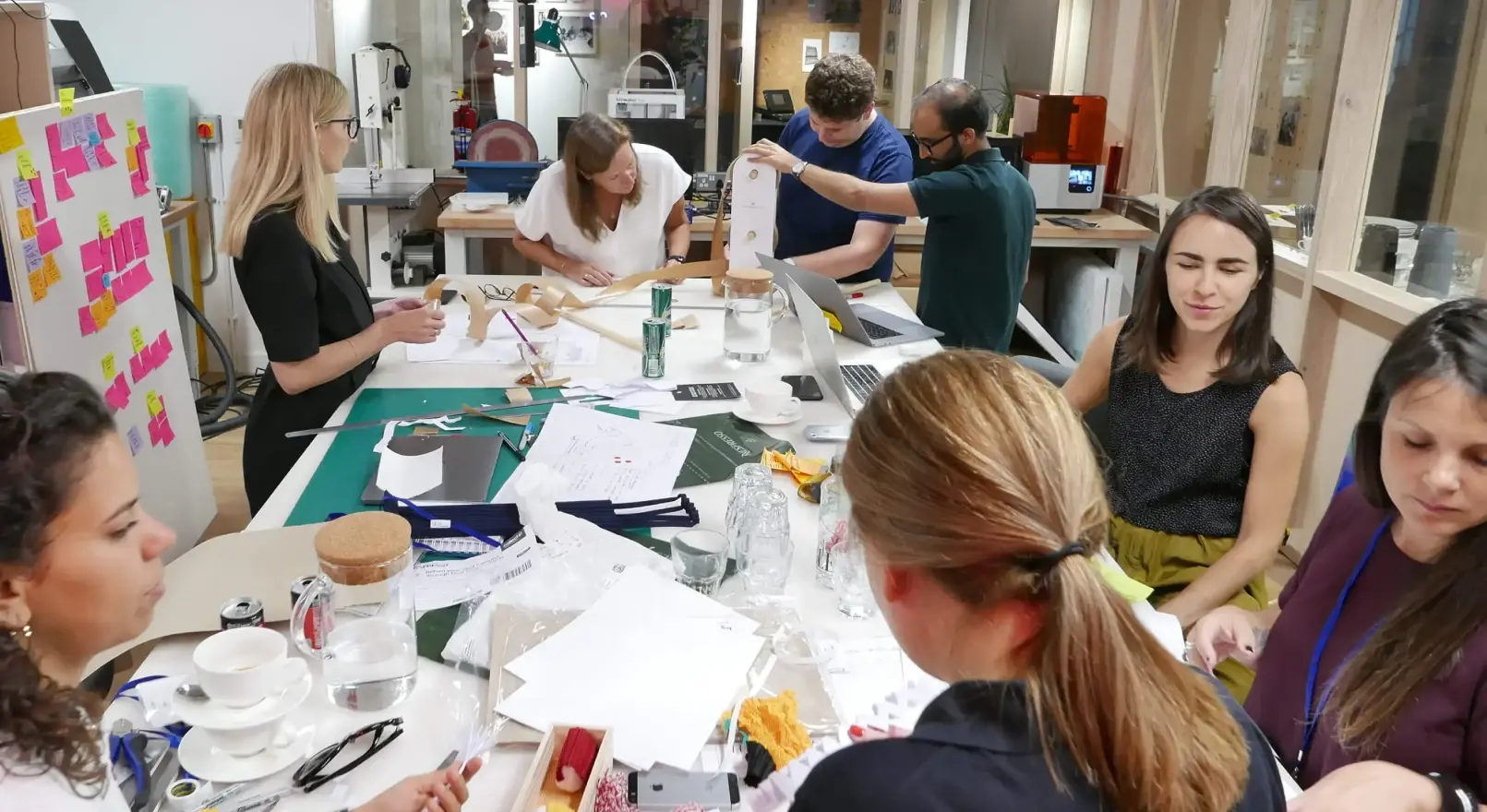
It’s easy to use AI tools to manage a creative process. Some are even designed to do parts of it for us. But as designers, it’s crucial to invest in our own learning by doing. When we get our hands dirty, we learn to recognize what’s right, engage our imaginations and deep thinking, and energize ourselves and our teams. That practice is how we achieve great outcomes, for ourselves and our clients. It’s also how we keep it human—putting ourselves in the shoes of the people who will live with these designs every day and experiencing them ourselves.
There’s no question that AI is a game-changer for designers, and one that we’re happy to embrace. But it’s crucial to use these tools to support the best of design, rather than replacing the methods that have led to some of the world’s most important innovations. Building prototypes that enable you to co-design with users, test assumptions, and iterate with new learning leads to better results. Experiment with different tools, including the latest that AI has to offer. Once you understand each tool’s strengths and limitations, you’ll better understand what combination you need to engage not only others, but also yourself. Because ultimately, prototypes and great design will always need human creativity, imagination, and judgment. And the three Rs are a great way to get there.
Words and art



Subscribe